C1 22 does not stitch photos

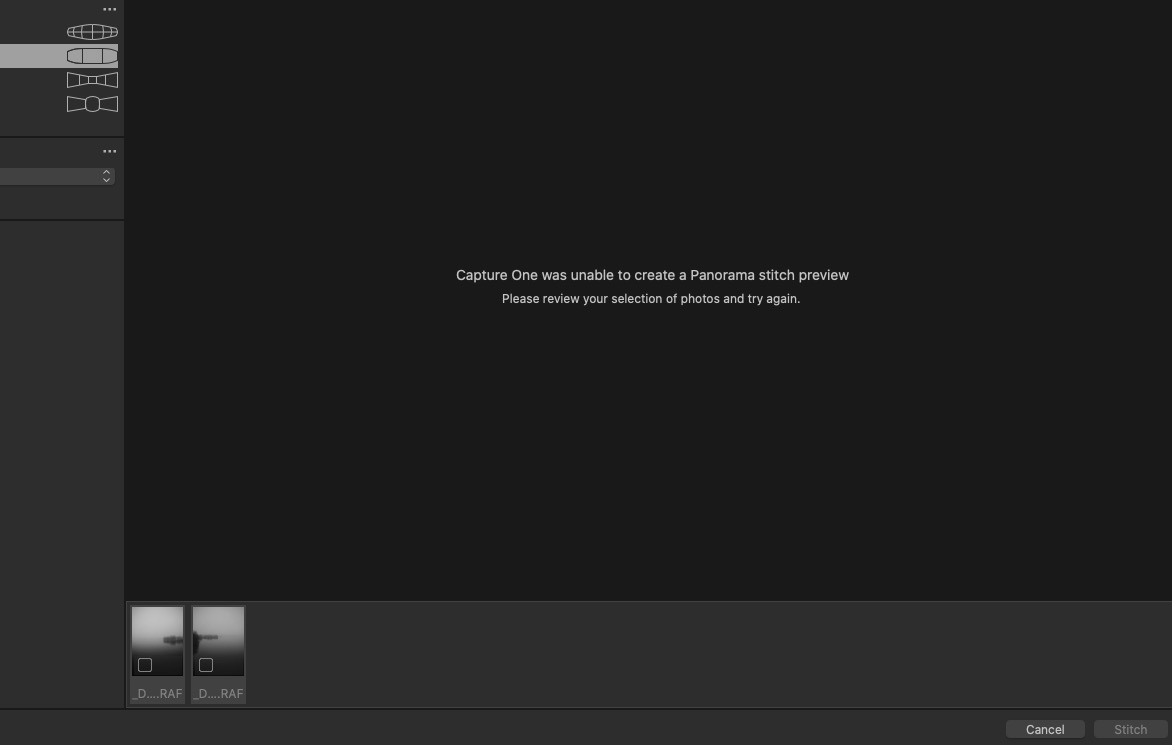
I have installed the new 22 version. The stitching does not work at all. The program fails to combine any amount of photos I have tried. The program either crashes completely or comes this info:
-

Could you provide more information about the raw files you use? Which camera. It seems you use .RAF files. They look monochromatic. Have you tried without Film Simulation?
0 -
Hi, yes they are .RAF files from Fuji GFX50R. I use Acros profile. Tried it with "auto" also, no luck.
0 -
Have you tried stitching with other image series?
0 -
Capture one is exporting or allowing edits on my photos, but it does stitch them.
0 -
By looking at the small thumbnails of the photos you want to stitch, seems there is nothing or just a super small overlap between the two images, I think that could be the cause.. I will try with other photos where the overlap is at least 20% as instructed in release notes.
0 -
It stitches, but that is all, I don't think its made to export or do adjustments after the stitch is complete.
0 -
It stitches, but that is all, I don't think its made to export or do adjustments after the stitch is complete.
It worked for me in beta a few weeks ago. I tried several sets of images, including one of half a dozen D850 (46MP) files and worked well, including producing a large, editable DNG file.
Is the issue, as Ramon suggests, that you haven't provided enough overlap? Any software requires quite wide "edges" to do a stitch.
0 -
That is correct: she did not provide enough overlap.
But haver you been able to export stitched files out of C122?
I cannot, Im using IQ4 P1 equipment 150 mp, and all settings go blank / greyed out cannot do a thing accept look at the stitched pano. Let me know your experience ?
0 -
But haver you been able to export stitched files out of C122?
I just tried exporting to JPEG from a stitched file - and it worked as expected. A 33M JPEG! :-)
0 -
Weird not the same with me. Thanks.
0 -
There is definitely enough of over lap in the photos in that scene. The scene fits in two frames, but I shot it also in 5-6. That stitch could be easily done even manually.
I will make new files today and try again.
0 -
Ok, it worked with new files. But there is _definitely_ enough overlap of with the landscape files. I guess C1 does not like the very foggy scene.
0 -

Overlap is my pet peeve, so here I go again
Overlap is a surrogate for Control Points. Overlap, as a metric, only has relevance for a nominal scene that has numerous CP's. For a scene that has only a few CPs, the amount of overlap will not predict the quality of the stitch.
The guys at Hugin, (http://hugin.sourceforge.net/docs/manual/Hugin_Control_Points_tab.html), and at PTgui have provision to manually insert CPs, C1 does not. So, the only way to get a good stitch with C1, is to limit shooting to scenes with a lot of detail (many CPs) and / or increase overlap in order increase the likelihood of having sufficient CPs. Foggy scenes or scenes with low detail / contrast do not have many usable CPs.
0 -

Alias,
Have you asked the question on the Phase One hardware forum?
0
投稿コメントは受け付けていません。
コメント
14件のコメント