C1 22. Healing mask copies white area, shows white, then it has a green tinge

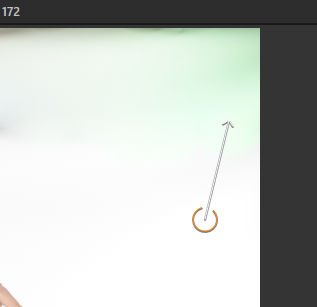
Hi. I'm using a healing mask to copy from my white background of the image, to a part of the backdrop that needs to be white, but is not. I was doing this in Capture 1 21 yesterday and it went on white and stayed white, but now in c1 22, it is leaving a green tinge. I've tried it on several photos and it's doing the same thing.
-

Do you have any other adjustment layers affecting for the image?
0 -

Have you also tried it with an image that you know stayed white using V21?
Bear in mind that the brush always goes back to the original source file to obtain its data and what you are seeing when choose the point to pick data from may already have adjustments applied.
If you know about that and have factored it into your investigation about the unexpected result but still cannot identify the source of the green tinge you may want to consider creating a Support Case.
0 -
Ah, bugger, it's user error. I new I shouldn't be editing today, seeing I got barely any sleep last night. I was using a heal, when I should have been using a clone layer. Just tried it again, and it works fine in V22
Thanks both of you for your help.
0 -
It happens to all of us ... or so I find. ;)
0
投稿コメントは受け付けていません。
コメント
4件のコメント