C1 stop connecting to photoshop CC

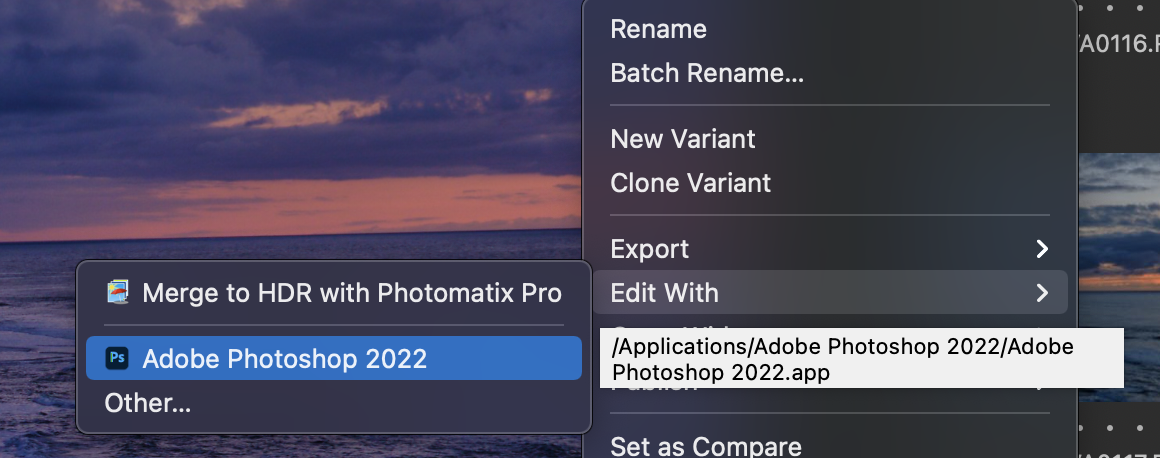
when I click on export to PS 2022 nothing happen it doesn't open my image in PS but it bring it back as a Tiff file. but it has never open in photoshop this just start as of 1-02-22. All the old post were of no use to me I'm on a MB Pro Big Sur 11.5.0 anyone having this problem? I doing a work around at the present and it suck.
Thanks
-

Hi Viva,
Two things that you have probably checked yet :
Does your export process (old "recipes") mention Photoshop in the field "Open with..." of the "Export Format and Size" tool ?
Do you still have Photoshop in your plug-in list ?
0 -
Hello Robert,
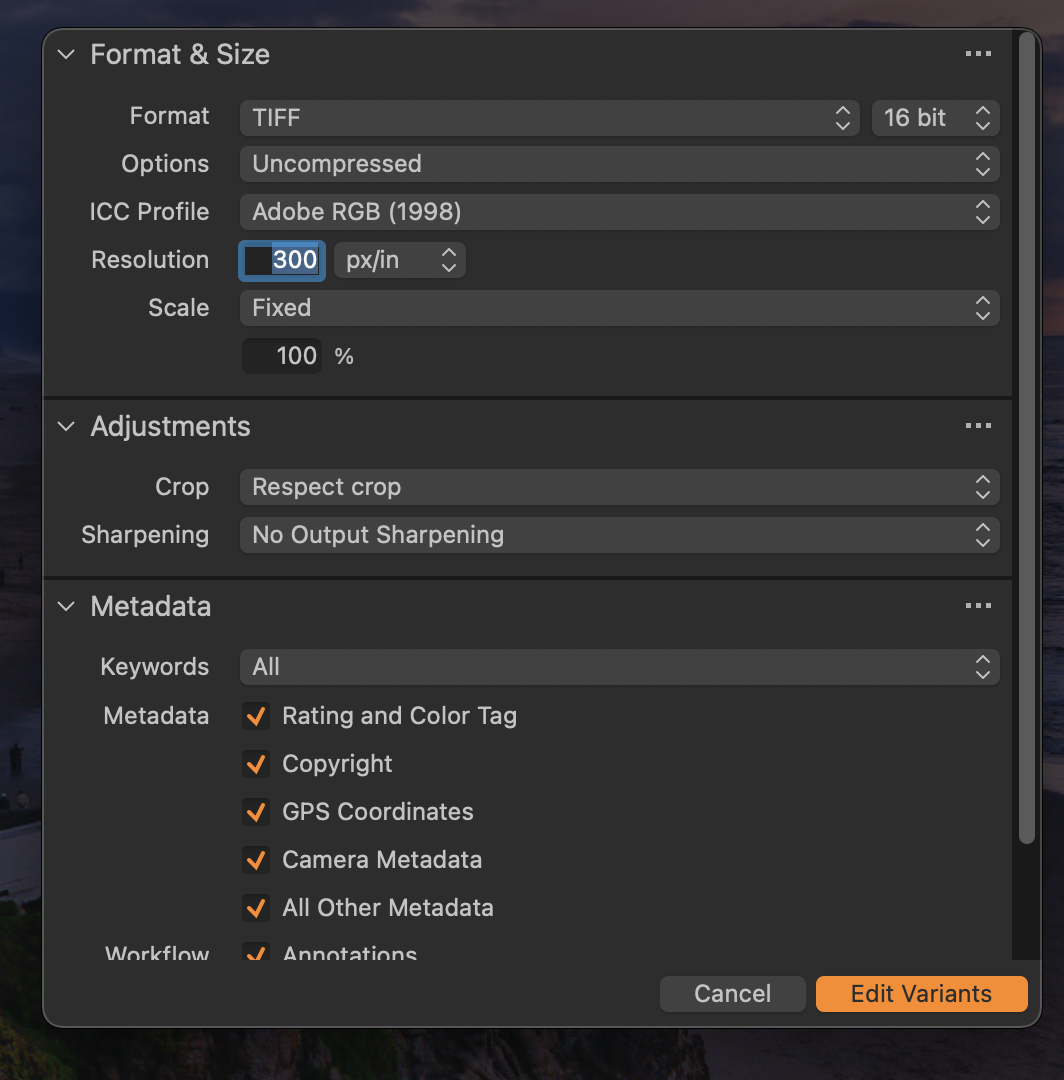
Thank you, for your reply but it not the export that is the problem its open in CC to edit. And I to be honest I don't have had to locate the CC plug in if you can tell me where that is I will look for it. In the meantime here are two image of what I'm speaking about . I hope this will make it clearer sometimes I'm not so good at explaining things. thanks for your help. Viva
 0
0 -
Viva,
I think you are working with version 21, aren't you ? When you click on "Edit variants...", what happens ?
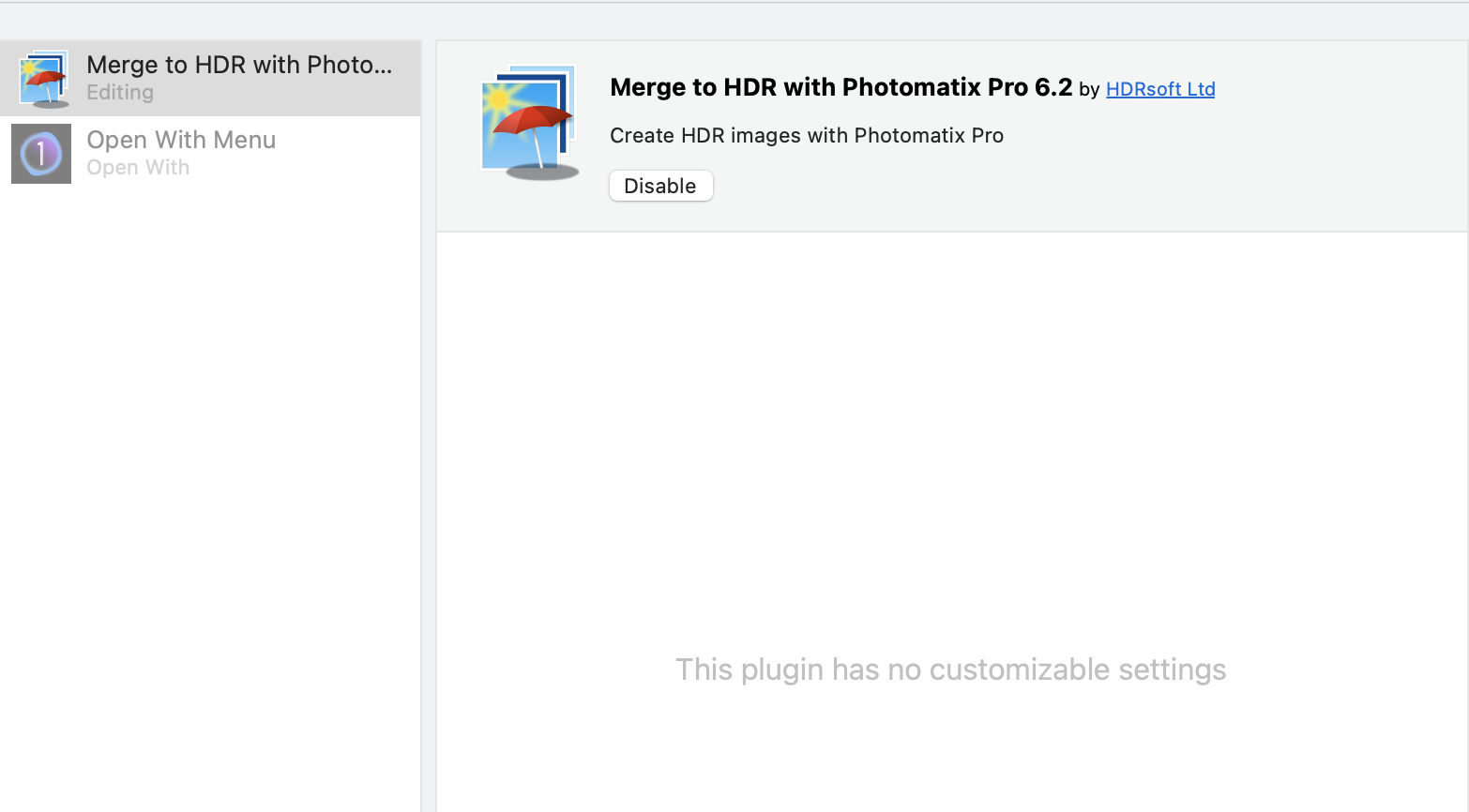
P.S. The plug-in is located in the Capture One preferences, but Photoshop should be already there, as Capture One mentions it.
0 -
Hello Robert,
Yes, that is correct I'm using C1 21 and I did as you said so check this out for some bizarre reason C1 stop connecting to CC 22 now let me dig a little deeper great teacher thank you.
 0
0 -
Hello Robert,
I got it working thank you so much for your all your help. I needed to dig down a little bit more and then I found the missing link.
Again thank you for all your help.
Yours,
Viva
0
投稿コメントは受け付けていません。
コメント
5件のコメント