HDR not exporting correctly

I've tried the Capture One 22 HDR feature for the first time. HDR by itself seems to work well (considering that the starting images aren't exceptional, it was one of my first attempts more than ten years ago and then forgotten), but when exported to JPG the darker areas look much darker than they should.
Capture One 22 Pro 15.1.2.1, macOS 11.6.5.
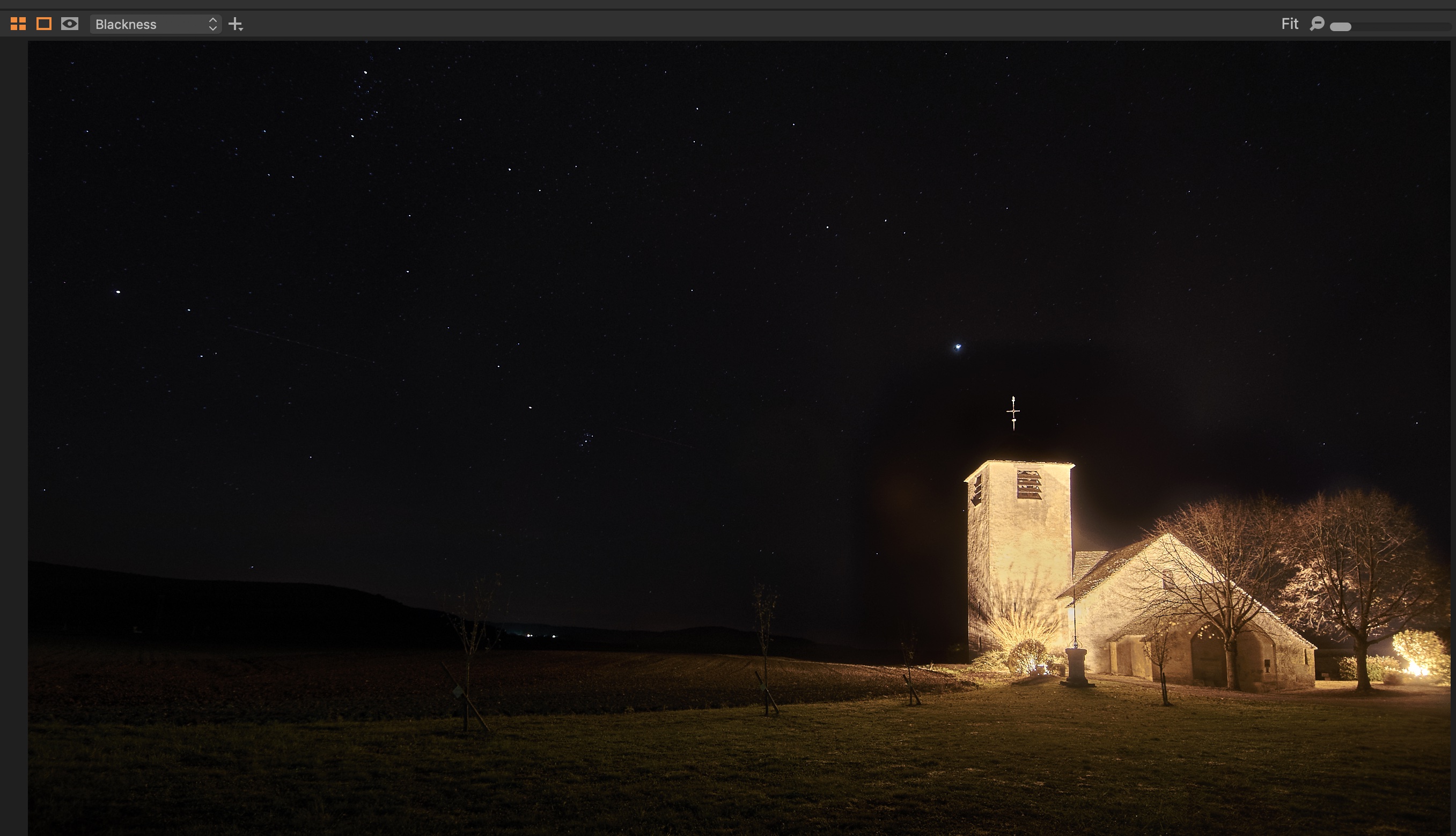
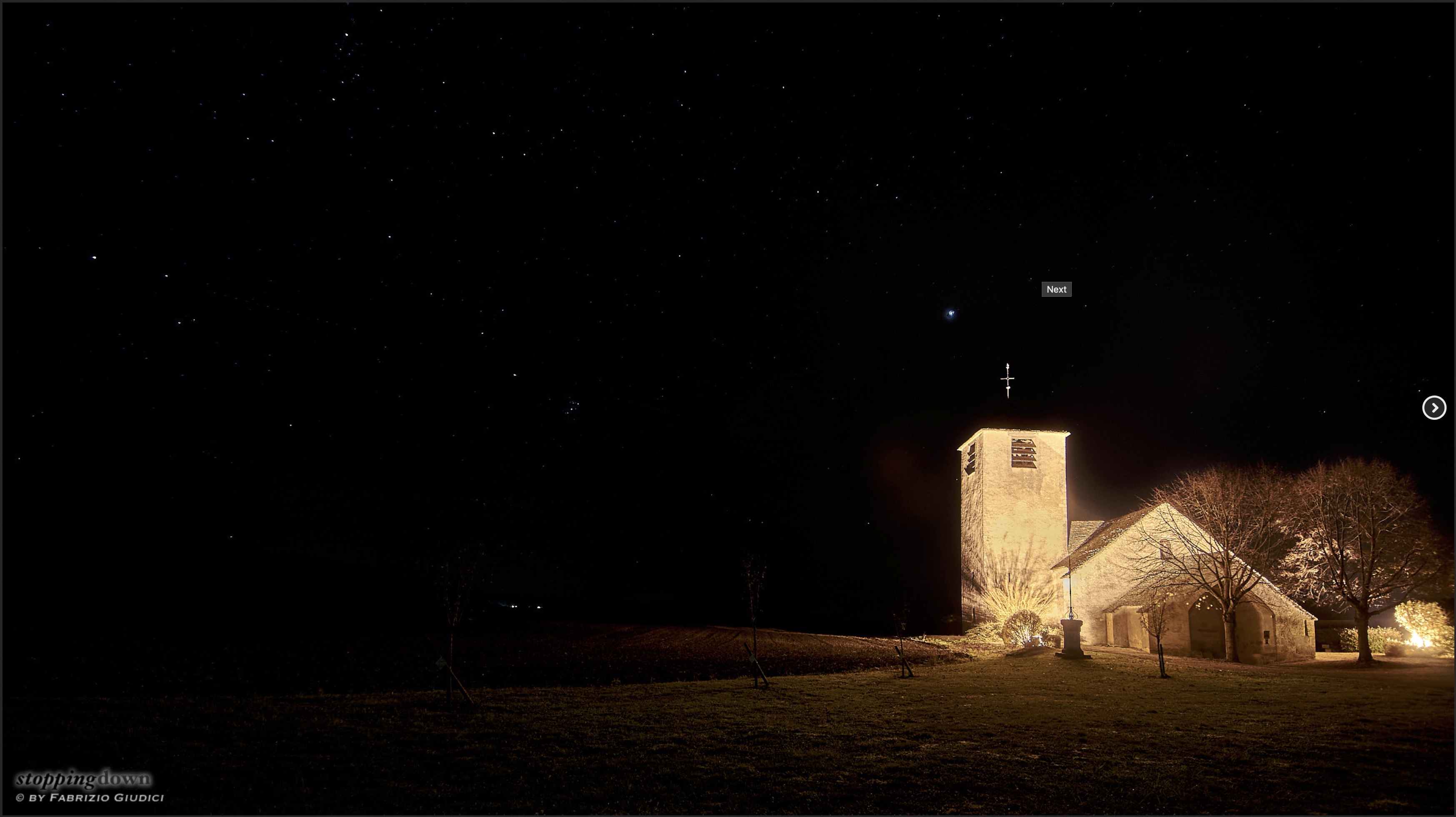
-
For the record, I asked the support and it turned out it's a problem with Hardware Acceleration. By disabling it everything works fine. So far I've found only two images in my collection that aren't correctly exported because of Hardware Acceleration. It's not strictly related to HDR (the other image has only a healing layer).
PS Still present with Capture One 15.4.3.4.
0 -

Yeah that's not gonna get fixed. That will be bugged in Version 22 forever.
And yes, if you have to turn off hardware acceleration for it to work, then it's a bug.
0
投稿コメントは受け付けていません。
コメント
2件のコメント