Catalog corrupted and all raw files lost

Hello Everyone!
I have an issue with my recent shoot. I created a new catalog and was shooting tethered fine (able to see files and all of them were safe an sound on my external drive). Halfway through the shoot i got a message that catalog is corrupted. When i try to verify and repair it gives me the same mistake
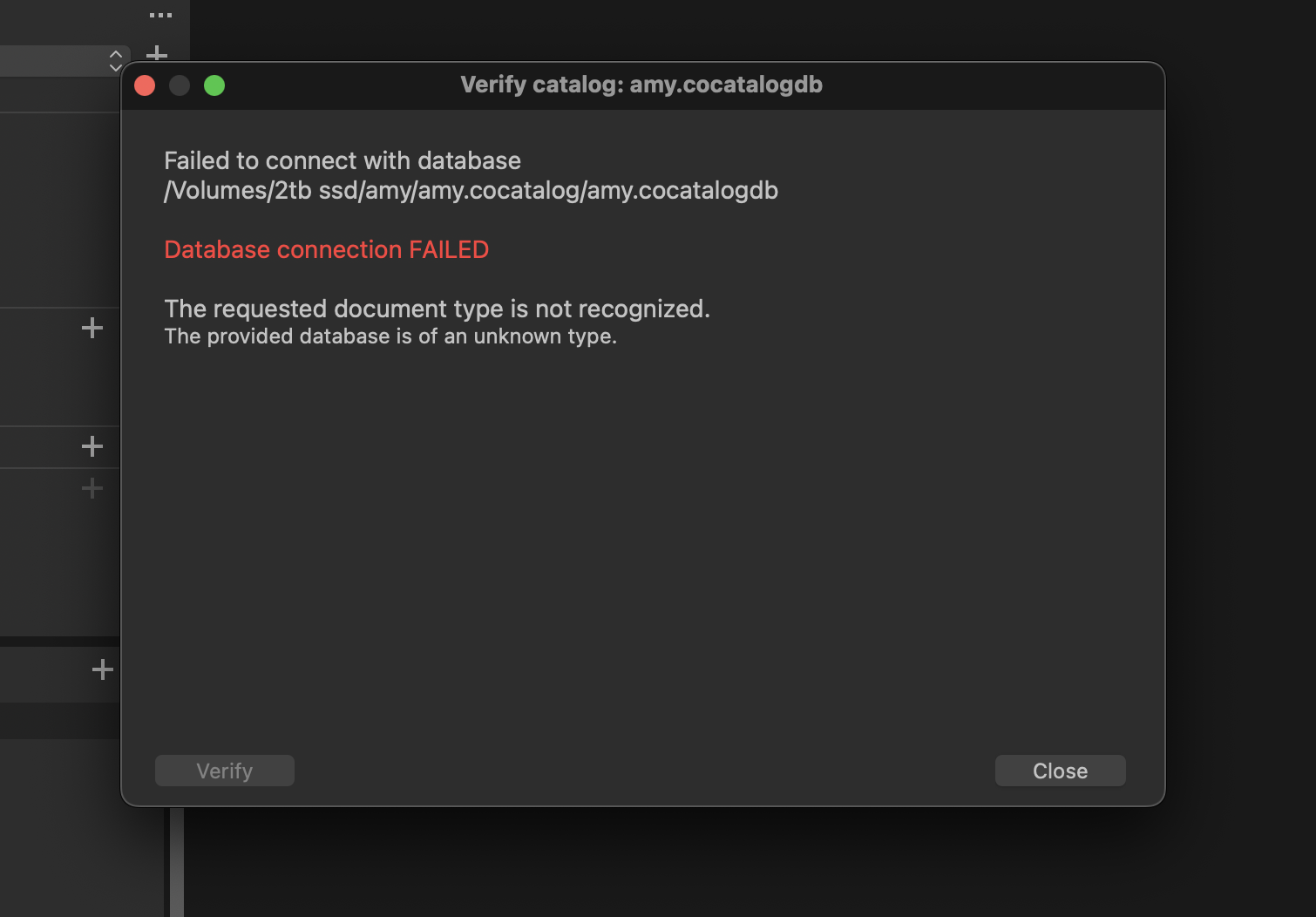
and there are no backups for that catalog so cant restore it
The worst part is that my capture folder is empty now meaning all the raw files are gone seemingly . I have no idea what happened and if there is a way to recover raw images. Did anyone encounter a similar problem? Million thanks!
-
Update: I was able to recover the files through Disk Drill but so odd they still dont show up in any of the folders however Disk Drill shows them as live and not deleted.
I gave up on catalog and just added saved files into the new one
0 -

I would highly recommend using a new Session per shoot, instead of a Catalog. Sessions were specifically made for this purpose. The captured files will be saved into their own folder, always accessible, not inside a database. All edits are saved into their own file per image, providing greater data protection.
If something were to go wrong and the Session became corrupt, all your files and edits are still there. It's much easier to trash that faulty Session, create a new one, and just put the files & edits back in again.
In general, I would recommend Sessions over Catalogs any day. Sessions are more performant & stable due to their inherently smaller size and they rarely ever corrupt. Every change/edit made is autosaved immediately, unlike a Catalog. However, if you need keywording or searching to work across multiple shoots, then a Catalog would be the only option.
0
投稿コメントは受け付けていません。
コメント
2件のコメント