Moving catalog file from Windows to mac

I was using C1 for last few years on my windows' laptop but recently I have moved my computer to mac mini where I installed C1 already. I would like to transfer all my catalog structure as it is(was) on my windows' laptop. As far as I know, the proper way is to copy catalog file from windows machine (path would be like: C:\Users\Your_name\Pictures\CapturOne\catalogfile.catalogdb) to internal hard drive of Mac machine and then in C1: File > Open and chose catalog file. BUT! It seems that catalog files generated by C1 on Mac have different extension/file type than catalog which I copied from my windows' laptop. “old=windows” catalog has something like “.catalogdb” extension, since catalog generated by C1 on Mac has like now extension.

My questions are:
1: Is there any difference in performance between those two kinds of catalog files?
2: Should I be worried that I'm using a catalog file with “.catalogdb” extension on mac os?
I see that there is theoretically a way to import my “old=windows” catalog to newly created catalog, but it means that I need to add all folder on hard drive to the new catalog since import brings only albums structure.
-

I'd like to know the answer to this as well as I'm in the process of moving from Windows to Mac
0 -
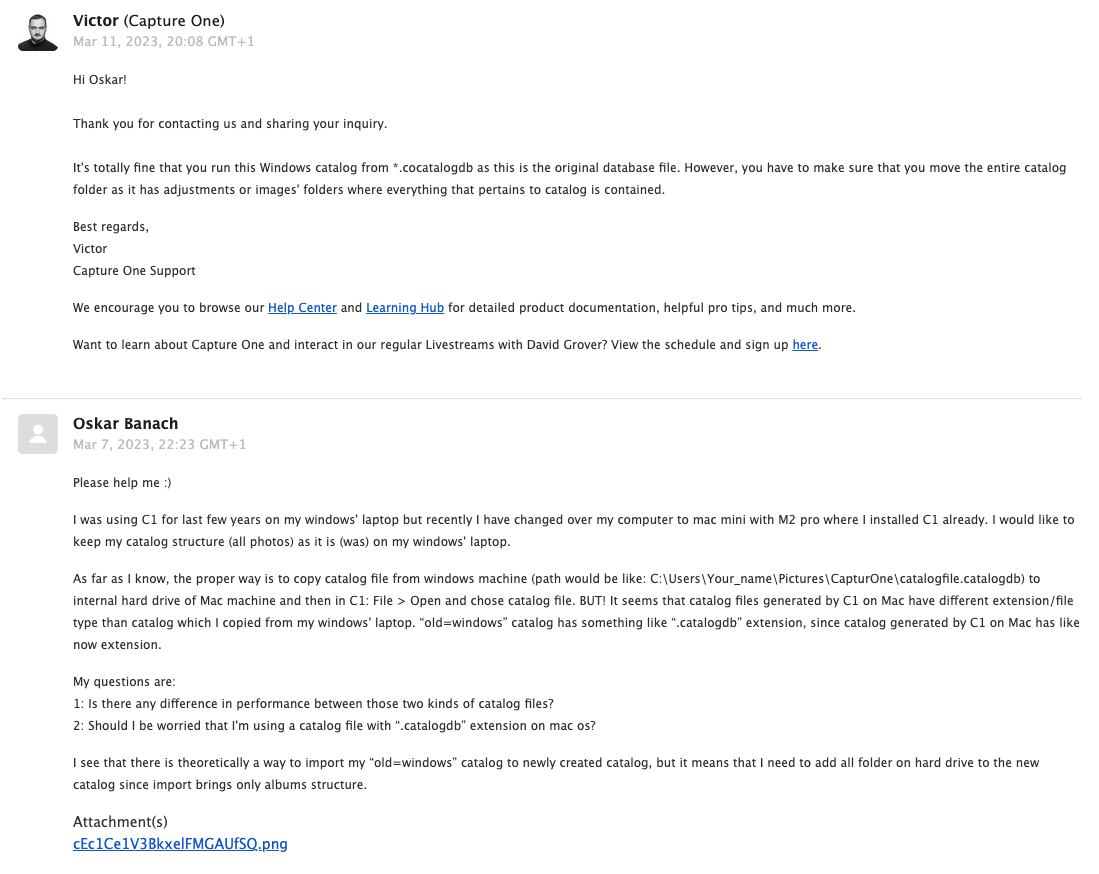
This is what I got:
 0
0
投稿コメントは受け付けていません。
コメント
2件のコメント