640 X 480 JPG image not editable in Capture One

Is there a editable pixel size limit for a JPG file?
I find that none of my 640 X 480 JPGs are editable in Capture One?
-

Nothing to do with jpeg. Capture One can not edit any picture where the smaller side is less than 512 pixels.
0 -
Ahh - didn't know this!
There's no mention of this on the web0 -

It may be worth referring to the Release Notes for a complete specification.
0 -
What SFA said. The bottom of the release notes -- https://support.captureone.com/hc/en-us/articles/360008695238-Capture-One-20-13-1-0-release-notes -- is one place where the limitations are noted.
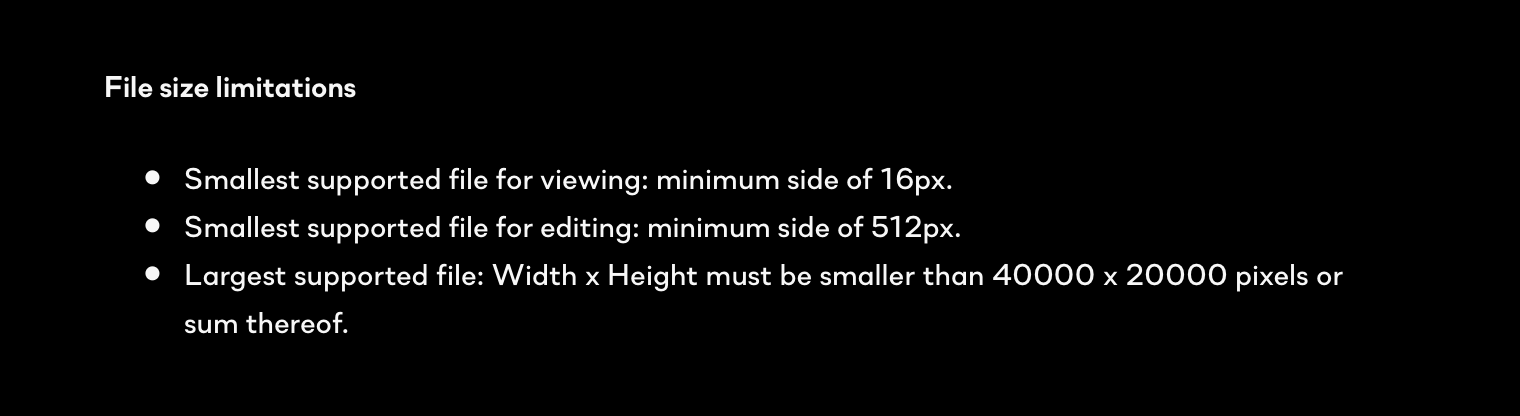 1
1 -

This limit has existed for a long time; it's real pain because you can't even edit the Metadata of the images that are too small.
I found two ways of dealing with it
1. Create a black border around image just big enough to pass the 512 pixel criteria (I used Pixelmator but there are scripts that willl do this)
2.Us an interpolator to double the image size. I used a trial version of ON1 for this.
2 -
Thank you @ericnepean for sharing your recommendations.
Is there a way to enlarge files without re-importing them?
When I show an affected photo (<512px) in the original Finder folder and enlarge it, C1 doesn't notice the updated file.
It's still shown as read-only, even if the metadata tool shows the new supported size.
Also synchronizing the folder in the library doesn't make the enlarged picture editable.I have to rename the file in the Finder first and then synchronize the folder in the C1 Library.
But this results in a new import and I loose all my connections to albums for this picture.
0
Post ist für Kommentare geschlossen.
Kommentare
6 Kommentare