Display the image "Date" in Grid View

How can I display the date on "Grid View"? 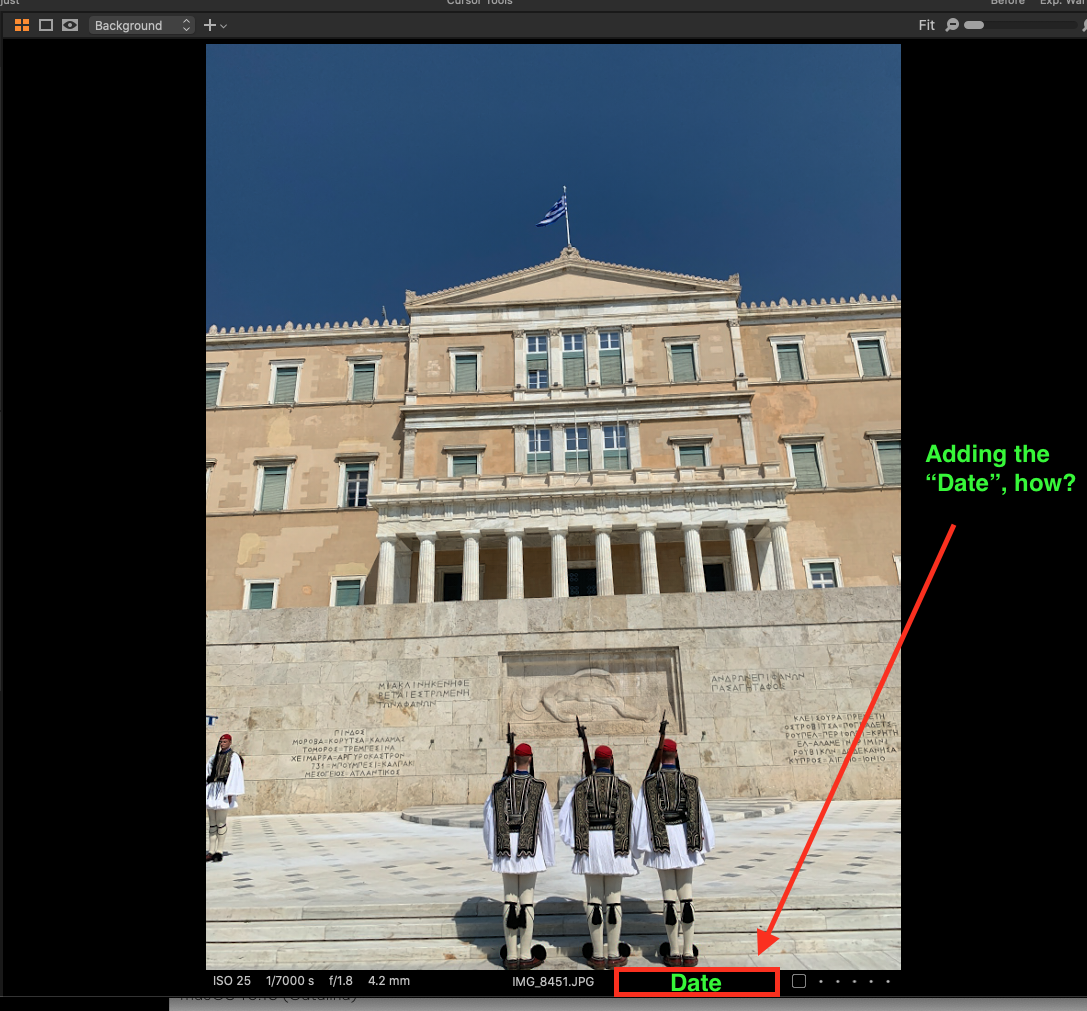
0
-
There isn't a facility to do that.
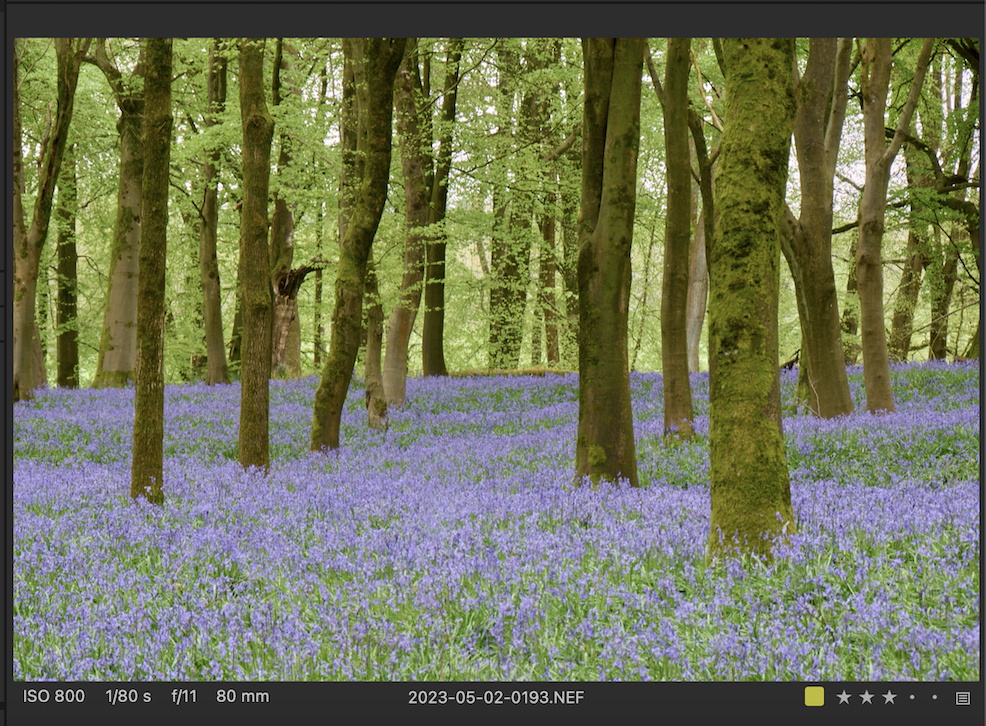
But you can use a naming convention that helps. I rename all my images on import, so that the file name becomes the date and a counter. That works for me for a number of reasons, including some outside of Capture One such as that in Finder (or Windows File Explorer) images are listed in the right order.
Ian
0 -
Thank you, Ian for the workaround.
0

Post is closed for comments.
Comments
2 comments