after upgrade to C1 23 pro - all older images unavailable or corrupted

After upgrade
from C1 version 20 Pro to version 23 Pro 16.0.1.20 - all older " images unavailable or corrupted " :(
After upgrade to version 16.2.3.1471 problem is exactly same.
How can I fix it??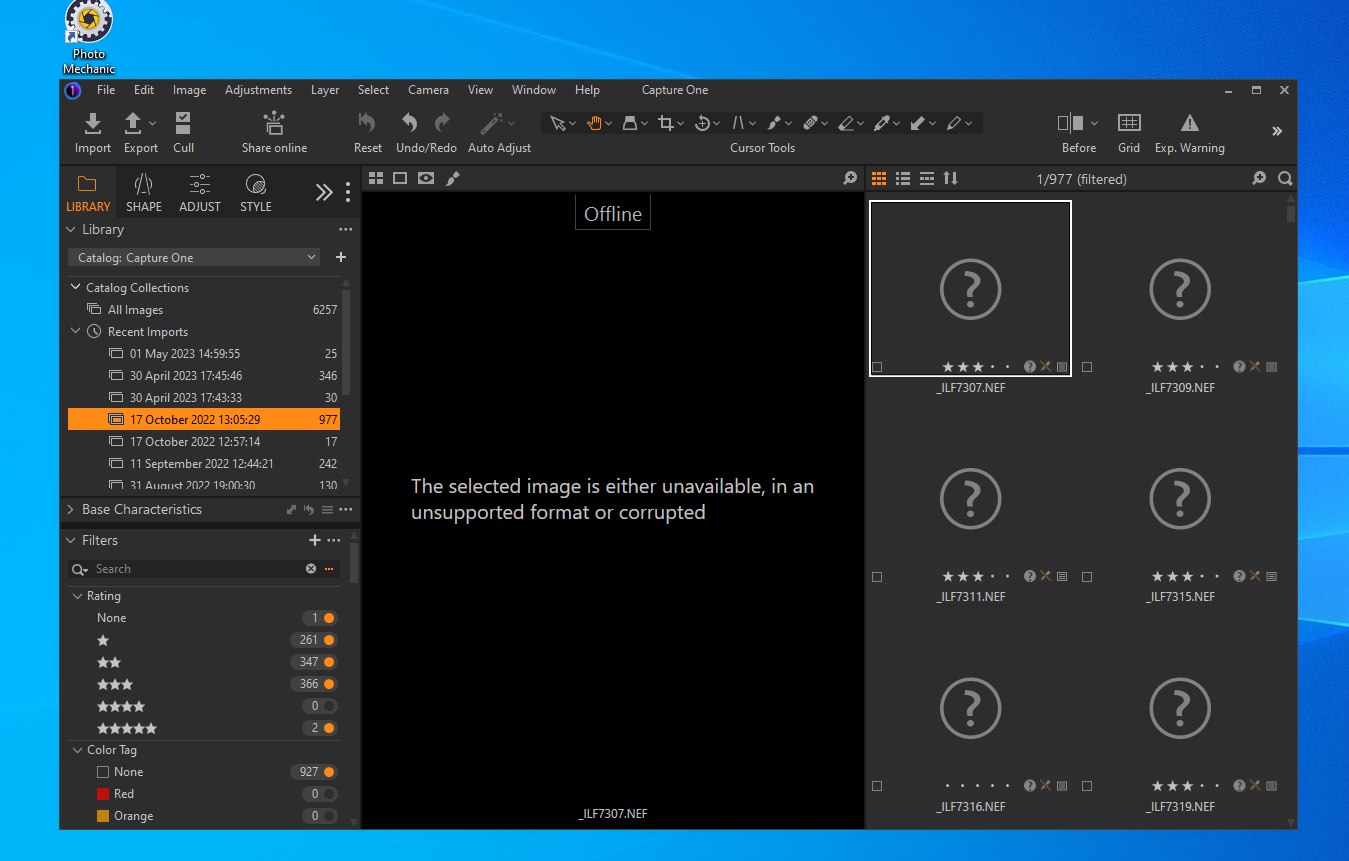
-
I don't think I changed anything
Images are always on the hdd E:\
All images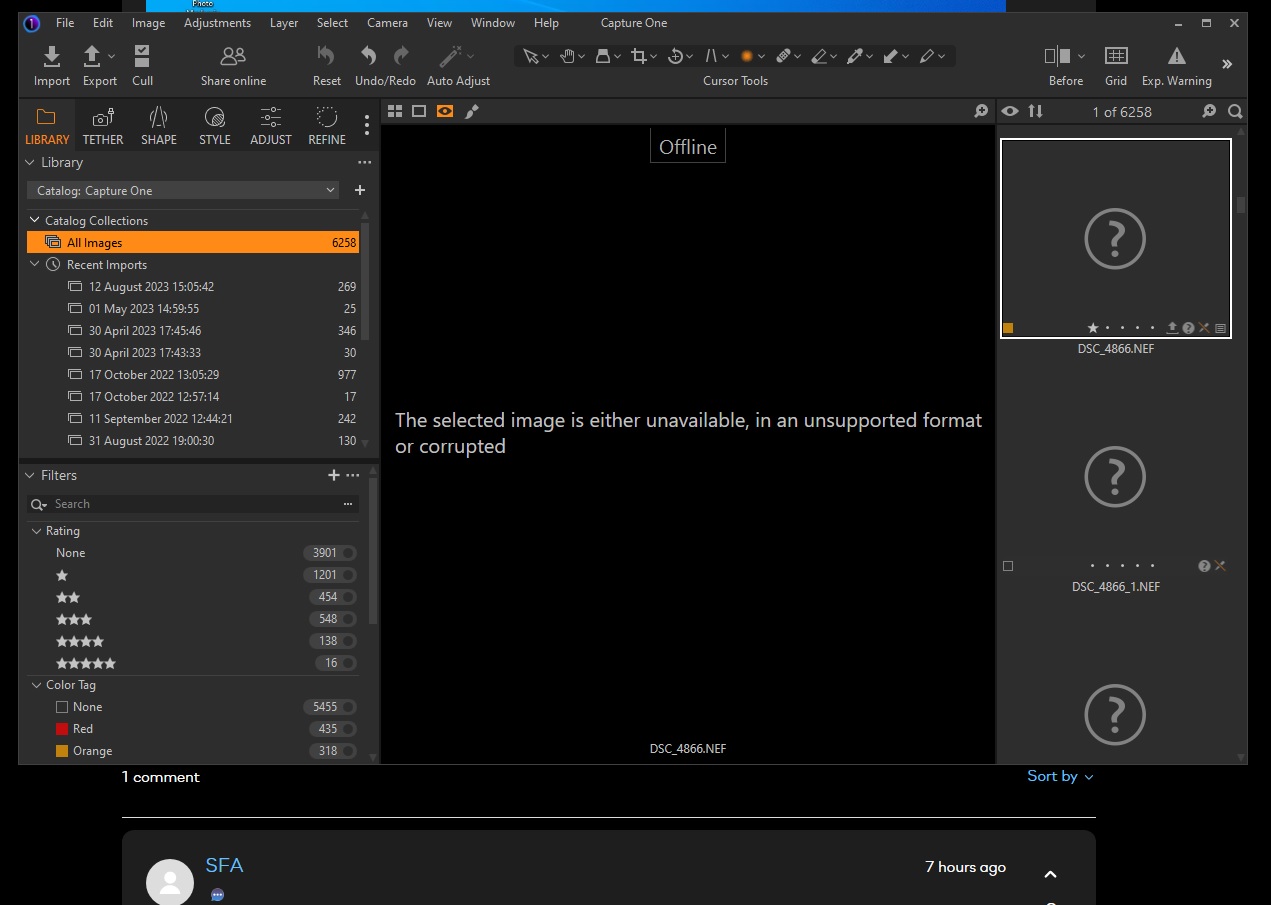
---
in Catalog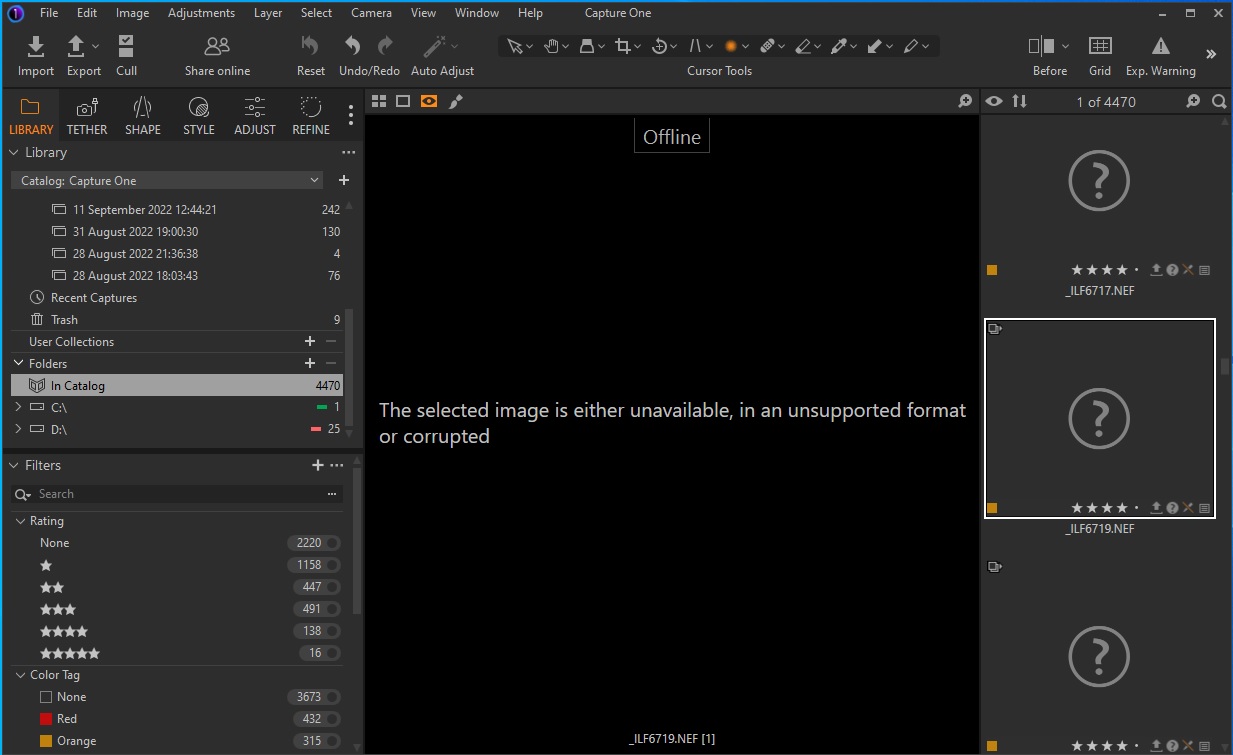
May I ask you
it is possible to setup to see more: Recent Imports
and change the name to the name of the imported file?0 -
You say that the images are on the E:\ drive and yet the screen shot says that most of them are "In Catalog". Where is the catalog file situated? When you updated Capture One did you need to grant it access to the locations where your images and your catalog are? (I know I have to do this for a Mac, not sure how it works with Windows.)
Ian
0 -
No, you cannot see more "recent imports" entries.
I suggest you use Windows Explorer, goto the directory where your "CaptureOne.cocatalogdb" file is, and see if there is a subfolder with the name "Originals". Search in this folder and all its subfolders for all image files, e.g. *.NEF, and see if you find 4470 files. Then you know they are still there. The only idea I have to re-associate them with your thumbnails (and therefore all settings/adjustments done in C1) is to right-click and "Locate" for each thumbnail. This is very tedious for 4470 files especially in the weird subfolder structure which C1 creates beneath "Originals".
I strongly suggest not to use "Copy to Catalog" in the future unless for very specific catalogs and purposes, rather create a good image folder hierarchy/structure on your own in your file system and "Add to Catalog" which means C1 only holds references. That way you also don't need to rely on "Recent imports" but can find your images via the system folder in the lib tool.
Once you're back to normal you can use C1 drag&drop to move selected imagesfrom "In Catalog" to the destination folder in your new structure.
Better: If you still have your version 20 catalog and images then it might be better to reorganize to your folder structure in that version, and do the upgrade to 23 afterwards.
0 -
There are no additional access permissions to be granted in Windows.
0 -
A part that should be reported is message stating "unavailable OR corrupted" - file either exists or not, this is possible to determine, so the error message should be more decisive about that!
0


Post is closed for comments.
Comments
5 comments