marking favorites

Currently, there isn't a way to mark a series of images as a favorite unless done 1 by 1. I would love to see the ability to shift+click images and mark them as favorite, or mark the entire contents of a folder as a favorite.
-
Make sure Edit Selected is enabled. You can do this.
0 -
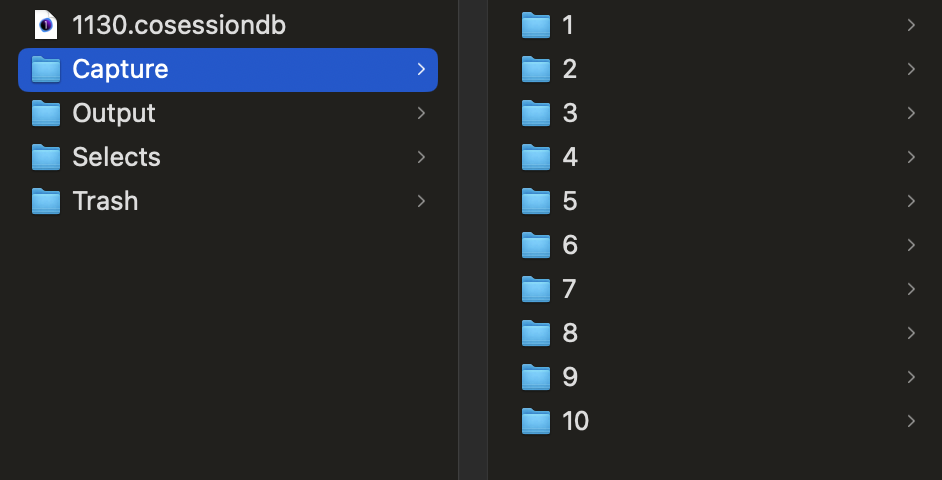
I have a parent folder with 10 subfolders in it. Each subfolder has 15 images. If I want to favorite the 10 sub folders, I currently need to click each folder and mark as favorite, 1 by 1. I am hoping there is a way to click the parent folder, and mark all folders inside as a favorite. Alternatively, click the top subfolder, shift+click the bottom folder, and mark them all as favorites at once.
When I mark the parent folder as a favorite, and go to all images, nothing shows up.
 0
0 -
Oh, you want to add multiple folders to session favorites at one time. My apologies for misunderstanding. You can do this.
Next to Session Favorites there is a "+" sign. Click that. Navigate to the Capture folder. You can select multiple folders and add all of them at once.
 0
0

Post is closed for comments.
Comments
3 comments