Display Glitches whenever I zoom into a photo. See attached.

I tried deleting and redownloading the app but I'm still getting this issue.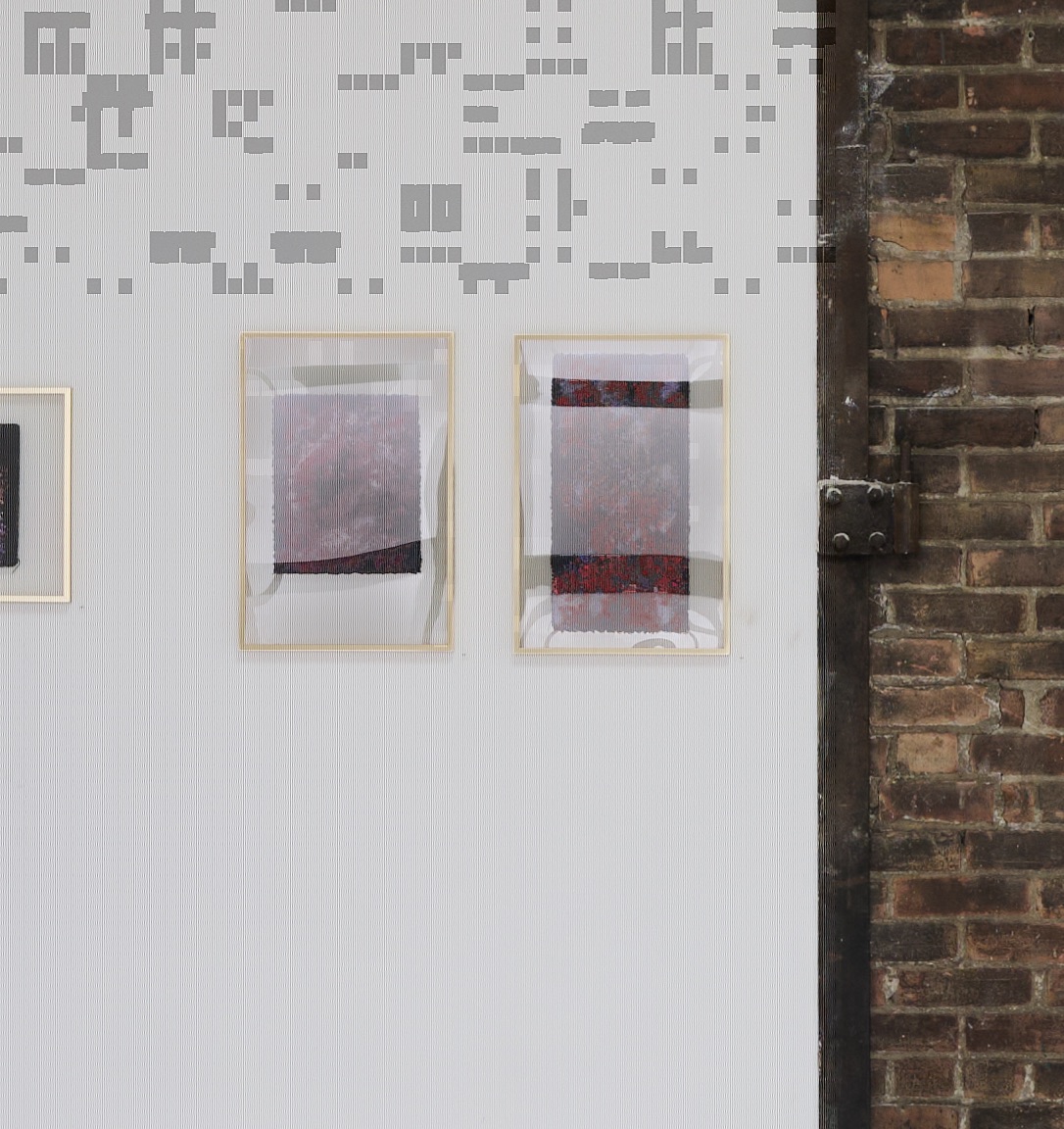
0
-

Does it show in any other pictures? Did you try to open affected file in other raw converter? It might be corrupted raw file. Also it can be caused by corrupted configuration file for GPU acceleration in CO. Try turning it off in settings, restart CO and enable it. If it doesn’t help try to Google support page for troubleshooting hardware acceleration in Capture One and follow instructions to delete config file to force reset. If it fails contact CO support.
0
Post is closed for comments.
Comments
1 comment