How/where to activate my capture one perpetual license

I cannot for the life of me find where to activate my capture one perpetual license/key - i.e. where to enter the key code on my card to activate the license. I purchased a license/key from a photography store/reseller last week (in Canada) and just got my new macbook pro M4 (OS Sequoia) ready to use it but can't find where on the Capture One website to activate it. Have tried for hours and just can't find out how/where to do so. Help!!!
-
Download and install the app. When you first run it, it will ask you whether you want to run a trial or enter a licence key.
(NB: be careful to download the version that you bought the licence for. If it's at least, 16.5 you are good to go with the very latest update.)
Ian
0 -
Thank you. But I actually can't find where on the C1 website to download and install the app. All I can find is a support doc that shows *how* to do it, with step-by-step instructions with screen shots etc., but it doesn't appear to say *where* on the site to actually do it. I was given the link " www.captureone.com/activate " but all it does is take me to the the support article ("How to Activate Capture One" -- https://support.captureone.com/hc/en-us/articles/360002468637-How-to-activate-Capture-One#h_01JEQT2P53WR94YJ9HQ9ZB99NS ), not indicating where or providing links to actually do it. Very confused. Can anyone please tell me *where* to activate my perpetual license?
0 -
EITHER
(1) Log in to your account at Capture One's website, if you have already set one up. Then click on the download panel.
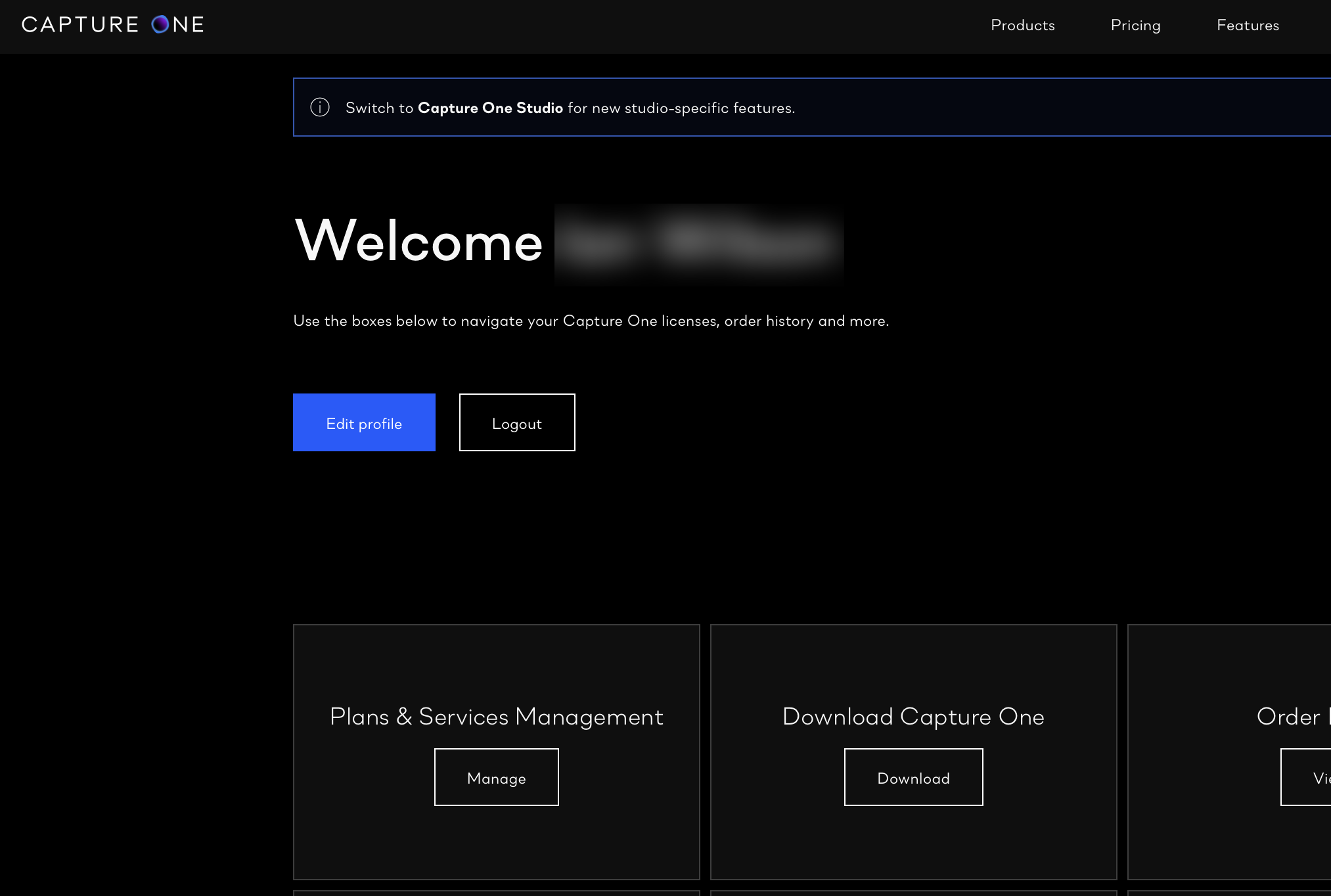
OR
(2) If you don't have an account yet, click in the button that says download free trial.
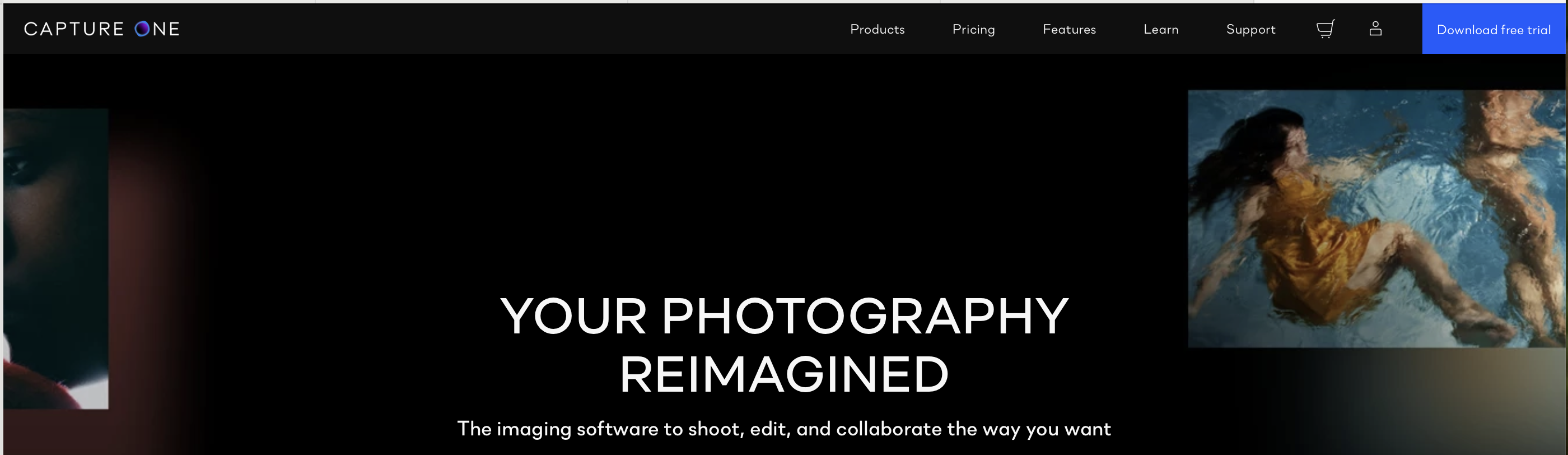
I think it will then prompt you to set up an account, and you'll be able to download the newest version. They will also provide a licence code (for the trial) but when you start up the app for the first time, just enter the licence code you bought instead.
Ian
0

Post is closed for comments.
Comments
3 comments