Capture darkens my image when importing

Hi,
I've recently bought Capture One, and when I did my first edits, I didnt have any issue with the software.
But yesterday, when I wanted to edits some photos I took in the night, something strange happened. Basically, when I imported the shots, all of them (that were well exposed during my shoot) were all under exposed, and by a LOT.
Here is the same picture, first one is from when I imported the shot on my Iphone, second from the viewfinder of my Sony A7III, and last is from Capture.
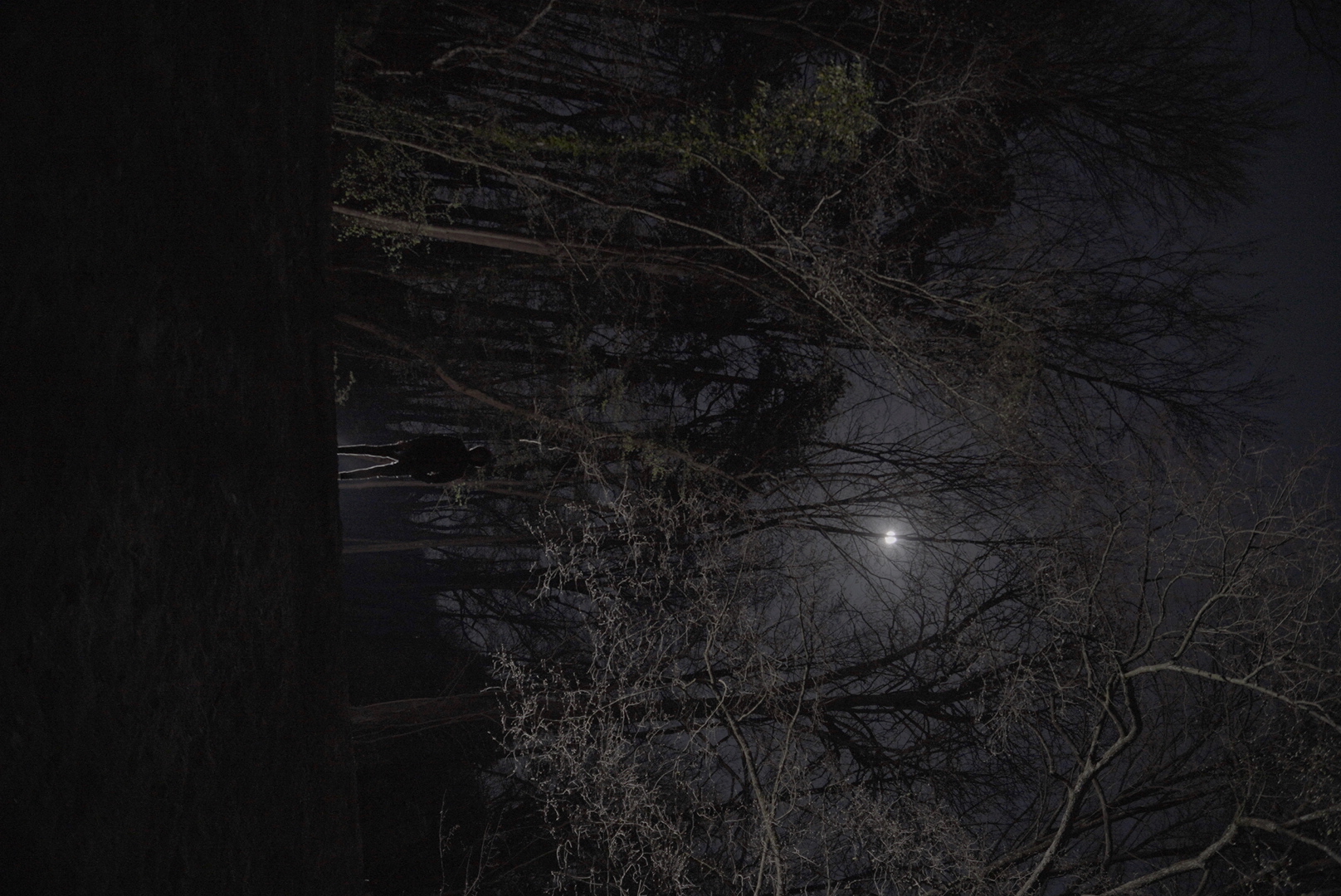
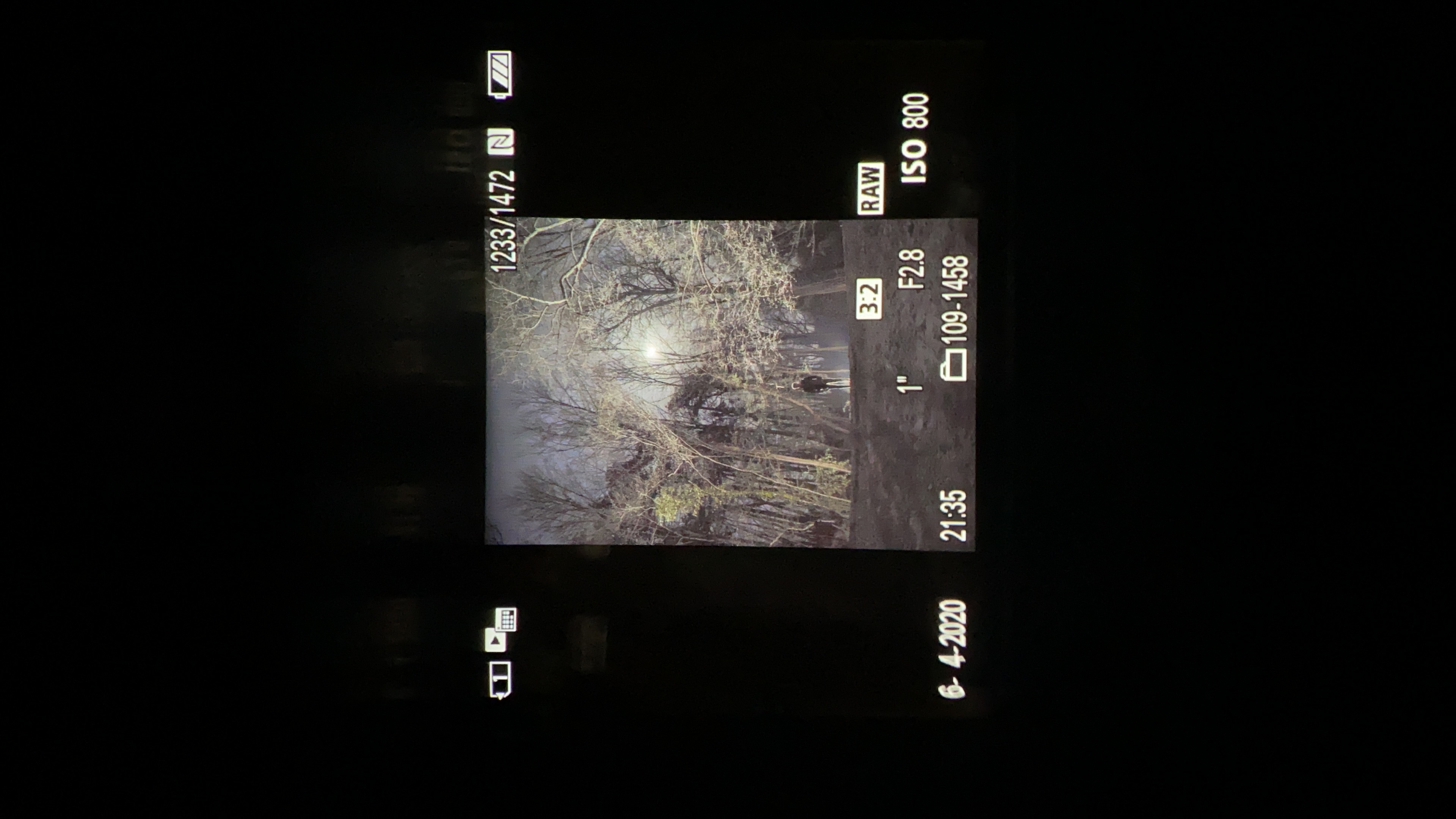
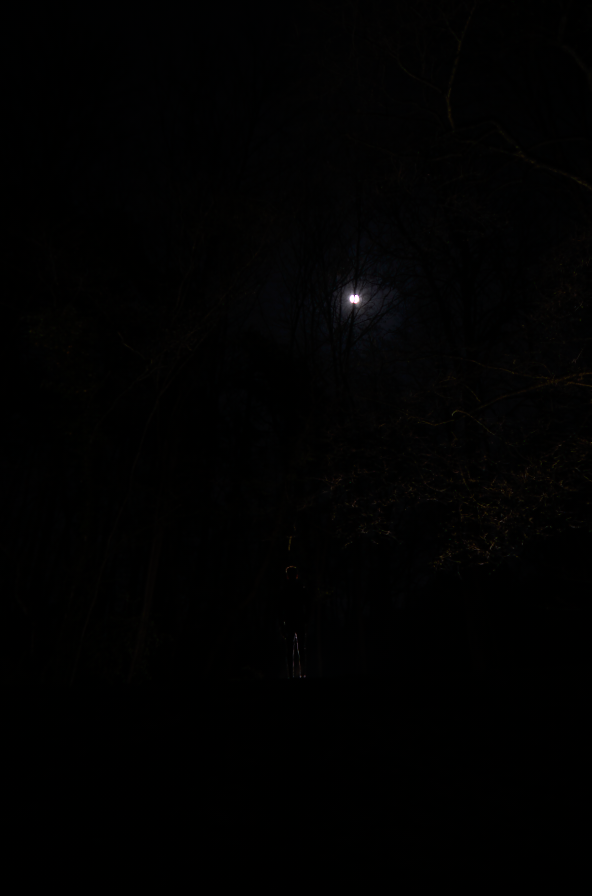
Also here is a clip where you can see the images getting dark right after import:
here is more infor if needed:
Camera is a Sony A7III shooting in Raw, Capture is in its latest version, and this is the first time I have this issue. I also uninstalled Capture and then reinstalled it, no changes.
Can someone help me?
Thanks,
Louis
-

Louis,
I think that what you are at first seeing is the jpg file embedded in the RAW file and, as a guess based on the camera settings compared to the image content, highly process in camera to give the results you see pre-import.
When you import the RAW files that in camera processing would be discarded and you will be in a position to make your own adjustments to produce the same results. Or something similar/better maybe.
If you think they are fine as they are out of the camera (they may well be) then shoot with jpg enabled and use the in-camera processed full size jpgs.
Take a look at the "Auto Adjust" feature (go into it in some detail to see what is available and user controlled) to get some idea of what C1 might do with the RAW data. Bear in mind the results will, to some extent be based on your control instructions for the feature and may or may not be in line with what you hope to see. You will be able to make further changes to achieve the results that you prefer.
HTH.
Grant
1 -

Was there any image processing configured in the camera, like DRO, Creative Style, or Picture Profile?
0 -
Hi Paul, Yes, I was shooting on SLOG-2, do you think this is the problem?
0 -
Yes, SLOG-2 makes your RAW image considerably darker. It is easy to test yourself, just make 2 images with PP0 and PP7 (the SLOG-2 profile) respectively and open them in Capture One.
My advice is to make sure you disable all image processing in the camera when shooting RAW. If you both shoot RAW and movies, I suggest to configure the numbered modes on your Mode Dial (the 1 and 2 on your camera) and set PP0 for these modes. Switch the Mode Dial to Movie if you shoot video and leave PP7 enabled all the time on your camera.
0
Post is closed for comments.
Comments
4 comments