Disappearing Item from Custom Toolbar

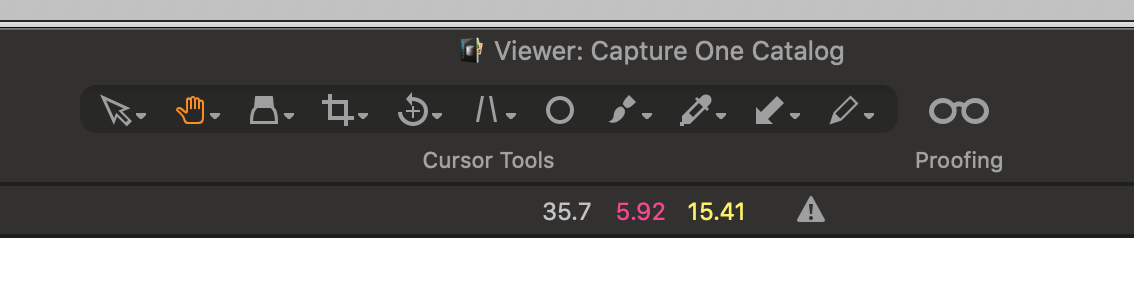
I add the "Proofing" glasses icon to the toolbar. Close and restart CO. It's still there. Great! At some point in the future it disappears and I have to add it again. Shouldn't it stay there permanently until I choose to remove it?
I tried submitting this question to customer support but did not receive a response.
-
Which edition do you have? Express cannot be customized.
Or maybe you need to Save your workspace?
https://support.captureone.com/hc/en-us/articles/360002491798
I'm not sure because you sometimes see the icon after a restart...
0 -

Capture One should retain the current workspace after restart. Note however that program updates can affect your workspace, resetting it to the default.
The current workspace is stored in the preference file. If you delete it, it may change the workspace.
Make sure you save your workspace after you make changes and open it again if necessary. This makes it easy to get back to how it was.
0 -
Thank-you BeO and Paul. I think I wasn't saving my workspace.
0 -

Be sure to save your personalised workspace with a personalised name.
0

Post is closed for comments.
Comments
4 comments