Load in ? and paste settings ?s

Loading in my first fill job but I now have two copies of every file the second tagged with a 1.
I must not understand how to load in images right.
I put my card in the reader and move all my files to a folder I pre-setup with the customer's name and date as I have been doing for years now.
Then I go into C1 and do an Import and tell it to find the photos in the folder they are in but then it wants to know what folder to save import to so I use the same folder. and I get the duplicate files. One with a load in setting I am using.
How do I make it just use the images I already have in the folder and not need to reload in a second copy of them?
-------------------
When editing and using the top right copy setting arrow and the past arrow - How can I make it also copy and paste the crop setting? It is working for all the settings but not the cropping
Thanks
-
I have the copy cropping worked out now..
0 -
Ok maybe not it works and then quits working to apply crop as part of the settings.
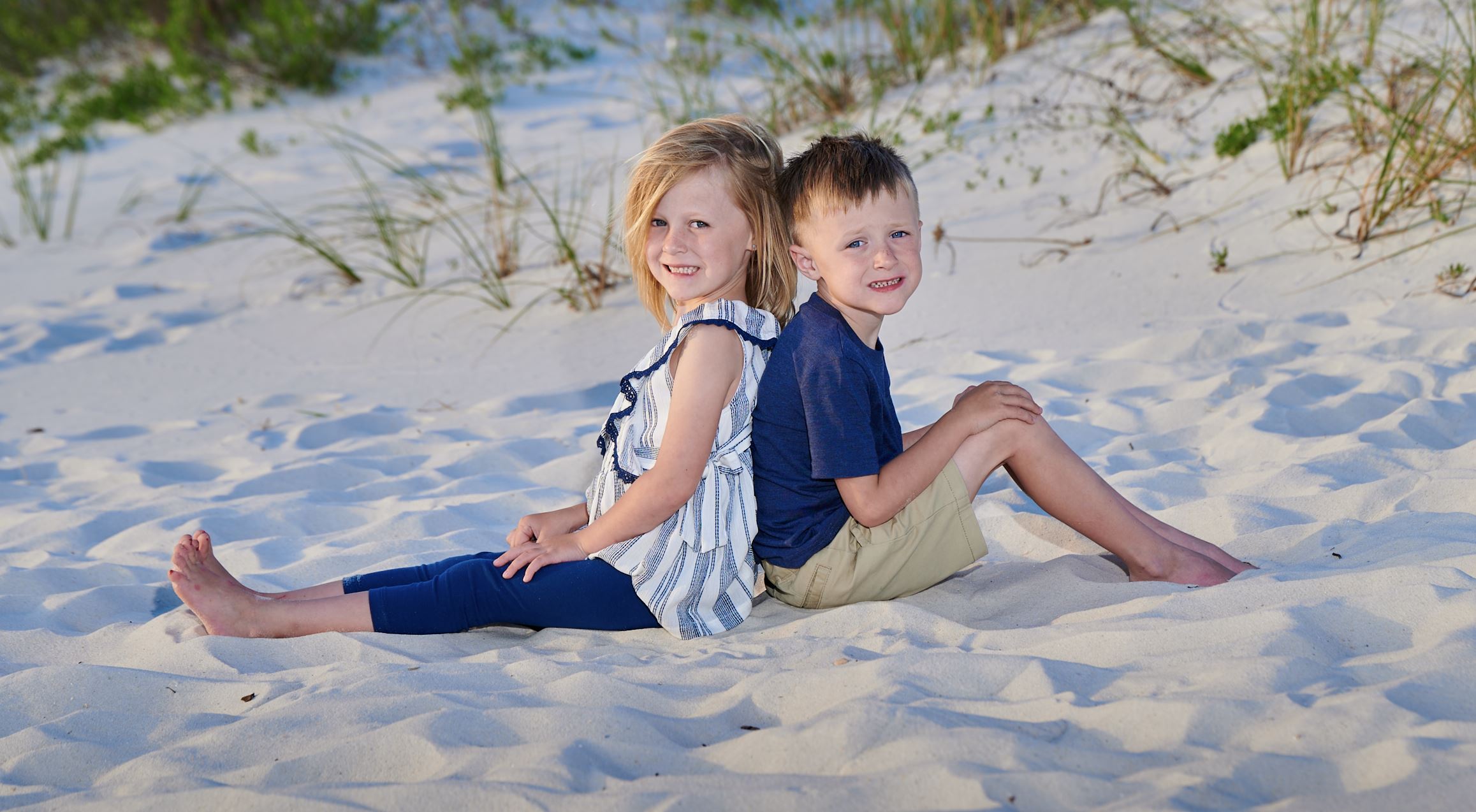
Here is one from today's family session I am working on. It was an overcast day.
 1
1 -
Import
(catalog, not session):
This is what you probably want:
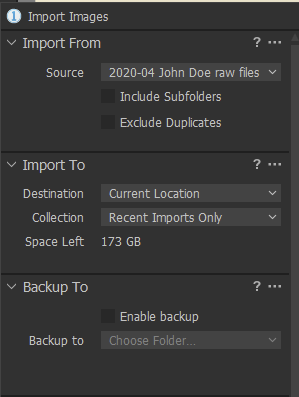
Destination: Current location.
Exclude duplicates (very slow) is not needed if your workflow is straight.
Card > copy to folder manually > Import to C1 as above.
Cropping:
Do you know this?
https://support.captureone.com/hc/en-us/articles/360002401957-How-to-copy-and-apply-adjustments-
regards
0 -

I like that video.
And, now I know what "Job name" is for... :-)
0 -
Ok watching he video .. thanks
0

Post is closed for comments.
Comments
5 comments