Catalogue speed when importing very large sets of images

I'm wondering if anyone has some resources to share regarding how to optimise C1 for the creation of very large catalogues. I have roughly a million images I want to try and bring into a handful of catalogues, or even one single catalogue potentially, and am finding C1 is much slower than expected to ingest the files.
The setup:
- C1 v20 (13.1.0.172) running on an i5 quad core, 40GB RAM, GPU Radeon Pro 570 4GB
- Previews set for 5K display (largest setting)
- Hardware support is set to Auto and indicates it is active
- Ingesting 50,000 images from an external SSD
- Catalogue on another external SSD
- Speed testing for disks around 300-400MB/s
- iMac gets a Geekbench 5 score around 3200 (multi-core)
Results from experiment #1:
- CPU runs around 80-90% across each of the cores
- GPU pretty much zero (until the screensaver kicks in)
- Disks are not exceeding 20MB/s and often closer to 5MB/s
- Takes between 24-48hrs to import and generate previews
- Memory usage bloats from around 4GB initially to 24GB
- Once the catalogue has been built it runs very nicely on the iMac
Additional Experiment #2:
* Swapped out the iMac for a fully spec'd Macbook Pro 16" (courtesy of my wife)
- CPU cores are very underutilized at around 25%
- Second threads on each core are never triggered
- GPU also not utilised for previews or importing
- Importing 50,000 files take a little less time than the iMac, but not much difference really
Additional experiment #3:
* Instead of importing from local SSD drive, imported from NAS box over GB ethernet
- Same time frame for completion, no slower than a local SSD
- Sometimes the data throughput jumps to 40MB/s but not for long
- simple file drag'n'drop over the GB ethernet yields up to 110MB/s
- repeated experiment with AC1900 wifi and again no appreciable difference
- wifi speeds maxes out data throughput around 50MB/s
Any thoughts on what might be holding back C1 when ingesting files would be appreciated. I find that the application is pretty laggy while the importing is taking place, but the rest of the Mac works just fine. I even edited a video in Davinci Resolve while an import was taking place and Davinci wasn't the least bit bothered. On that occasion I also got to see my GPU do a little grunt on something other than my screensaver. That was nice :)
-

Hi Ewen,
I switched from Lightroom to Capture One 5 years ago, when I had (only) 15,000 images in my Lr catalog (MBP 15" Retina late 2013). It took about a full night to import and create the previews, and I missed some pictures in the transfer.
I know people using C1 catalogs of about 70,000 images, and it still works. But I am affraid 1 million pictures would be too much for Capture One to ingest and manage. The solution would be to split your 1 million set into, say, 20 catalogs of about 50,000 images each or, and I think it would be the best solution, use a specific catalog software, such as PhotoMechanics, Daminion, etc....
Robert
0 -
Hey Robert,
There may be good reasons for myself why distinct catalogues are appealing, so we may end up with 10 or so catalogues instead. But for now the geek part of my brain wants to see if there's something I can do to improve the importing.
I've used C1 since the year 2000 and there is great appeal to having direct access to editing from inside the catalogue. That would be very different using something like PhotoMechanics. Glad to hear your 2013 MBP is still giving you good service. I got a little behind on the O/S updates for my 2012 MBP and I'm just outside the support window for C1 v20. Such great hardware and can't believe it's still useful for so many things :)
0 -
I've been using C1P for about 3 years. My Lightroom catalog had about 150k images. This choked C1P on the import. I ended up having to split my LR catalog into several smaller C1P catalogs to keep the catalog under 20k images. C1P does not like large catalogs, period. I'm running a iMacPro with 64GB RAM, 2TB internal SSD and Thunderbolt 2 connected OWC Thunderblade 8TB SSD. The read/write speeds of the internal SSD averages 2,700-2,900 MB/S while the external SSD averages 2,100-2,300 MB/S. Even with this setup, C1P is sluggish once the catalog exceeds about 20k image.
Regards, Bud James
Please check out my fine art and travel photography at www.budjames.photography or on Instagram at www.instagram.com/budjamesphoto
0 -

I’m guessing there are two things going on. C1 may be trying to keep the entire catalog in memory, and if the catalog is large that will cause swapping to disc which can slow things down a lot, especially if your startup disc doesn’t have a lot of free space. Then, a C1 catalog has a LOT of small files that are created on the disc. That process might be limited by something that isn’t affected (much) by CPU speed, RAM or disc speed, maybe some kind of operating system process. It might be that there are specific tests for the time it takes to create and write all these small files, to test that theory. But I could be completely wrong!
0 -
Hey Jan-Peter,
I've been watching the memory profile closely and it's playing nicely when running a big catalogue, just not so great to build the catalogue. In fact I had a very tricky job to rummage through and fortunately had the relevant 60,000 images in a catalogue from my experiments and was a dream to use. Just not so great when trying to build the catalogue initially :)
It was suggested to me recently that maybe C1 is trying to ensure they don't hog all the resources from the O/S. C1 itself is not always very responsive once an import has begun, but certainly the Mac itself is fine to complete other tasks. Maybe there's room for the coders to make it a little more assertive in this regard.
Will see how things go when I get a chance to build much bigger catalogues.
0 -

Hi Ewen
As you know from our back and forth, I've been doing some testing, really just from the geek interest perspective and to try and help answer your call for help. Below is a quick write-up of what I've been up to and my findings to share with the wider group.
Testing has been with the following image set and storage:
- ~85,000 images that total a little over 2TB in size
- Stored on a Synology RS1219+ NAS with the images on an SHR-2 Array on 2x 8TB Seagate Ironwolf Drives.
- I've tried with AFP, SMB v3, NFS
- I also created a new iSCSI Target on the NAS on a single 3TB WD Enterprise drive and used the a trial of the globalSAN iSCSI Initiator for MacOS to get it hooked up to the NAS. (This worked very well and I may use this goingn forward as way to 'trick' MacOS into thinking the 2013 Mac Pros in the house have large hard drives directly connected rather than as network shares.)
Network setup / configuration and monitoring tools consist of the following:
- Unifi networking gear providing Gigabit ethernet throughout the chain
- 4-Port Link aggregation running on the Synology ethernet ports and core switches to maximise throughput onto the backbone, especially as other things are accessing the NAS at the same time as I'm testing
- A range of Docker containers collecting information from the NAS, network infrastructure and a few other things for good measure writing to an InfluxDB with some Grafana Dashboards for visualisation
- iStat Menus to get more detailed statistics from the Mac itself while tests were running
Mac Hardware for testing consisted of the following:
- Mac Pro 2010 upgraded to 2x 6-Core Xeons @ 3.46GHZ
- 48GB RAM
- Radeon RX580 8GB GPU
- OS is Mojave
- As a comparison point to Ewen's numbers above, Geekbench 5 scores: 674 in Single-Core, 6873 in Multi-Core and an OpenCL Compute Score of 40288.
Onto the testing!
Test #1
To check out the NAS and network throughput to the Mac Pro and look for bottlenecks in there I copied all the images from the normal NAS share across to the new iSCSI target using SMB v3. This copy was able to consistently hit speeds over 110MB/s and only dropped to lower speeds when transferring some of the older, smaller files from ~10 years or so ago.
Conclusion : No significant bottlebeck on the NAS or network in terms of serving files to the Mac Pro, or indeed writing things back.
Test #2
Importing images into C1 creating 5K previews, regardless of whether I'm using AFP, SMB v3, NFS or iSCSI gave pretty consistent results, none of which were taxing the CPU, GPU, network or NAS at all. CPU utilisation mostly hovered at around the 20% mark across all cores and peaked occasionally at ~40%, GPU Utilisation is negligible. RAM was never in short supply with C1 taking about 9GB at its peaks and network utilisation generally hummed along at no more than 2-3MB/s with the odd peak up to around 12MB/s.
Conclusion : Initial impressions are C1 simply isn't taxing any of the infrastructure, suggesting the software is the bottleneck.
Test #3
As a comparison point I took the same set of images, in this case only tested against using the iSCSI connection into the current release of LR Classic. With LR the network utilisation averages closer to 80MB/s and peaks at around 105MB/s. CPU Utilisation hovers at around 45% but at times has peaked at close to 100% across all cores, GPU Utilisation hovers around the 10% mark and peaked at 25%. (Note to self, look into why the couple of peaks in CPU and GPU at a later date!)
Needless to say the operation completes an awful lot faster in LR than in C1 as a result.
Conclusion : The import process in C1 definitely appears to be the bottleneck here. This could be intentional to ensure the machine and application remain responsive throughout large imports. LR was pretty unresponsive during the import process and at times made accessing some of the data sets in iStats Menu a bit sluggish as well.
Happy to try and answer any questions people may have about my setup or testing, hopefully the above is useful,
Cheers,
Peter
TL;DR - C1's import process doesn't appear to take full advantage of the hardware available to it when importing images into a catalogue and creating previews so don't throw hardware at the problem, just be patient. Very patient if, like Ewen, you want to import 1 million images!
0 -
Slow clap for the support dude who took a week to reply with... a link back to these forums.
 0
0 -
The broad statement from the support team here doesn't seem to be backed up by real world testing.
If this was a "predominantly RAM-intensive" process I'd have expected to see a lot higher RAM utilisation than I was during my testing - C1 itself was using < 20% of the available RAM in my system while importing the test image set and total RAM utilisation was running at < 25%.
I don't have the exact numbers to hand but in my LR comparison test I also noted that LR was using less RAM than C1 whilst importing at a much faster rate.
Perhaps the week taken to reply was the time it took for them to replicate the issue given the very slow import speed?
Suffice to say that with the time it would take to migrate my full catalogue of images means that I won't be switching across from LR to C1 any time soon. Not least because I doubt I'd be able to import them all before the free trial period is over to see how the software would behave for me in my real world usage.
0 -
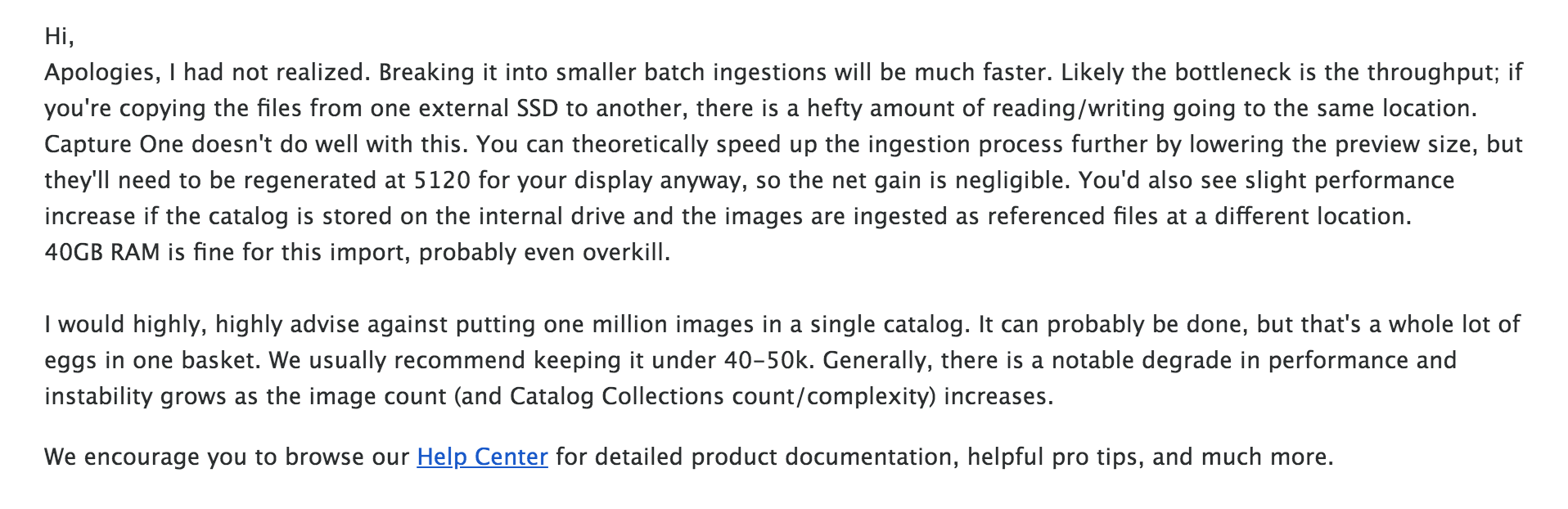
A somewhat more robust reply from the support dude today:
 0
0 -
Nice to see that they came back to you with a follow-up and some interesting statements in there which open up more questions for me. It's not clear to me whether there's an acknowledgement in there that the import process is really inefficient or whether it's trying to point at bottlenecks in the hardware/infrastructure.
I've picked out a couple of comments from the response that I'd be interested to have clarified if the support team are looking at this thread.
"Likely the bottleneck is the throughput; if you're copying the files from one external SSD to another, there is a hefty amount of reading/writing going to the same location."
I'm curious exactly what is meant by this. In my testing I set it to import the images into the catalogue leaving them in their current location which was on the NAS, whereas the catalogue was on a local, internal PCI SSD. Unless C1 is doing something odd this should be reading from one location and writing to a completely different one.
My question in relation to this is; what's the definition of throughput being used here? The performance metrics I captured whilst running the import showed plenty of headroom in terms of throughput to/from the NAS and local disk. The 'throughput' bottleneck seems to be entirely within the software, not the reading and writing at the network/disk level.
"Capture One doesn't do well with this."
With which bit specifically? The reading and writing at the same time regardless of the source and destination? Reading image data from a source and writing a preview and some other data about the image to a destination would seem to be the key components of a catalogue import so it really needs to be good at doing these in parallel.
"You can theoretically speed up the ingestion process further by lowering the preview size,..."
If there are CPU and GPU cycles galore to spare, as there was in my testing, how would reducing the preview size increase the speed of the ingestion unless there's dependencies sitting within the code that are stopping these from being properly multithreaded?
"We usually recommend keeping it under 40k-50k"
Point taken that there are limits to the recommended number of images in a catalogue and I can't speak to anyone else's needs but to me that sounds very low and a potential barrier to a migration from LR given the need to re-organise and re-partition an existing collection.
Is there a near to medium term plan to try and improve the efficiency with catalogues to make this number bigger, even say 100k?
0
Post is closed for comments.
Comments
10 comments