Library Session Menu – No entry of recently used sessions

When I open Capture One Pro normally you have a Start Screen saying "Open recently used sessions" or something like this ( I use a German version) and there are listed the last sessions. In my case it is empty.
Accordingly in the menu in the Library tool as well you can normally find the recently used sessions. In my case there is always only the open session assigned. No possibility to change between sessions quickly. I always have to got to -> File and open it there. I miss the feature in the menu a lot.
I work on two computers. One in my studio where I shoot tethered. From there I copy the whole session folder to my second computer at home.
I have these Sessions in a folder called Shootings. I use a Mac. How can I reference on this folder or what do I have to do so I can use the menu again?
Would be great if someone could help.
-
When you install a new version of Capture One (like version 20 after version 12) the recent files list of sessions starts again and gradually populates as you open sessions.
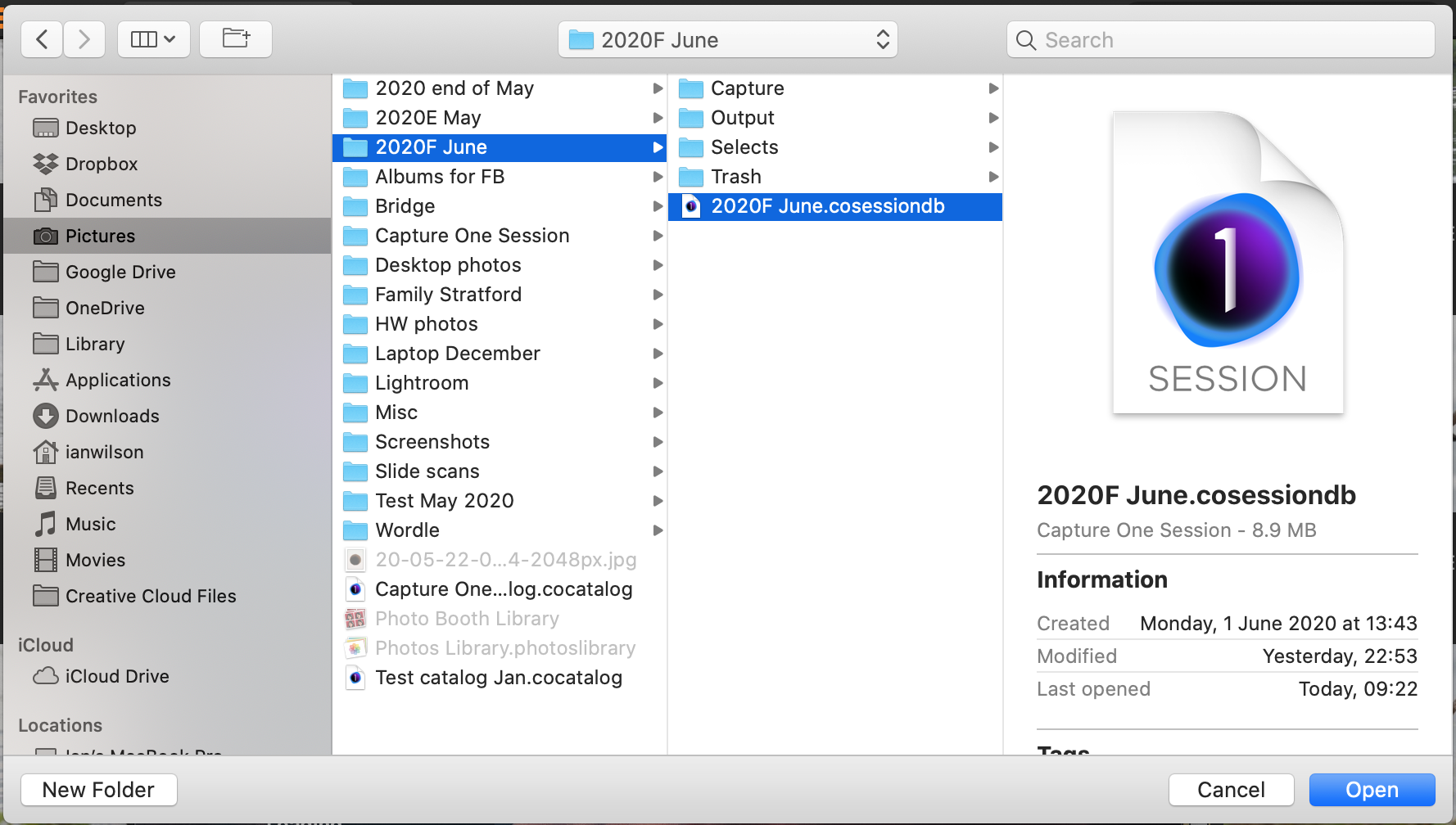
If you see nothing on the recent sessions list you can open any session you like by going to File>Open... and navigating to the session file, like this. The session will be added to the recent list so you don't need to do that for this session next time.)
Ian
0 -
Yes , I know this and always practice it like this. I always get the file from there. The point is that the new sessions are not being added to the recent list anymore.
0 -
Ah. In that case I don't know. Report it as a bug?
Ian
0 -
Thanks anyways. I submitted a request. Hopefully somebody there can help ;)
Sven
0 -

I'm having the same problem. Please post if you get an answer to your request.
Thanks
Christoph
0

Post is closed for comments.
Comments
5 comments