Searching for multiple words

When I search for two or more words, I get results for each word and not, as you should expect, results each of which includes both words. So, as an example, if you search for New York, you get results that include the word New and the word York, respectively. Is there any way to change this behaviour?
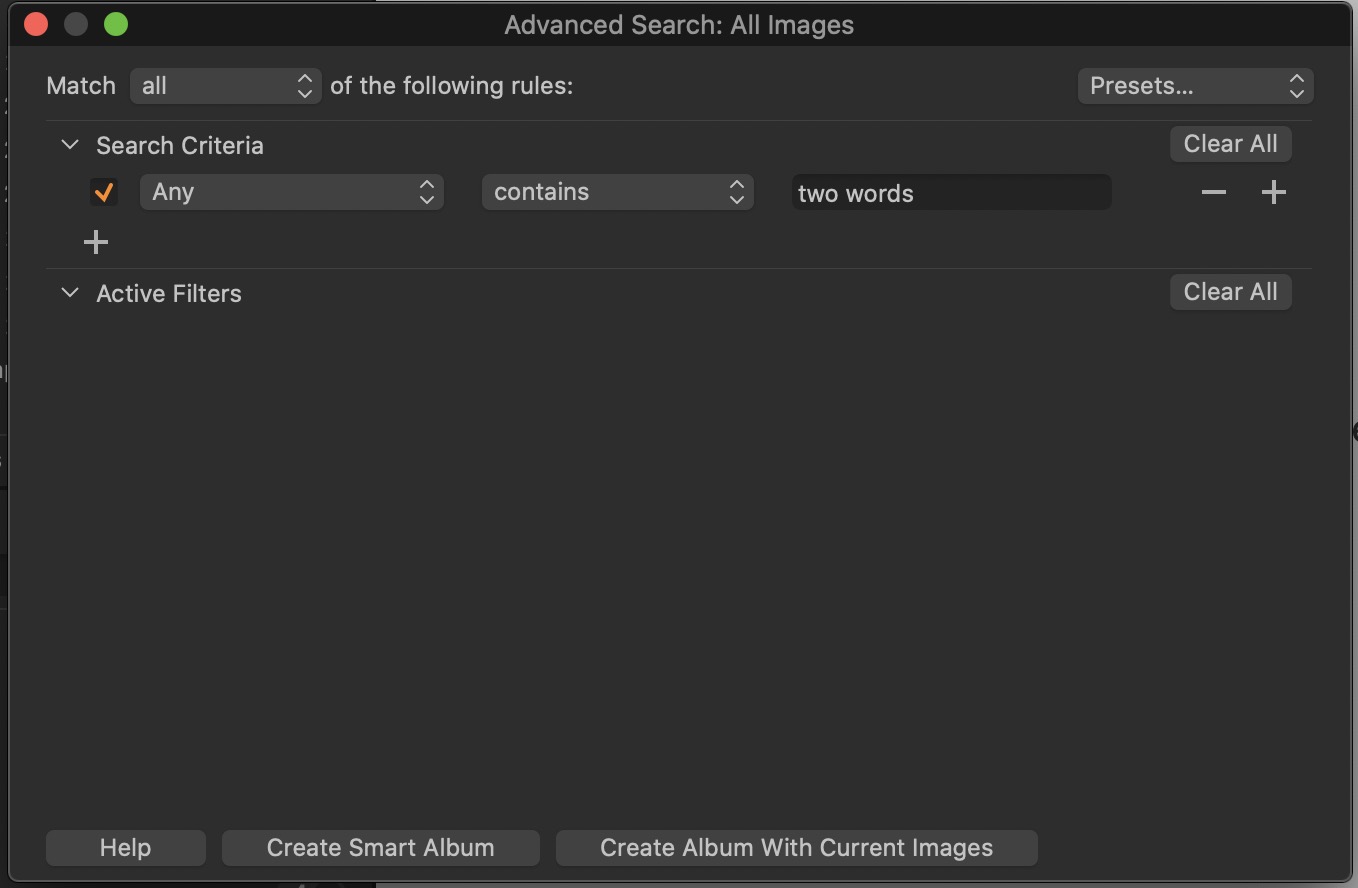
These are the settings I'm using:
-

This should be posted on a Mac OS forum.
Nonetheless, you might investigate the effect
of a comma "," in the search field.0 -
Well, this is the "Capture One 20.x Software for Mac" section of the forum. And as search behaviour is app specific rather than OS specific this ought to be the right place.
Thanks for the comma suggestion; it doesn't solve the problem though. It appears that Capture One regards a comma placed directly after a word as part of the word, as it were, so that if you search for "word," you'll get results that match this exact string of characters, whereas if you search for "word ," you'll get results that include either "word" or "," or both.
0 -
The Mac OS suggestion was not a good one, I admit,
I thought you were in a finder window… sorry Thomas!0 -
Oh, I see, that's why. Thanks anyway.
0 -

I agree that 'new york' should be treated as a phrase and not separate words. This sounds like something in the code and not a preference and probably should be reported. In the meantime, what happens if you create two search criteria, 'new' & 'york' then choose All instead of Any from the drop down?
0 -
I assume that would work – but you wouldn't really expect having to do that. I'll report and, hopefully, find out if this is the way it's supposed to work.
0 -
CO treats two words entered into an Any search as an OR operation, so in your example, CO is looking for any strings that contain two OR words (New OR York in your original question). To search for the string New York, enclose them in double quotes - "New York"
0 -
@Fred – Thanks, that works!
0
Post is closed for comments.
Comments
8 comments