Poor performance (particularly with masks) on iMac 2019 with CO 20, is this normal?

Hi all. I've recently got myself a high spec iMac (2019, 72GB memory, i9 CPU, internal SSD, Pro Vega 48 GPU.
I created a new catalog and added a handful of photos. I noticed straight away that editing options seem surprisingly sluggish (I've barely used Capture One before), but drawing masks is really laggy. I mean it works but it's just not good. I'd assumed (and was lead to believe) that CO was lighting fast, particularly compared to Lightroom which I actually find works perfectly well on this machine.
Here's a video showing this issue (and how LR is fine):
https://www.youtube.com/watch?v=TsGNHbqUEpw&feature=youtu.be
Any ideas what I can do? Is it just this version? Or have I made a huge mistake in paying for a license as I'm probably going to go back to LR..
Cheers in advance..
-

I can't tell anything from your video because I can't see the actual brush in the C1 portion. I'll take a guess, though. First, I assume you're using 20.1.1.24 (the current version, which "About" shows as 13.1.1.24).
1. Do you have Auto Mask turned on? That slows masking down noticeably.
2. What's your OpenCL preference set to? You might try setting the Display usage to the unchecked option and see if that helps.
3. What are you using for your interface? If a tablet, check the tablet's responsiveness setting. I use the default on my Wacom Intuos 4 and it works fine.
If you're using the current Intuos Pro via its built-in Bluetooth connection, expect some lagginess like what I think I'm seeing in your video. The current Pro works fine with USB connections, but I just couldn't get used to the lag over Bluetooth and had to return two of them.
Lastly, you didn't say what you were doing with the brush. I find the adjustment brush to be very responsive, but Heal and Clone are less so because C1's doing a lot of calculations to get the replacement right.
1 -
Cheers for the reply Abbott.
Hmm, I'm surprised you can't see the brush, it seems quite clear no? (Screenshot at the bottom)
I'm brushing a high exposure value, although I do screw up by doing a couple of strokes before setting the exposure, which may be a bit confusing.
1. Auto mask is off.
2. I've tried switching OpenCL off for each and both options. It's not that much different, maybe slightly better but certainly not acceptable. And I can't believe I've just forked out for an expensive GPU only to have to switch it off.
3. It happens with both a mouse and a Wacom tablet (using USB) the same. And using both of those is absolutely fine in LR and Photoshop.
Yeah I'm just boosting exposure with the brush, so this should be quick. I'm pretty disappointed as I've already wasted a load of time on this and I was expecting to it to blast LR out of the water, not be significantly worse than it. And there's no way to get my money back.
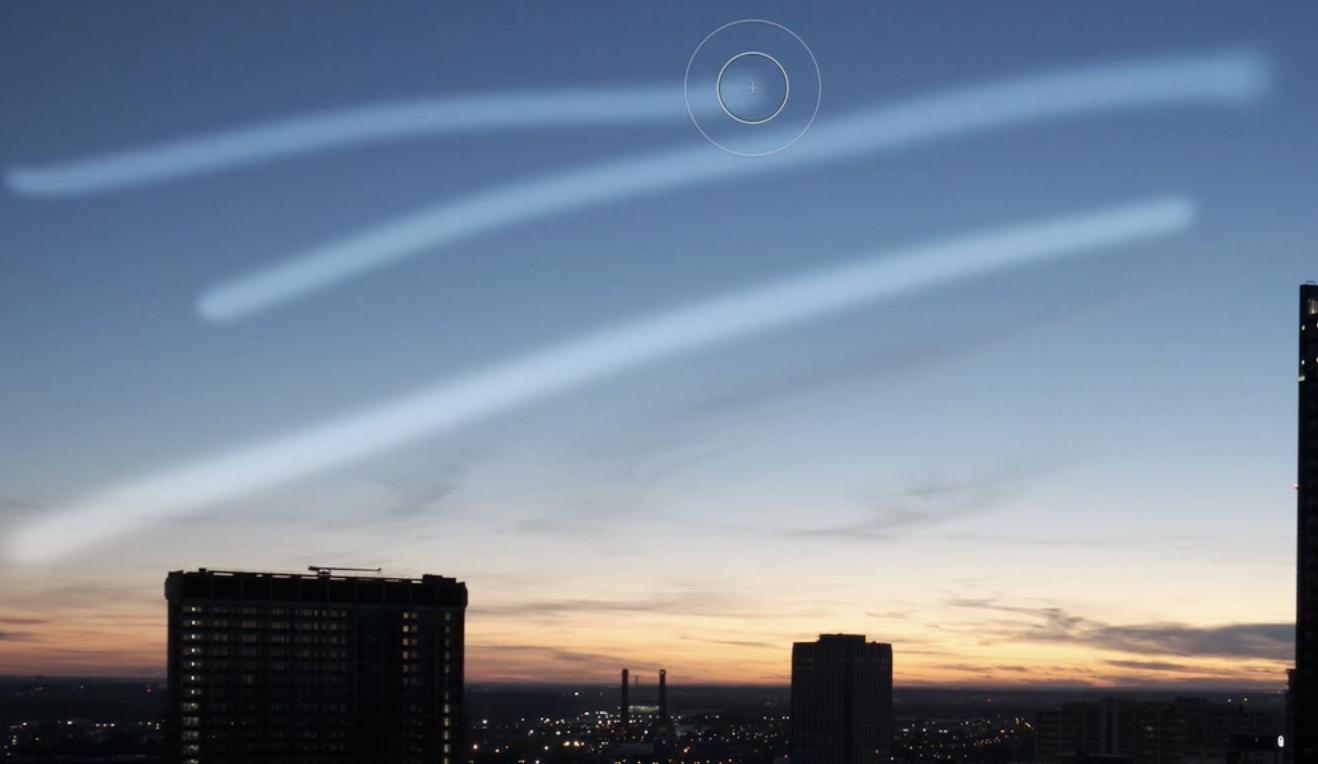 0
0 -
(And yes it is the latest version - 13.1.1.24)
0
Post is closed for comments.
Comments
3 comments