Strange banding and artifacts D500

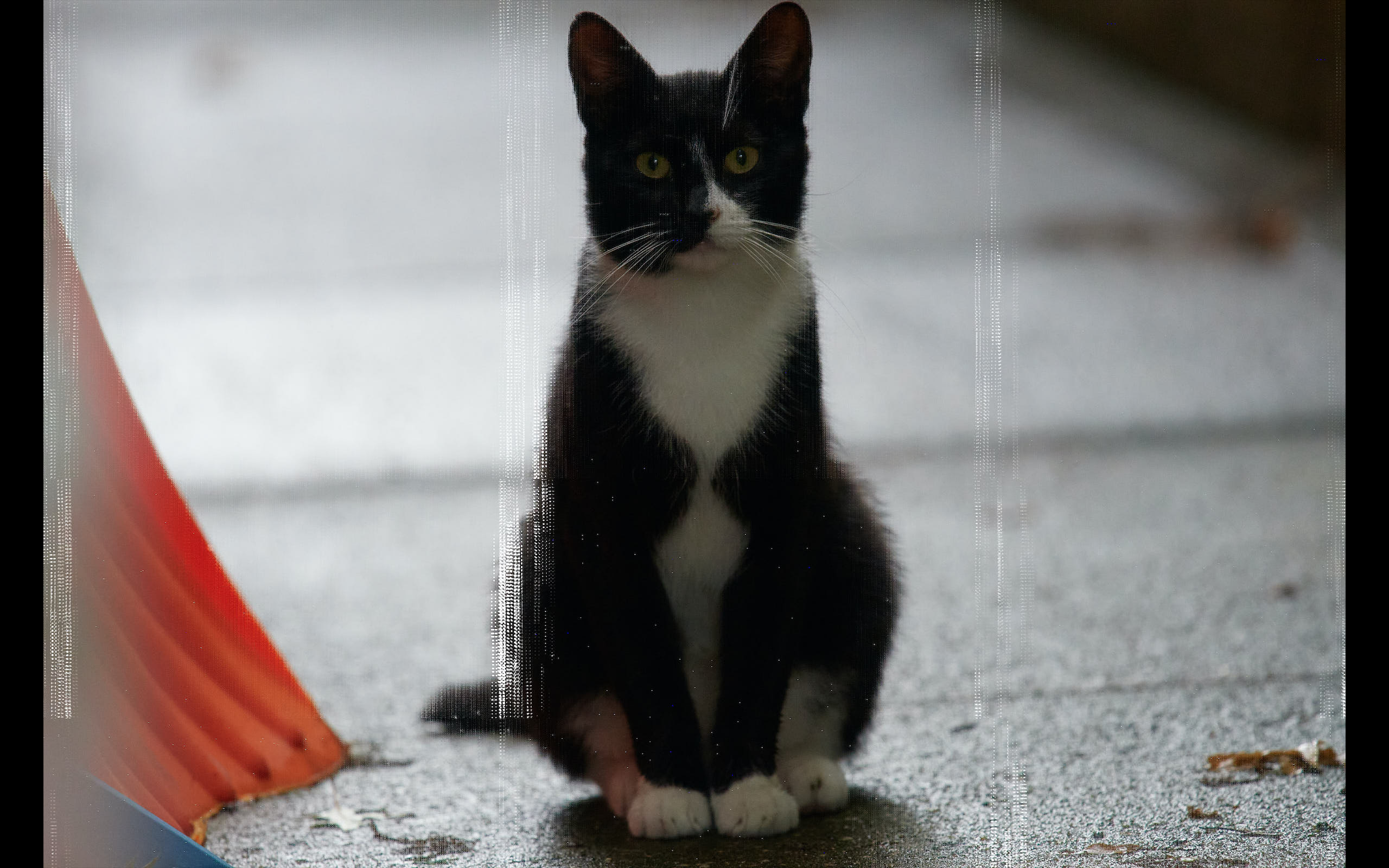
I'm getting really weird banding in and color artifacts when I export images. They don't show up during editing. I've attached a couple of samples of it, it expresses itself in different ways. It happens with JPEG and TIFF exports. I'm really new to the software so I may be making a mistake, but I exported images last night and didn't have these issues. I'm wondering if it might possibly be the camera? I just bought a used d500 and I've got a thirty day window to return it so thankfully this is happening right at the beginning of the relationship. Any guidance greatly appreciated!
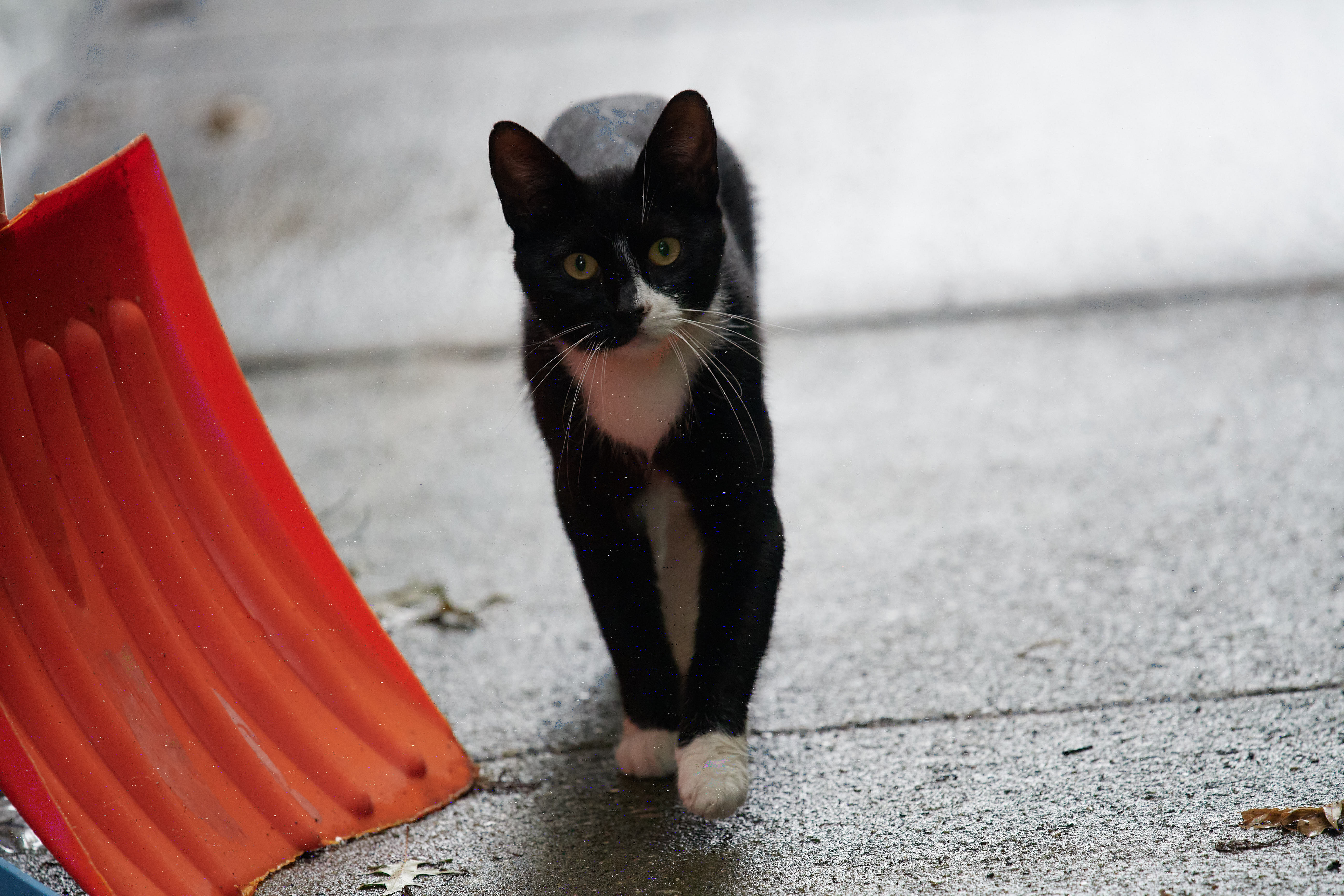
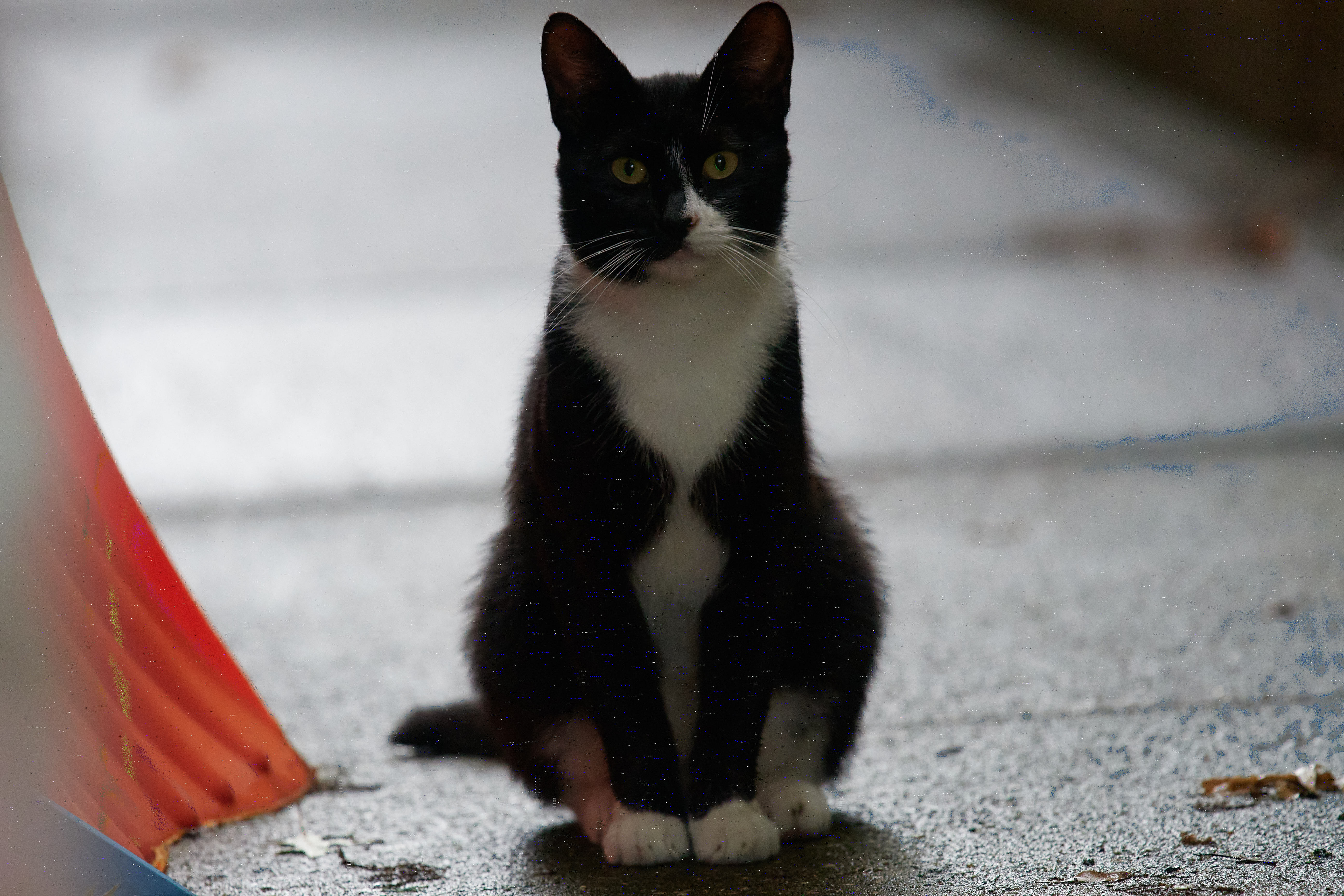
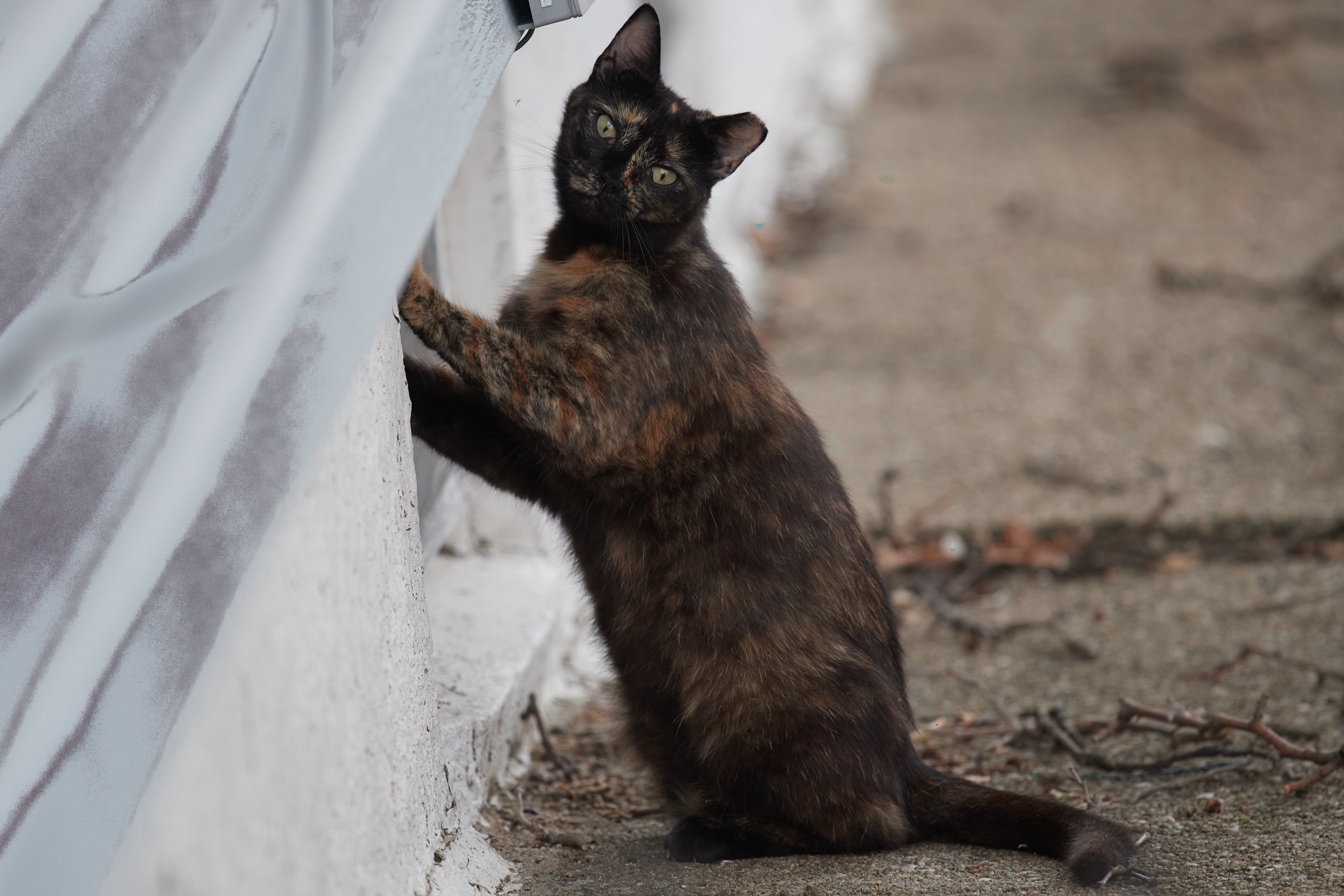
In the photos you can see multicolored spots on the dark bits of the cat, and then a weird blue streak off to the right of it. Not sure what that is. I've also attached a screenshot of the banding on the same photo, when I upload it it isn't present. Weird. Makes me think that the problem is with my mac. Camera, Mac, or Capture One?
-

In the preferences try turning off the option to use Hardware Acceleration by changing the value "Auto" to "None".
Possibly only for the Output selection it on screen is OK. But try both if necessary.
There seems to be some issues around with GPU card/driver compatibility with some cards notably on Macs. This is a quick way to test for such an issue should it apply to your system.
HTH.
1 -
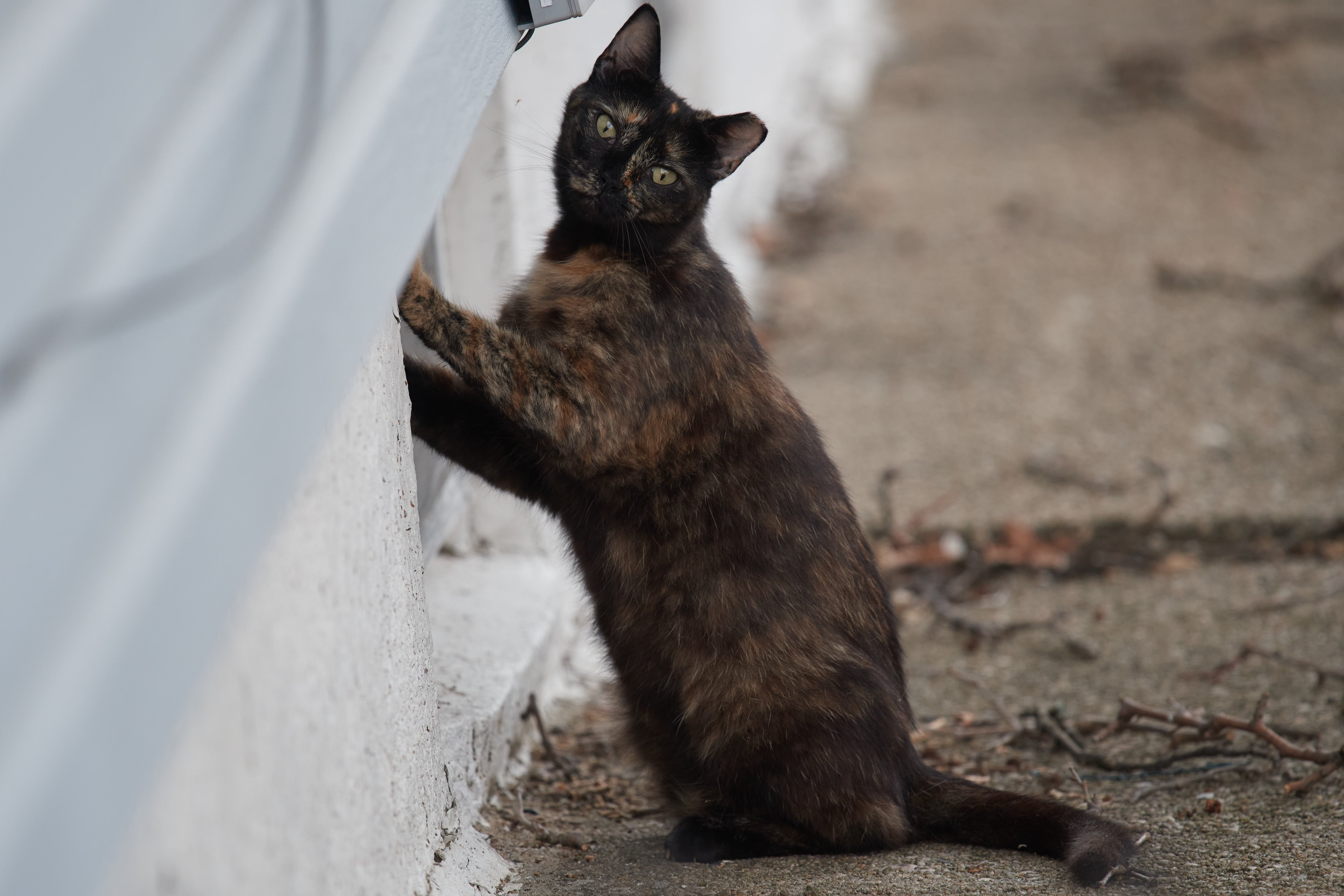
That might have done the trick. I don't have time to sit down and dive deep, but here's a before and after that illustrates what happened when I turned off hardware acceleration. In the second photo you can clearly see the dark artifacts on the left side and blue artifacts off to the right of the cat's head. Thanks for the suggestion.
 0
0
Post is closed for comments.
Comments
2 comments