Z7: CO 20 - Artifacts on high ISO Photos

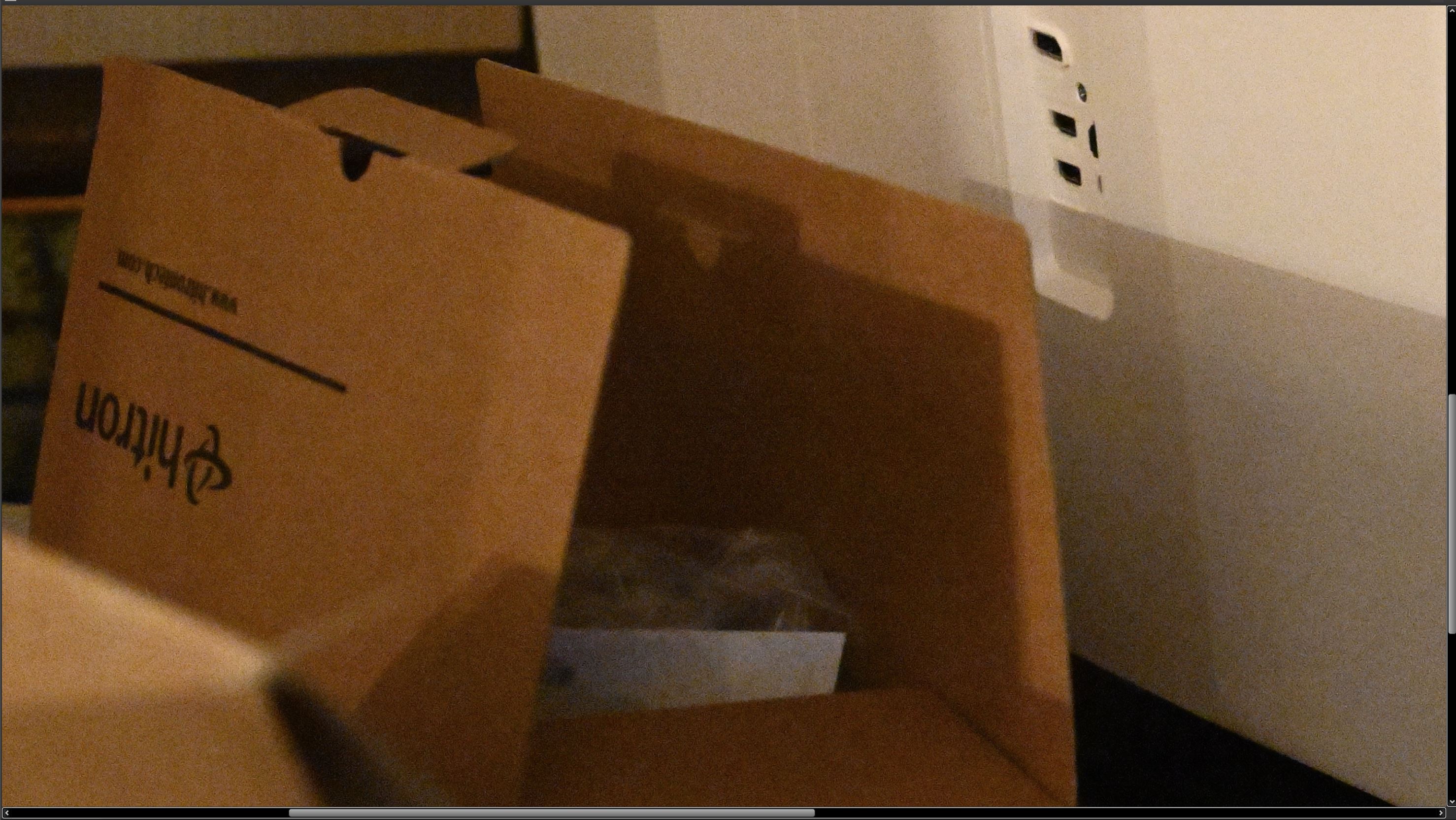
The issue has become more prominent with Capture One 20 and high ISO photos. I use a Nikon Z7. High ISO photos tend to have a artifacts regardless of the noise reduction settings in capture one. I did some testing with Lightroom, DXO Photolab, Nikon Capture NX-D and Capture One 20.
I'll attach a photo from Capture One and Nikon's Capture NX-D. Capture One is at the default settings, For the Capture NX-D, I set noise reduction at low. Lightroom doesn't have the artifact issue. Photolab does a little, but easily fixed with Prime.
The ISO is 22.8K. Anything above 6400 ISO, the artifacts become noticeable.
From Capture One,
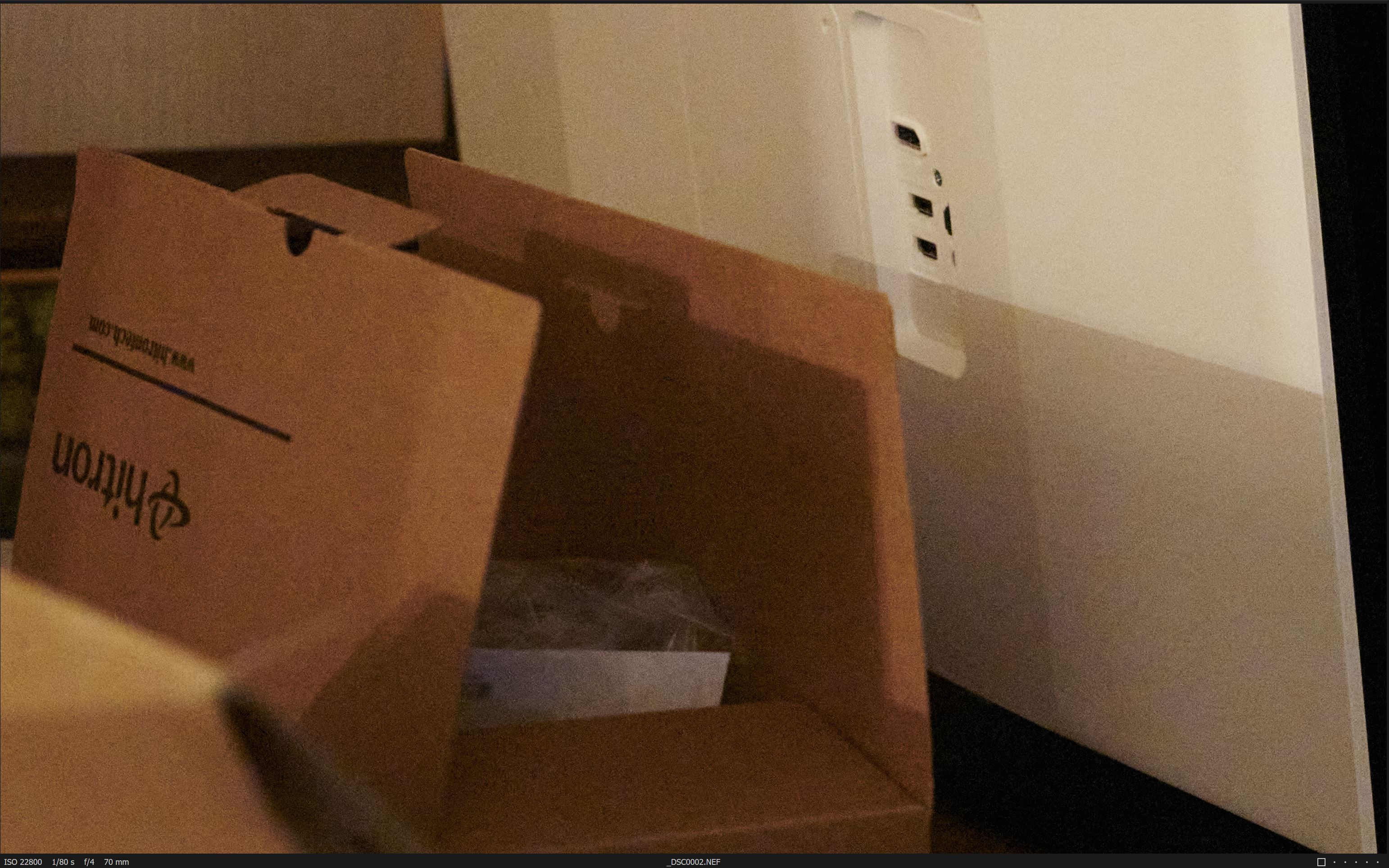
From Capture NX-D
-
Didn't realize I couldn't go back and edit my post.
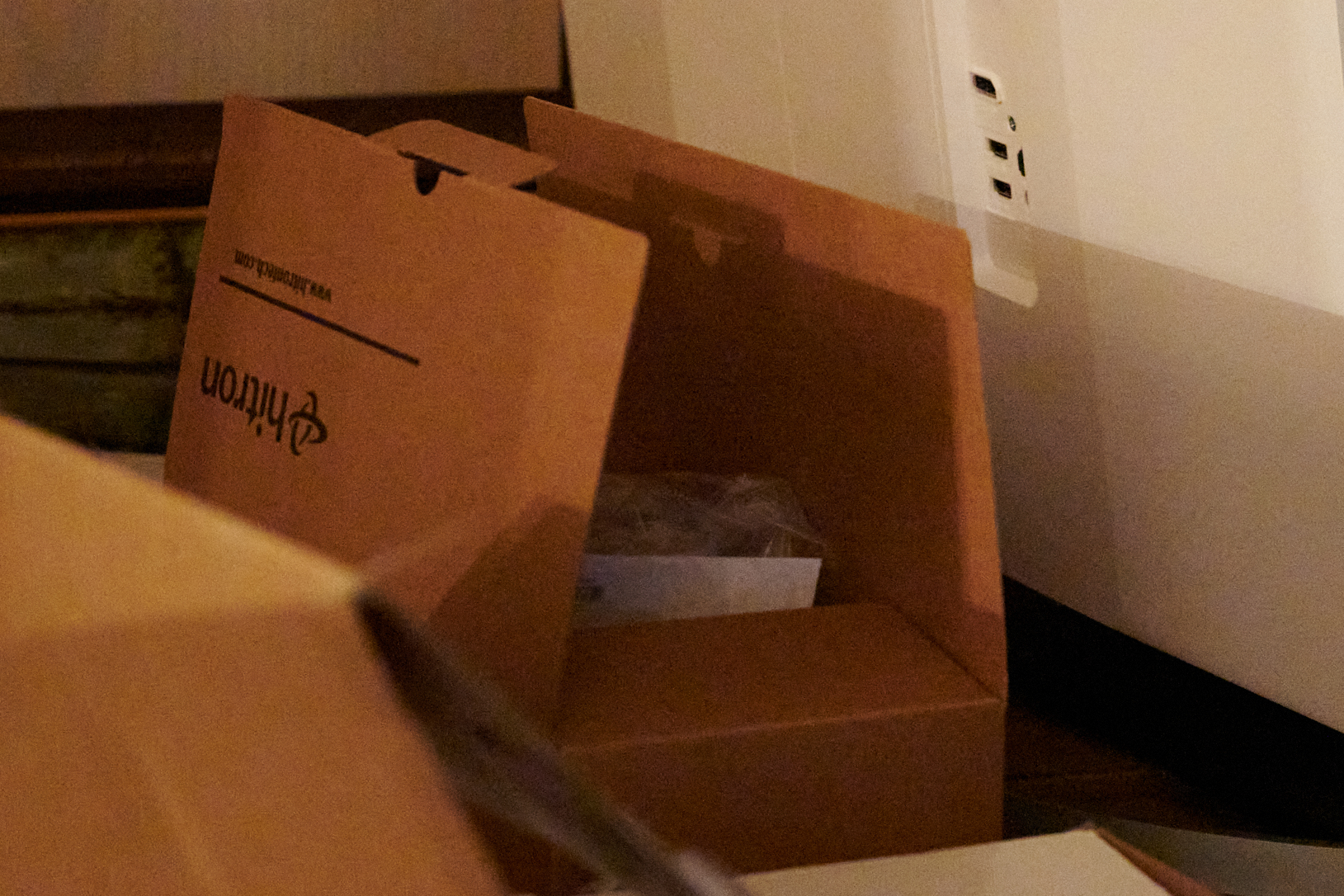
Same photo as above. Cropped down This is from Capture One.
 0
0 -

What are the artifacts?
0 -

Try really bumping up the color noise reduction slider.
Your example photos are not really showing us much.
You need to show zoomed in a lot more.0 -

To echo Paul S's question, what are the artefacts?
The NX-D image looks very soft compared to the C1 image.
Are the samples crops at 100% resolution?
Both output examples suggest to me that that ISO setting is only useful in cases of extreme need.
0
Post is closed for comments.
Comments
4 comments