Wonder why the difference in picture color in Export vs Edited C1 file?

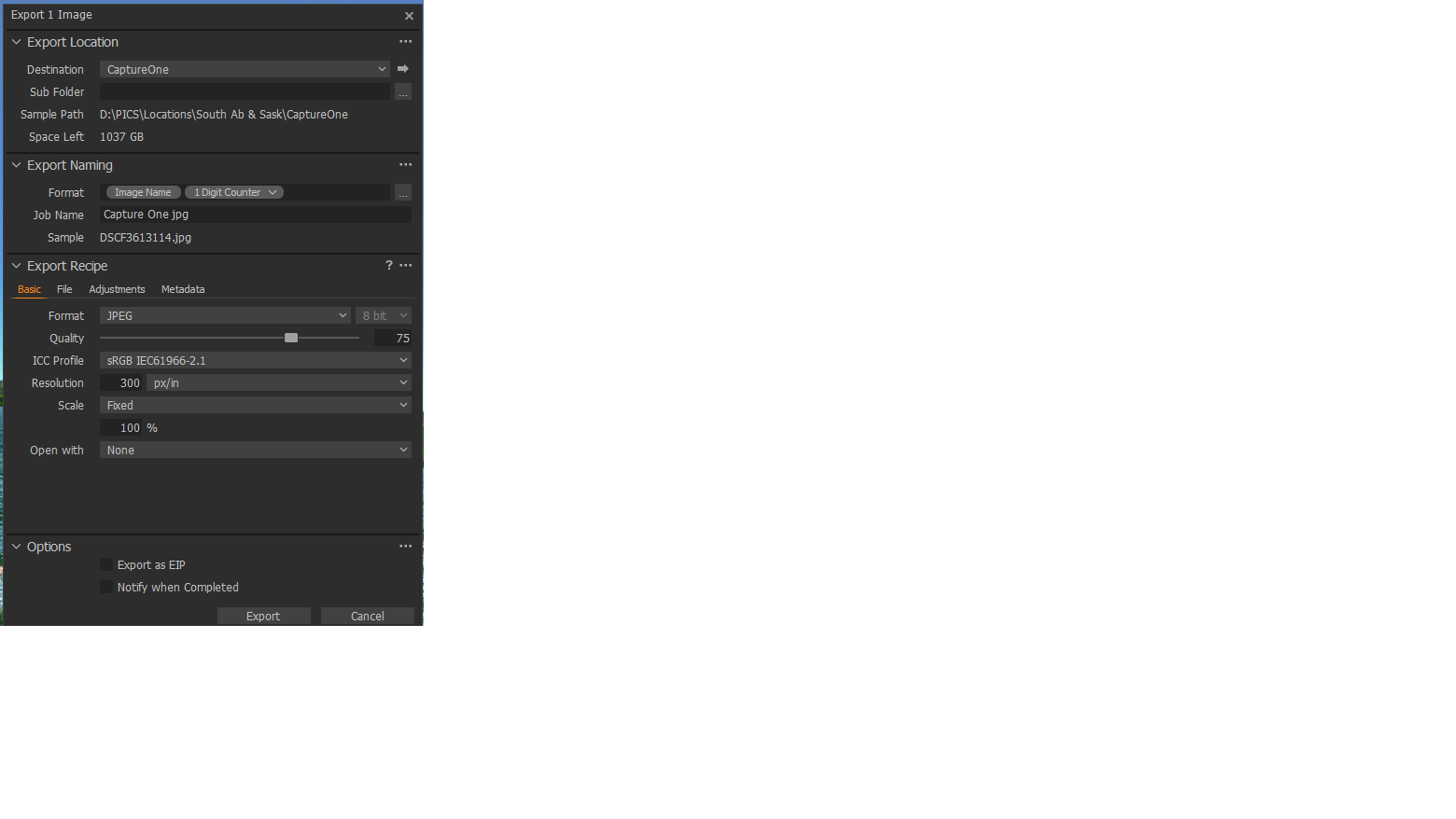
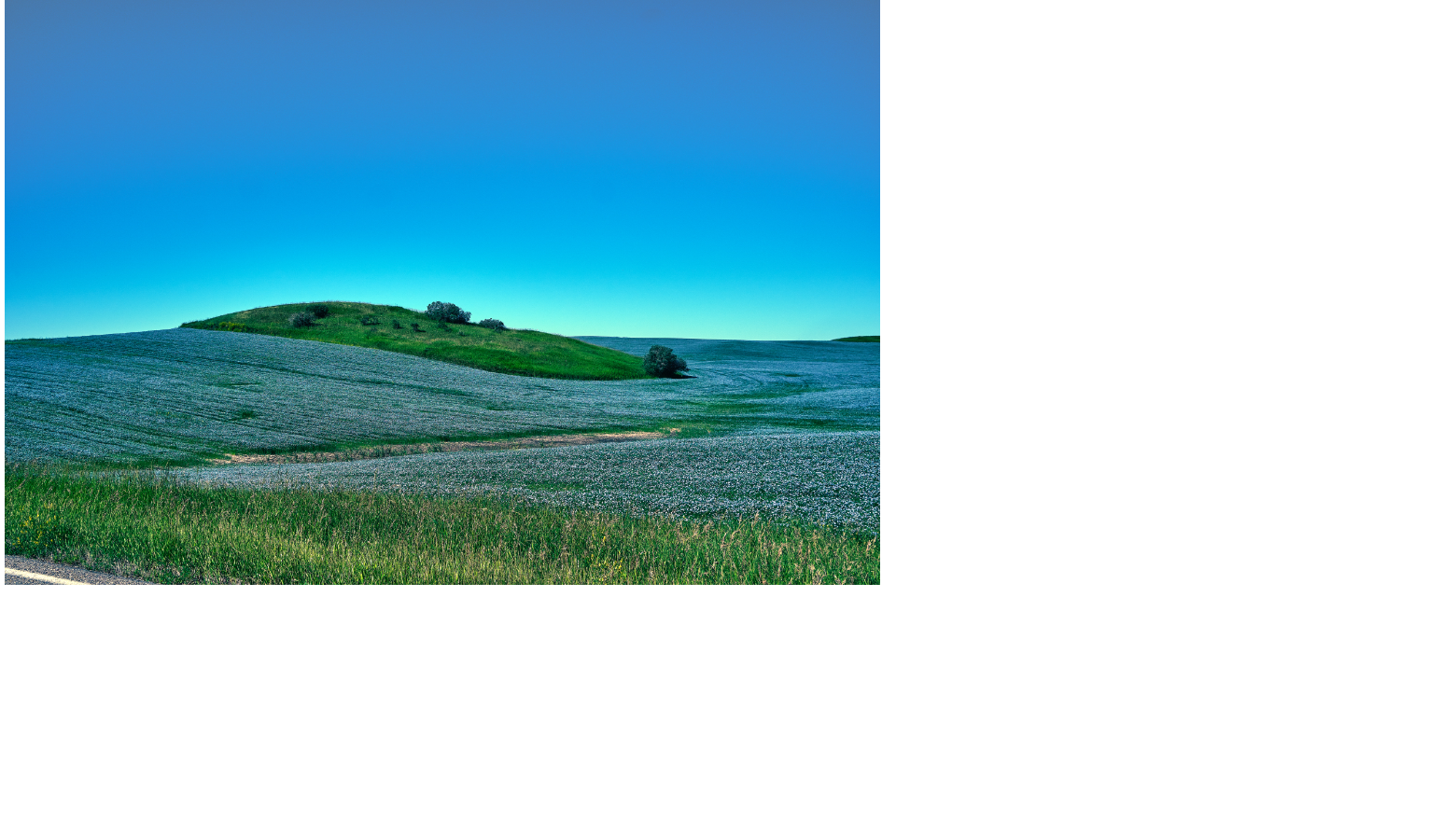
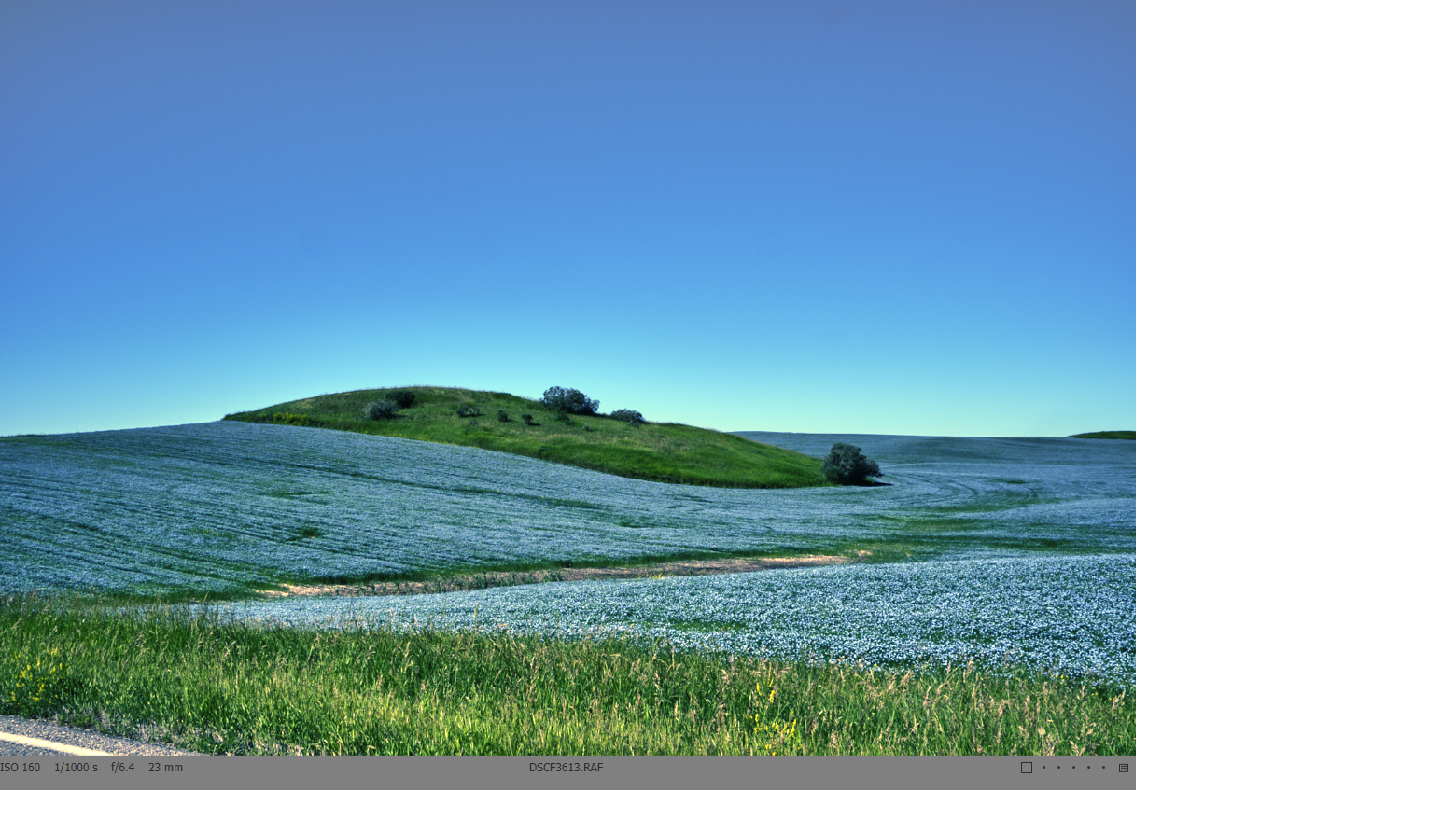 How can this be fixed, as when I send exports to friends, they would say how bad the pic looks. No answers to this on the Forum. btw, the colors don't look as bad when pasted here, as they do in real time..
-
my email is: star.traveller17@gmail.com.
0 -
The smaller pic is the Exported one, and the larger is the Edited one.
0 -
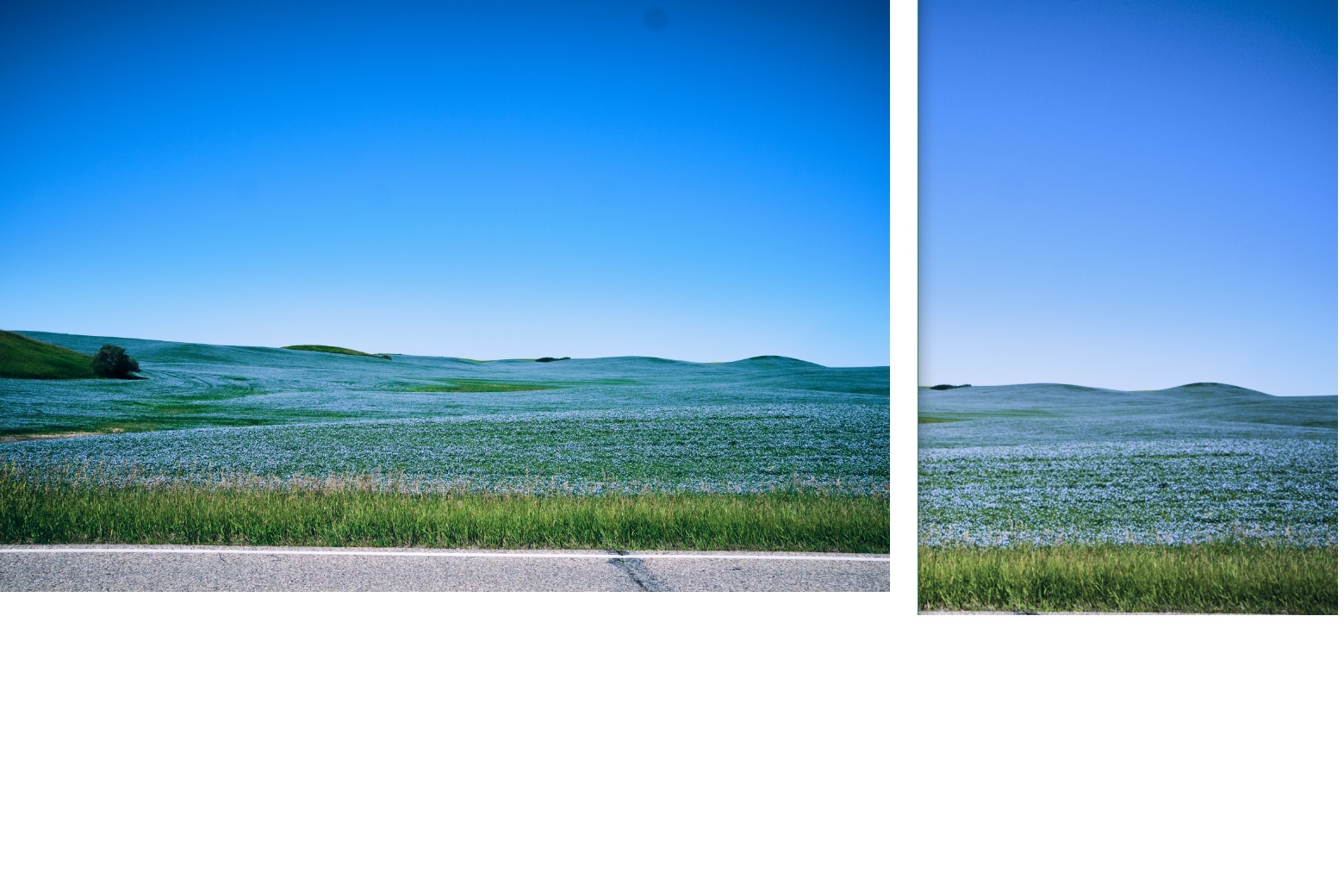
This screen shot of both together shows the color shift better.
 0
0 -
Exported pic is on the left.
0 -

Probably a matter of color management or export color space.
This is very difficult to explain to people who don't understand color management, so check it out yourself.
0 -

What Shinpei Hiruta said. The viewer you use outside of C1 needs to support color management. Irfvanview will support it with an addon.
0 -

i say its C1 at its best...
0 -

Lawrence,
The output files are different sizes in terms of pixel dimensions?
I assume they are but just checking.
If so you will very likely have some subtle (or maybe not so subtle) colour/pixel differences based partly in compression processing and partly on how are eyes see things.
0
Post is closed for comments.
Comments
8 comments