Capture one 20 crashed regularly

Since the last two updates, Capture One 20 (13.1.2.37) has regularly crashed during editing in the session mode (400 photo's).
This is very frustrating.
Even after I have done a clean installation. Never had this problem before.
-

Hank,
You really need to take this up with the C1 Support Team to get personalised assistance and an assessment of the log files, etc.
There are so many possible variables that could be influencing what you are experiencing that most likely only a detailed assessment of your system and data files will identify the source of the problem.
Use the "Submit a request" option found on the top line of most of the Support pages.
That said, if the crashes occur with some regularity - say about every 10th image you access or something like that - take a look at the images you have an maybe look for any thumbnails or previews that look "wrong" in some way.
If you find one try regenerating it. If it still looks "wrong" it may be an indication of a corrupt data file somewhere in the system.
I use sessions (but also Windows not Mac) and several years ago had a similar sort of problem with a session of several thousand images.
When I finally spotted a corrupt thumbnail and deleted the edits related to it, the problem went away. I think what had happened was the the Windows system had written a file fragment (i.e. a chunk of a larger file as stored at the disk and operating system level) to disk with an incomplete internal reference number/name. That meant it was, from time to time, selected and used to build data sets that it was not part of.
In my case the file seemed to be a fragment of a .cos file. That meant that it delivered incorrect data types to C1 in certain situations - e.g. a character interpretations for a data string when the program was expecting only numeric and that will usually immediately crash an application and a system.
Application are written to check to for this in normal situations but have no way of realistically checking every single input when a file fragment that should not be there is delivered by the OS file management system.
Deleting the edits eliminated the .cos file that seemed to be affected. As a precaution I deleted the original file as well and re-imported it. All was well after that. This was back in V6 or V7 days. .I have not seen the same problem again since then.
If you are seeing the problem across multiple sessions (especially if you only have one session open at any time) then you may have a similar sort of situation but in some generic file with shared usage across the system.
It might be difficult to pin down but the log file will, hopefully, narrow the possibilities.
Even if the cause is not the same as in my case the possibility of something similar should still be considered. If it a "User" related file that is not automatically replaced by a re-installation then even a re-installation (a typical suggestion to try) would not resolve the problem. That's why it is beneficial to try to understand what the log files are indicationg.
0 -

I am having the very same problem. 2019 iMac, 64GB RAM, i9, Radeon Pro 580X 8GB.
The very same session did run without any problems on Capture One 12 for over a year. I updated to Capture One 20 2 days ago and already had several crashes in very different situations.
0 -

same here
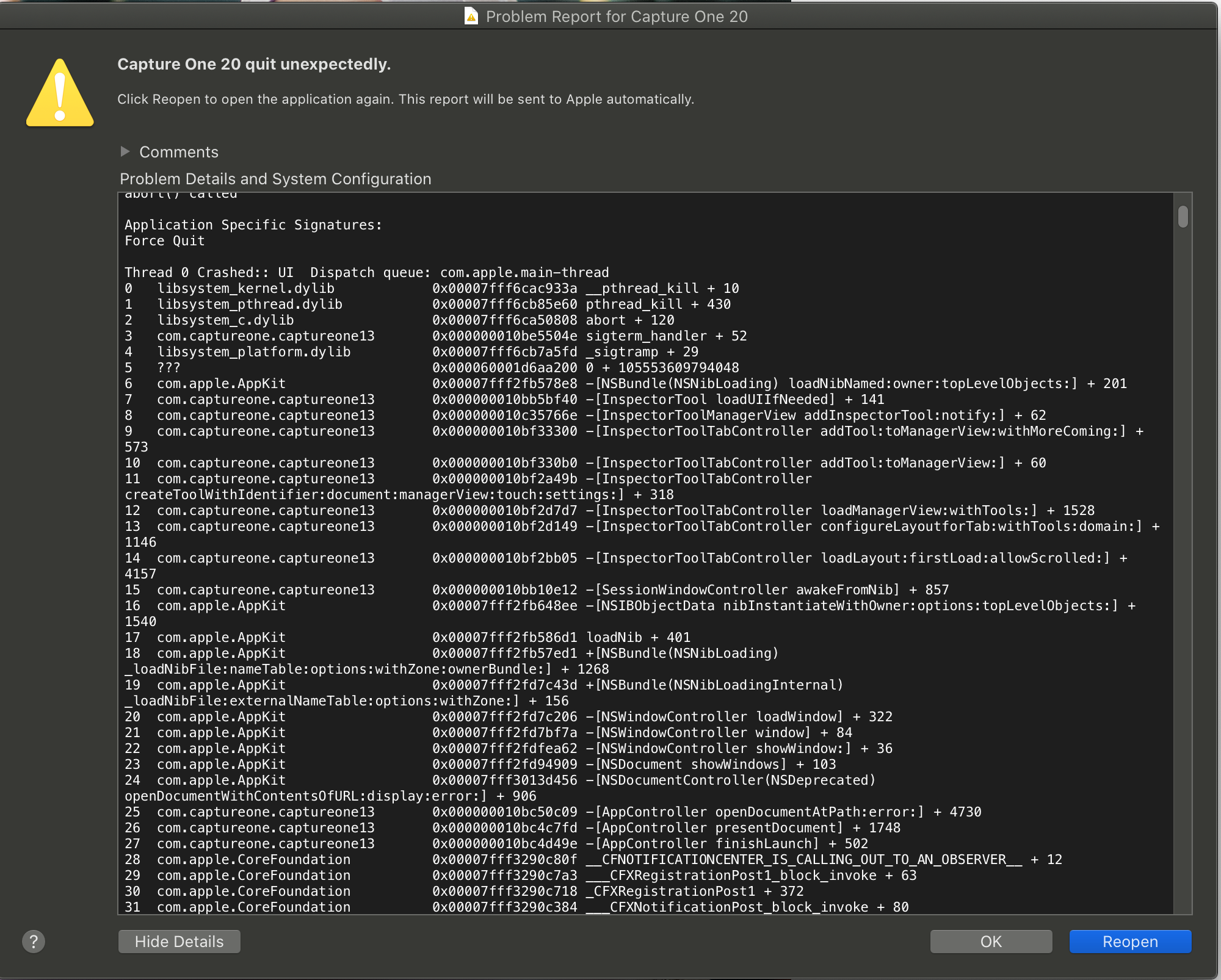
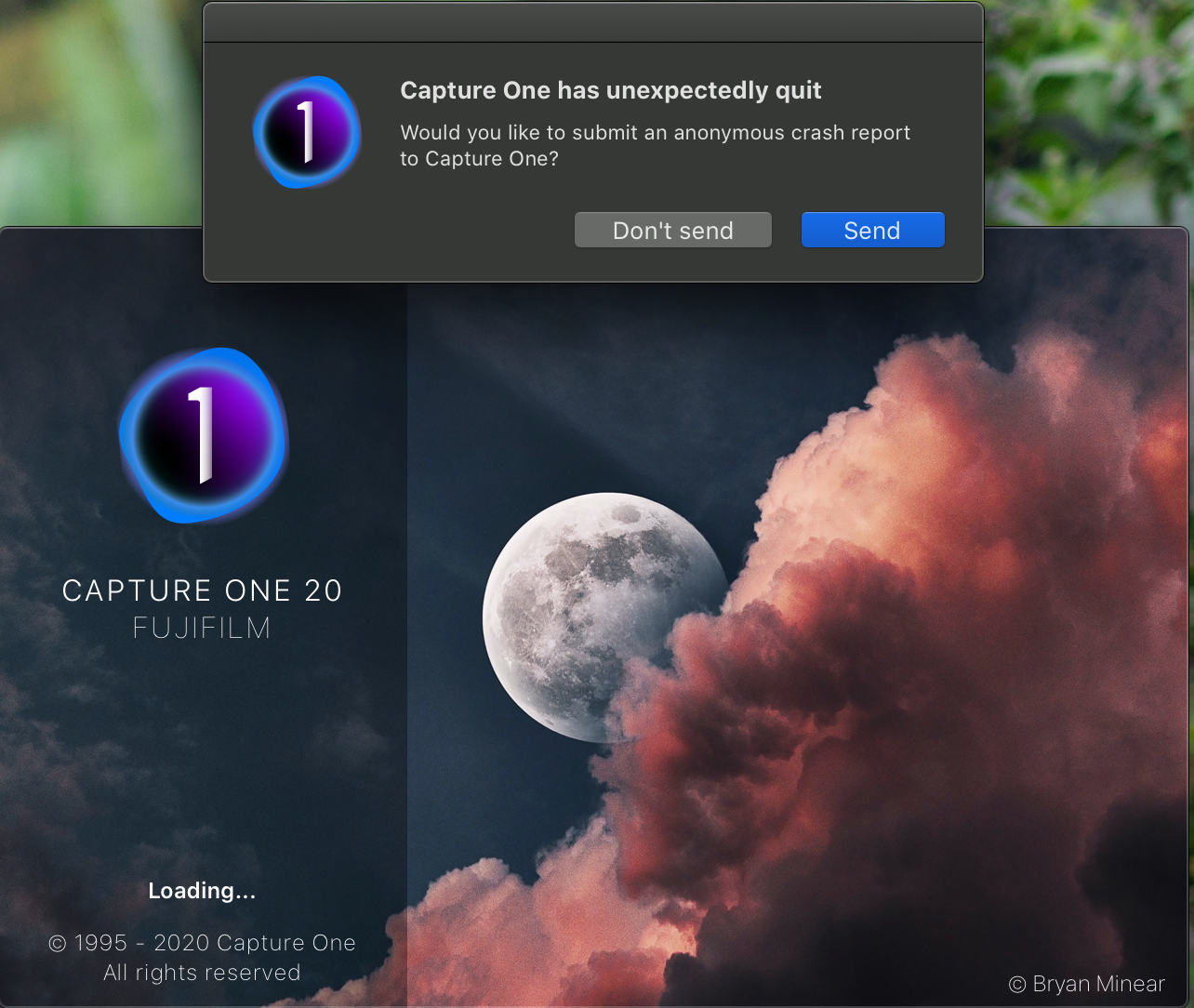 0
0
Post is closed for comments.
Comments
3 comments