All color lost when zooming

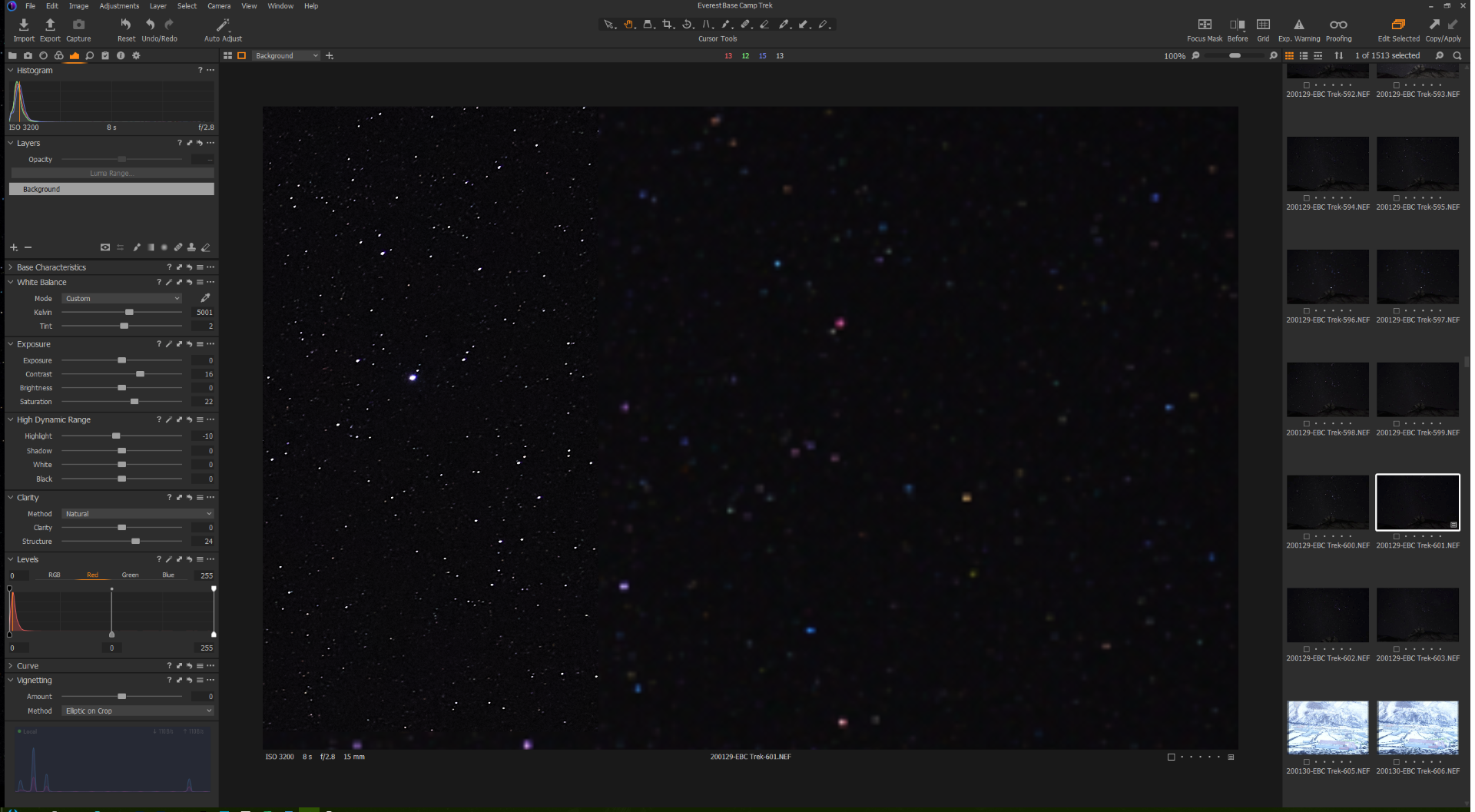
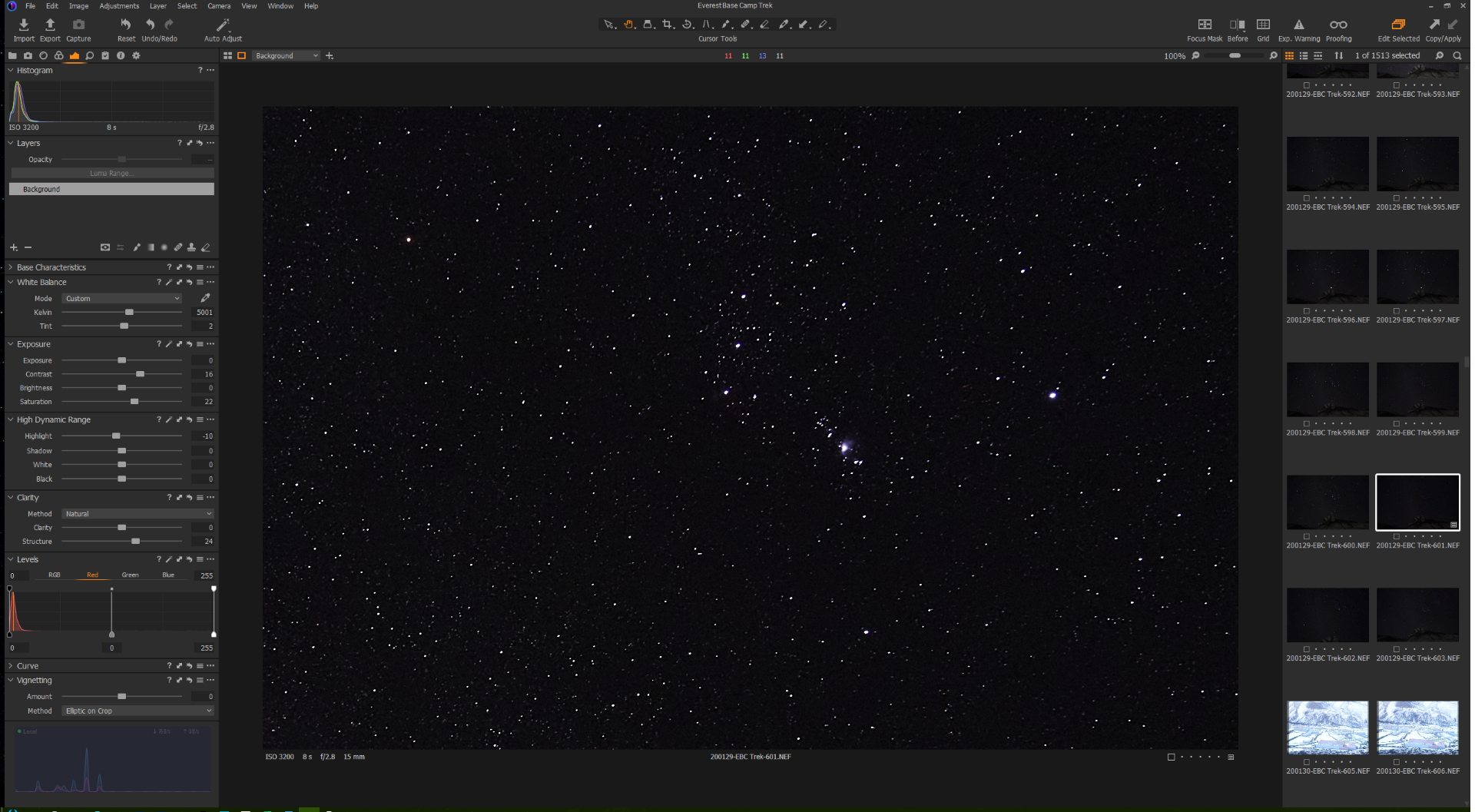
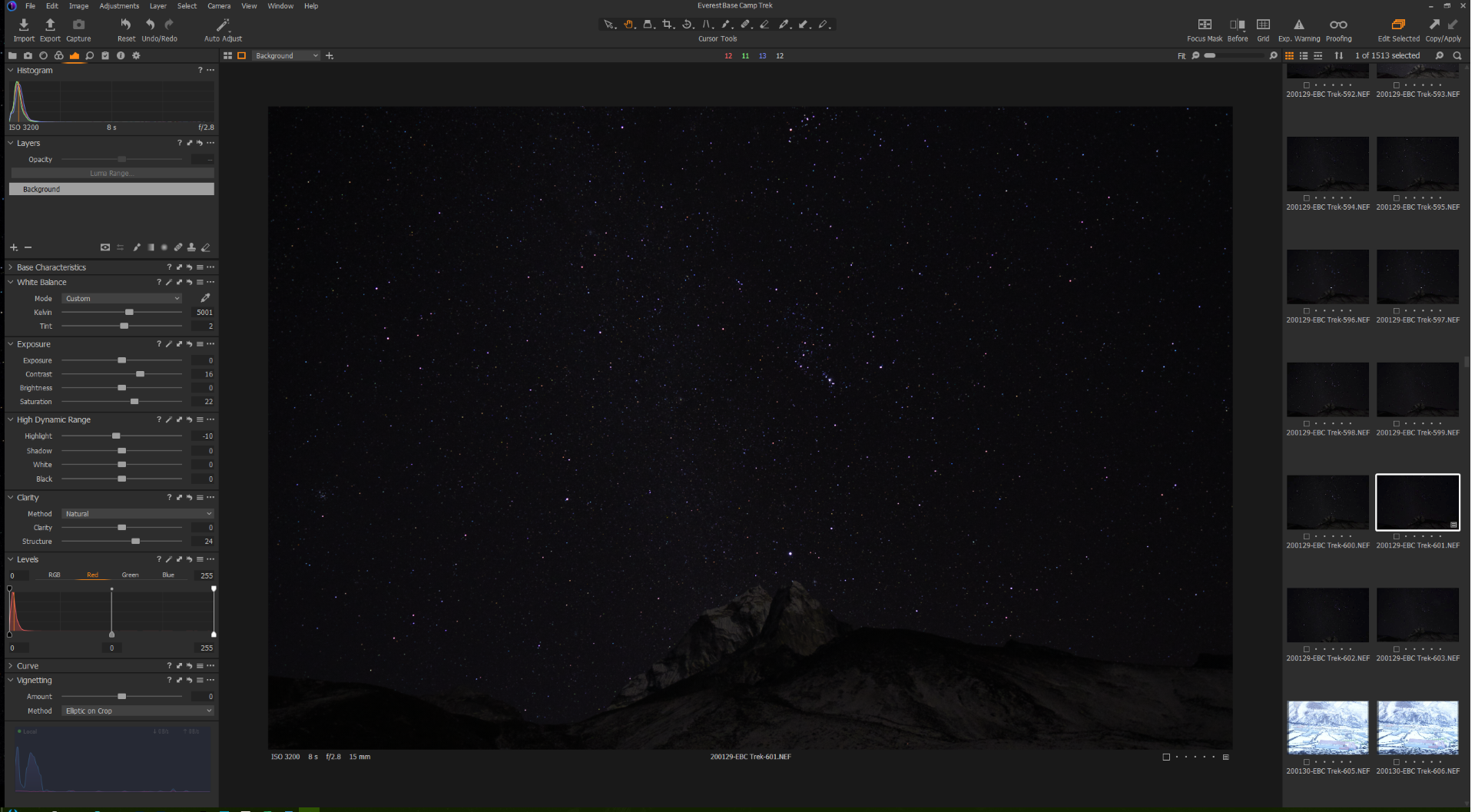
I have an image that I took of some stars in Nepal. When the image is fit on the screen, the color is fine. When I zoom to 100% all color is lost. If I grab the image and move it, before it renders the image, you can clearly see the color. This does not happen in LR. Any ideas?
Capture One 20 for Nikon Build 13.1.0.162, Windows 10 Pro 64bit, Intel i7 9700K, GeForce 2080Ti, 32GB RAM, 2-Samsung 970 Pro 512GB
-

The colour values for the cursor position are much the same for each image. However in the unzoomed version the results will be an average of fewer pixels and the chances are, given the extremely restricted nature of "working areas" of dynamic ranges in night shots, that the colour see is an interpretation resulting fomr the file compression pixel averaging.
Two thoughts.
I would be tempted to experiment with the Base Characteristics settings. In particular to see what happens when you reduce the Contrast either via the chosen film curve or as an Exposure Tool adjustment.
For that type of subject matter (and most others in my case) I would be very tempted to start with a Linear Curve and then see what an Auto Levels does to the image. Set the Preferences for Auto levels to work on the separate channels rather than RGB.
If you want colour in that sort of image you need to carefully adjust the Histogram to open up towards medium values rather than stuck deep in the dark areas. Once you have the colours visible at 100% you will have better control over the outcome.
For alternative approaches check out some of the recent C1 editing sessions on Paul Reiffer's YouTube channel. I seem to recall one from about 6 to 8 weeks back where he covered one or more night sky shots sent in by followers.
There was also a dedicated C1 webinar on the same subject from C1 in recent times. Should be possible to find it via a search in the Community pages.
Your top example images seems to be only partly processed for display based on the screen grab. Did stop before completing?
If you are seeing that problem try turning OFF hardware acceleration in the preferences to see if the things become more consistent. Some GPUs have a reputation of being a little problematic from time to time. I have no idea if yours is one of them but turning them off is a quick and simple sort of test.
0
Post is closed for comments.
Comments
1 comment