Exposure, Contrast and Saturation levels wiped out import from LR

Imported a Lightroom catalog and many of my photos show up as entirely black with the exposure, contract and saturation sliders pulled all the way to the left. If I "reset" them the photo is fine but none of the settings came over from LR.
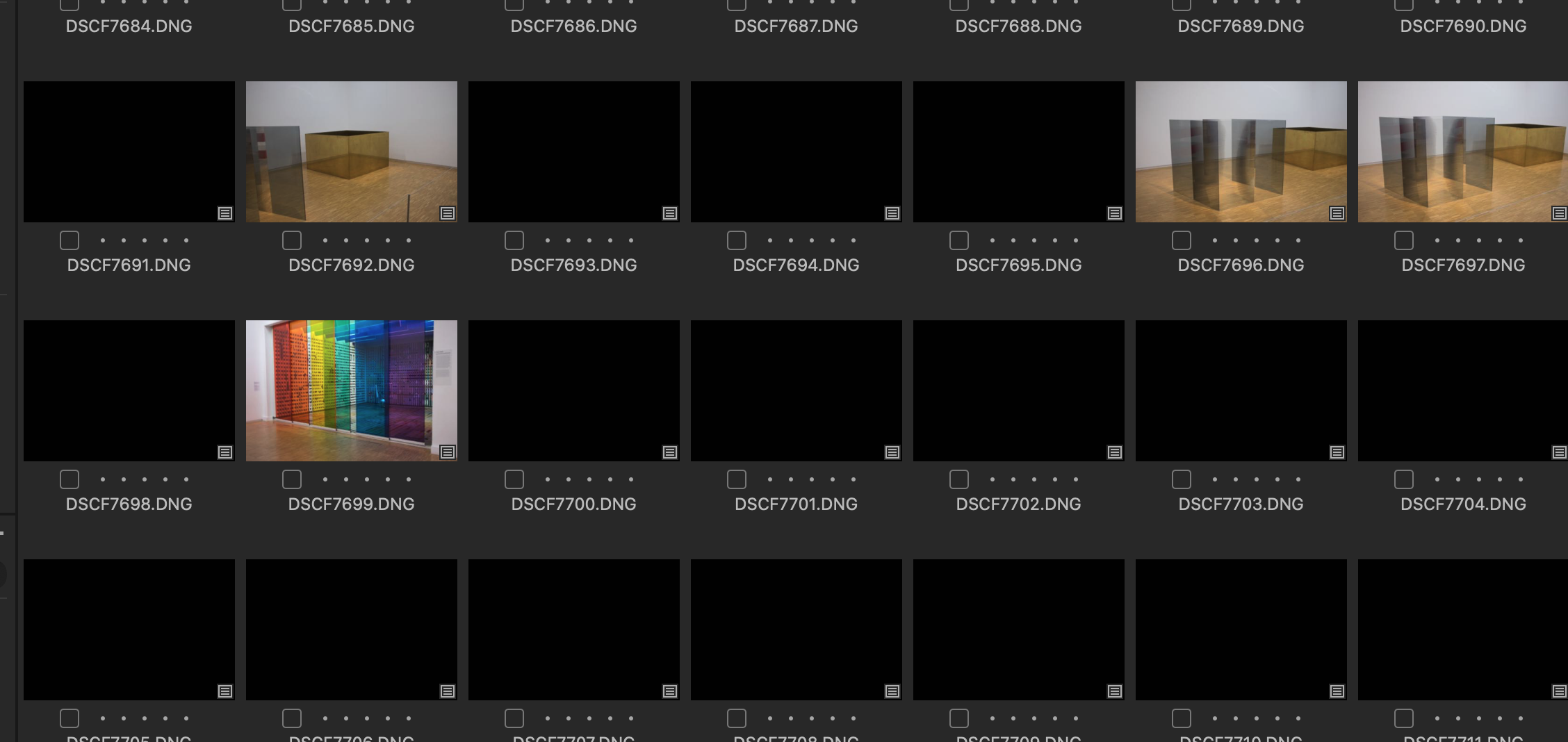
-

What do your images look like in LR before you work on them? Are they grossly underexposed?
It's expected that C1 doesn't carry LR adjustments over. I think they even warn about that in the documentation. Same for importing adjusted images from PS, [very old] Apple Aperture, and other programs. The adjustment algorithms are different.
If you want the "as-adjusted" LR images in your C1 catalog, then you need to export them from LR as TIFFs and then import both the Raws (so you can work on them fresh) and TIFFs (so you can start with LR adjustments) into your C1 library.
Your observation is exactly why I recommend that people coming from other programs keep their old catalogs and software so they a) have a reference for C1 adjustments (if desired) and b) are able to print the LR versions if needed.
I came from Aperture and C1's capabilities, even back then, were so much better that I chucked the Aperture library after a couple of years of not accessing it.
0 -
Permanently deleted user
"It's expected that C1 doesn't carry LR adjustments over. I think they even warn about that in the documentation."
Lightroom Feature
Will it be migrated?
Where can it be found in Capture One?
Saturation
Yes
Check the imported Saturation settings on the Saturation slider of the Exposure tool inside the Exposure tool tab.
Contrast
Yes
Check the imported Contrast settings on the Contrast slider of the Exposure tool inside the Exposure tool tab.
Exposure
Yes
Check the imported Exposure settings on the Exposure slider of the Exposure tool inside the Exposure tool tab.
0
Post is closed for comments.
Comments
2 comments