Adjustment Layers Duplicate when Merging Catalogs

I have a Master Catalog (all projects), and a Laptop Catalog (current project being edited).
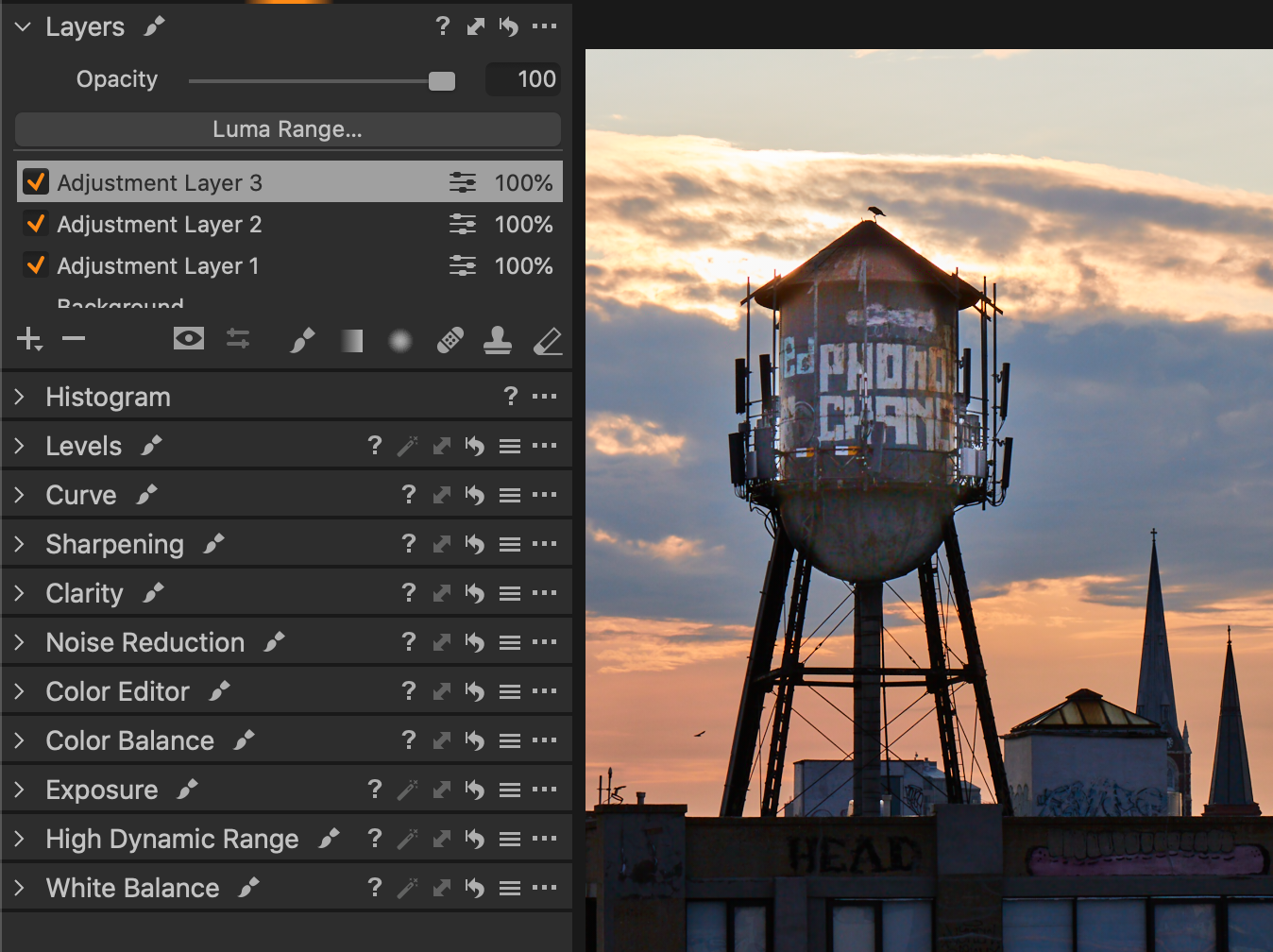
Each time I re-sync the adjustments from the Laptop back into the Master Catalog, the imported Adjustment layers are added – not simply updated – and I end up with duplicates of identical Adjustment layers. This multiplies their effect - for instance, layers with exposure gain brushed in are now double or triple the exposure, depending on the number of times the catalog was re-imported.
Other changes such as global adjustments, keywords, star rating, color tags etc seem to update correctly.
Any suggestions to ensure the Adjustment layers match the imported version, and not multiply?
-
When you say you sync the adjustments from the laptop back into the master catalog, what exactly are you doing? How are you accomplishing that?
Ian
0 -
Hi Ian – I'm just importing a Capture One Catalog.
So from the Master Catalog, I export (as a new catalog) the particular project I want to work on to my laptop (which includes a copy of the original images).
Then I'll do all my selections and editing on the laptop.
To "sync", I re-open the Master Catalog, and import the Laptop catalog. Since the images exist in both catalogs, a dialog box pops up and asks which version I would like to use – the current version or the imported version. I select the "Imported" version, and all the changes I've made on the remote Laptop are now reflected in my Master catalog.
Except images with Adjustment Layers... the import process doesn't remove the old Adjustment Layers first, it just appends the imported Adjustment Layers.
0 -
I suspect you're seeing what some users have complained about: when copying adjustments among images, all adjustments in the source image are added above any layers in the target image. Likewise (although I haven't tried it), I suspect that if you're importing adjusted images into a catalog with the same images that already have adjustments, the new layers will probably be added to whatever was already there, and adjustments to the Background layer will replace whatever was in the original catalog.
But that's just my educated guess.
0 -
Thanks Abbott – a bug that C1 will address you think?
Perhaps in the mean time I could just Reset all photos before re-importing.
0 -

David,
It used to be that copying layers always replaced and existing layers when editing. Presumably the same for your Sync process at the time.
It seems that many users objected to that because they wished to append new layers to existing ones. So it was changed to the "least destructive" option - which would be keep everything and allow people to decide what to do later.
As ever it seems that what works for some is totally unacceptable to others.
I would guess that it might be possible to work things one way or the other with any images processed since 20.1 was released but there may be some issues with backwards compatibility that needs to be allowed for depending on the content of the layers.
I don't think assuming that one layer is to replace another on the basis that, for example, it has the same name (nor the opposite assumptions) are necessarily acceptable solutions for everyone. Once one is at that point its difficult to know what to suggest that might have general appeal and yet not overcomplicate the application or the understanding of the mechanism by which it works.
I would suggest you use the "Submit a request" option and create a Support Case to initiate a personal dialogue with the Support Team to discuss things.
I work in sessions so the question of syncing back to a catalogue does not arise.
But even if I used a catalogue as a master I think I would keep to the session until I felt the work was complete for the most part and then simply load it once to the catalogue.
Sessions are somewhat easier to deal with as complete and portable data sets. At least that is my observation. Others may disagree.
0 -
Thanks for the explanation, SFA, very helpful.
I'll submit a request. It's critical (and simpler) that when importing adjustments the incoming changes are reflected exactly.
I use sessions when tethering, and then import into my master catalogue afterwards. But I import media cards into the Master Catalog because that has a whole backup system established on my disks. And then from there, if I want to edit on the road (or on a faster disk), I was exporting as catalog rather than session because it reflected the changes better (i'm trying to recall - I think something about when importing sessions the original media are referenced rather than copied into the catalog as managed images).
0

Post is closed for comments.
Comments
6 comments