Color artefacts after export

Hi,
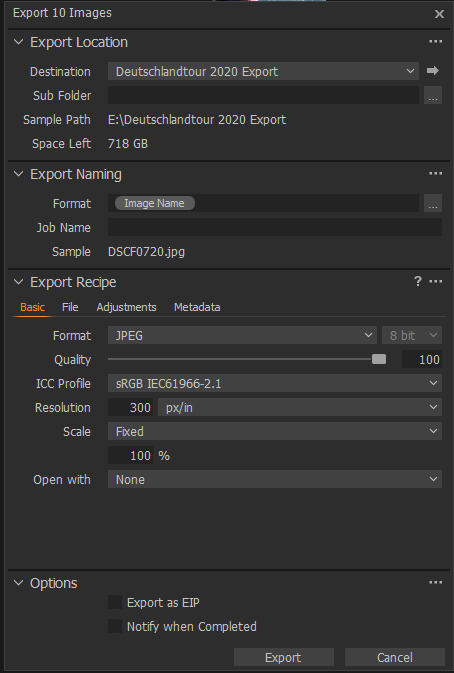
I use C1 version 13.1.1.31 and have the following problem. I imported RAF (Fuji) images and used the autoAdjust function and the images look really nice. When I export the image (variants, I hope that is correct) to get .jpg, there are weird color artefacts that I cannot explain (see example attached). I also attached a screenshot of the export settings, but I think those were the standard settings.
Thanks for your help,
Toby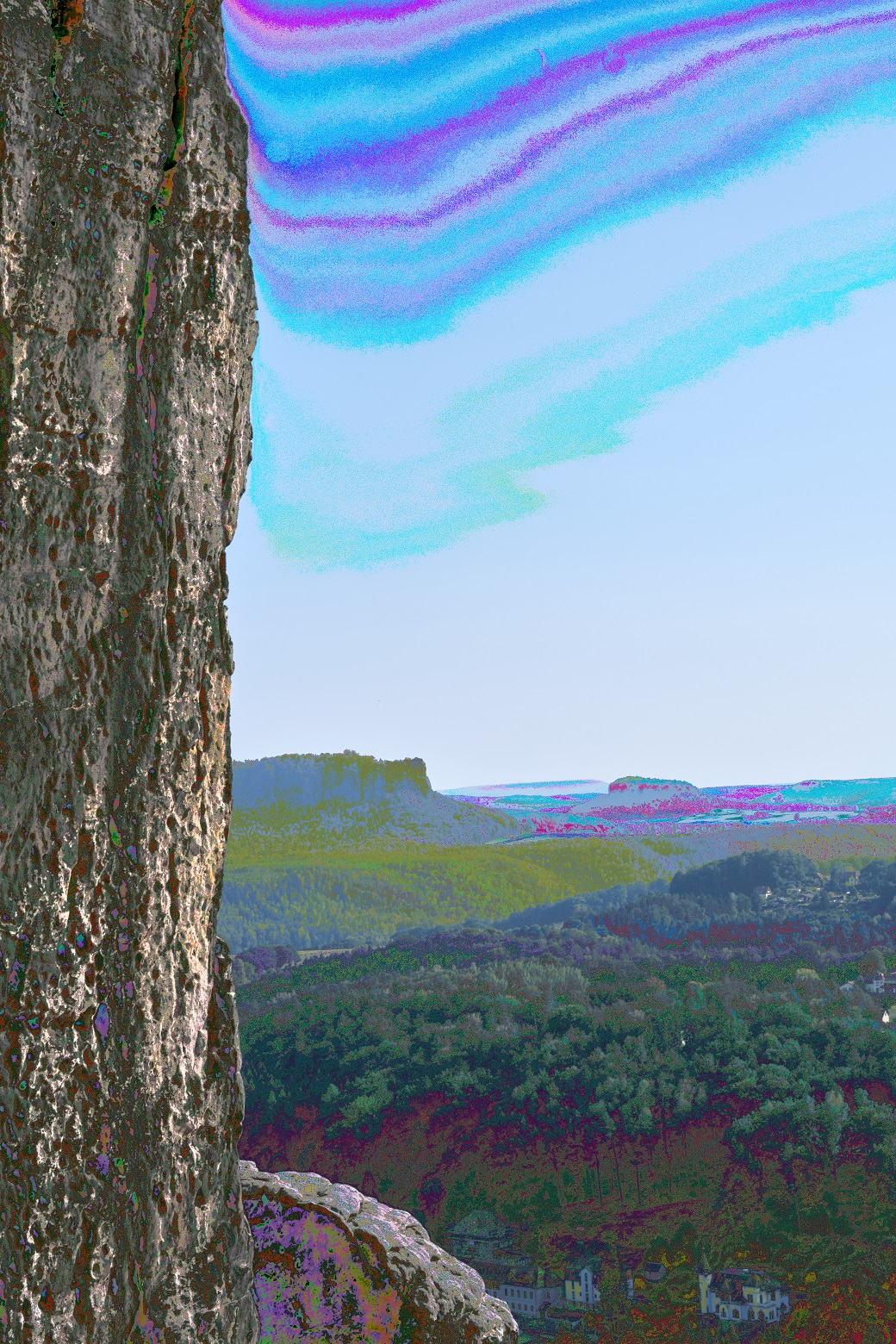
-

In the main Preferences Tab check the "Use Hardware acceleration?" fields values.
If they are set to "Auto" and the message under the fields indicates that Hardware acceleration is bing used, change the settings to "None" for Output or, possibly if you so choose, both fields. Then try again.
If no change then restart Capture one and see if that makes a difference.
You may also need to consider the potential for other factors for Fuji camera used - for example have you used an internal film simulation curve when shooting the image.
If the Hardware Acceleration setting change does not make a difference there are quite a lot of additional pieces of information that might be required to generate clues about what has caused the effect you are seeing.
0 -
Well thank you, it worked! Could you explain what happened here and how hardware acceleration is "bad" in this case?
Best wishes
0 -

There is no logic to it, some cards/systems just don't work with it.
Been like that for years unfortunately.There always seems to be one or two posts a week here complaining
about graphical problems that are solved by turning GPU OpenCL off.0 -

Try updating your GPU drivers from the manufacturers site. If you have an Nvidia card choose the Studio drivers rather than the gaming driver.
0
Post is closed for comments.
Comments
4 comments