Context/drop down menus not displaying

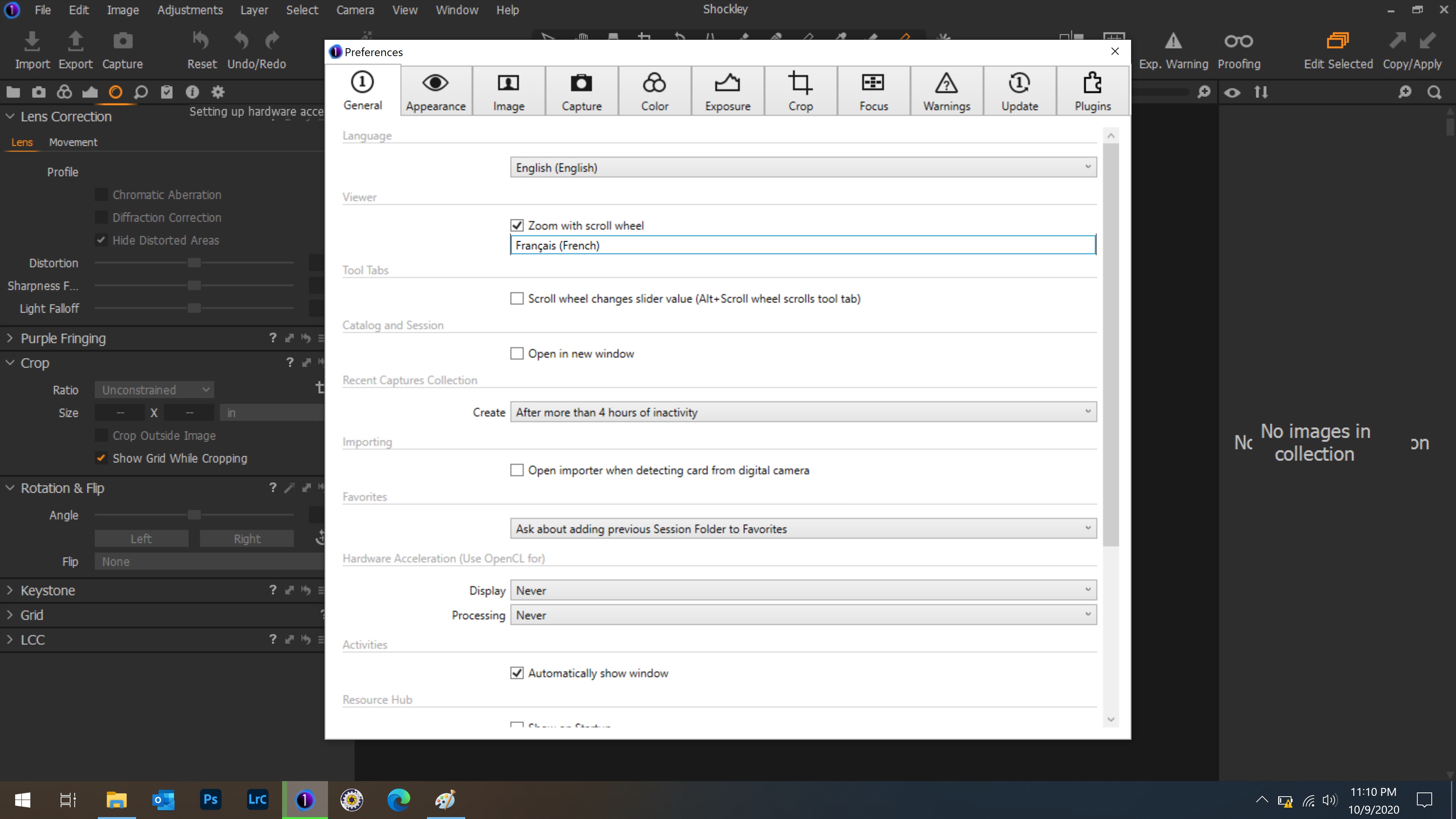
The drop down menu displays when I click the expand "down" arrow. But when I move the mouse to select the menu collapses and I can't select anything.
Also the "status window" does not display correctly.
Capture one 20 (for sony) Version 13.1.3 (also had issue with Version 13.1.2.
MSI Prestige 15 A10SC laptop (Core i7 10th gen, Nvidia Geforce GTX)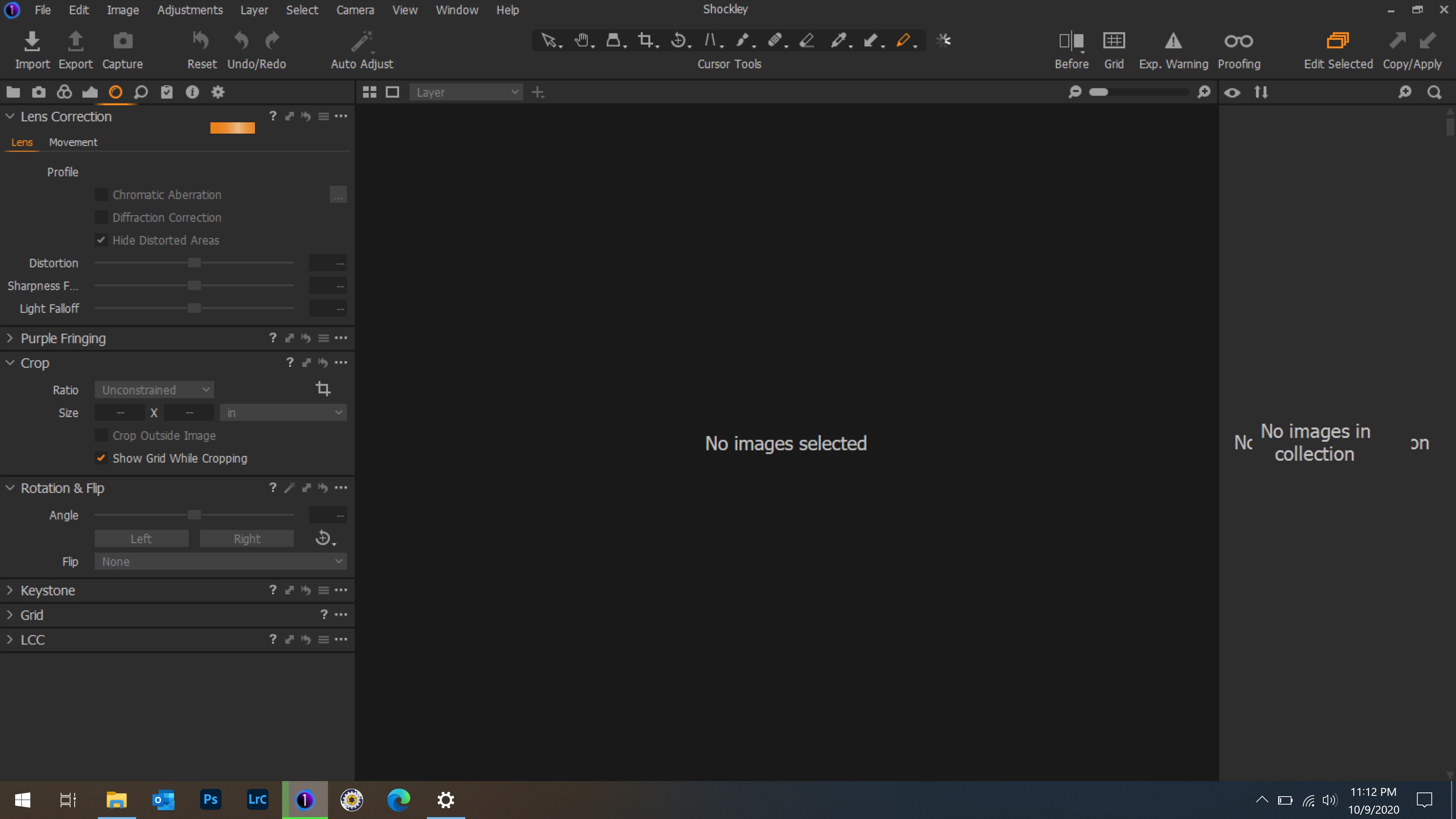

-

Maybe try an uninstall / reinstall.
0 -
I tried that did not fix.
Updated details
1) The menus display and function properly if I move the Capture one window to my BENQ SW271 monitor.
2) If I click the "down arrow" the menu displays correctly as shown in OP. And, if I move the mouse arrow up away from the menu then come in from the side I can select any item in the menu, however all other item menus disappear from the display.0 -
Just guessing here....
Try tuning Hardware acceleration OpenCL on.
What happens if you disconnect the Benq monitor?
Maybe save your workspace and switch back and forth between default and yours?
0
Post is closed for comments.
Comments
3 comments