Damaged image with Noise Reduction when exporting

Whenever I apply noise reduction on image and then exporting variant. The output image file will be damage like this (see image below). But If I not touch any noise reduction, it will work just fine!
I'm using Capture One Pro 20 (Trial 30 days) for Sony. (build 13.1.2.37)
I'm shooting with Sony A7M3 RAW.
(I never have any problem with Lightroom)

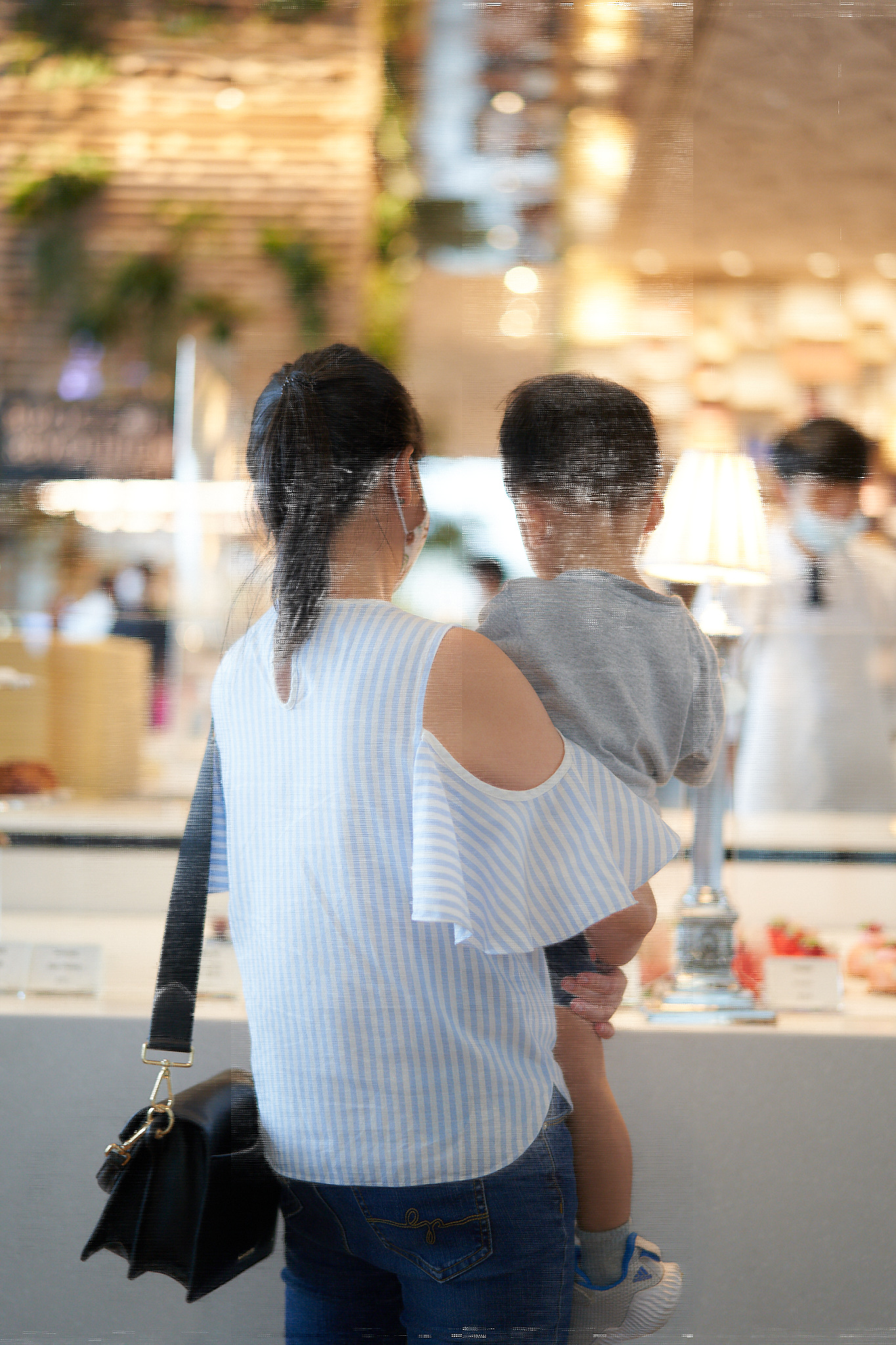
-
Sometimes, the damaged file will be like this
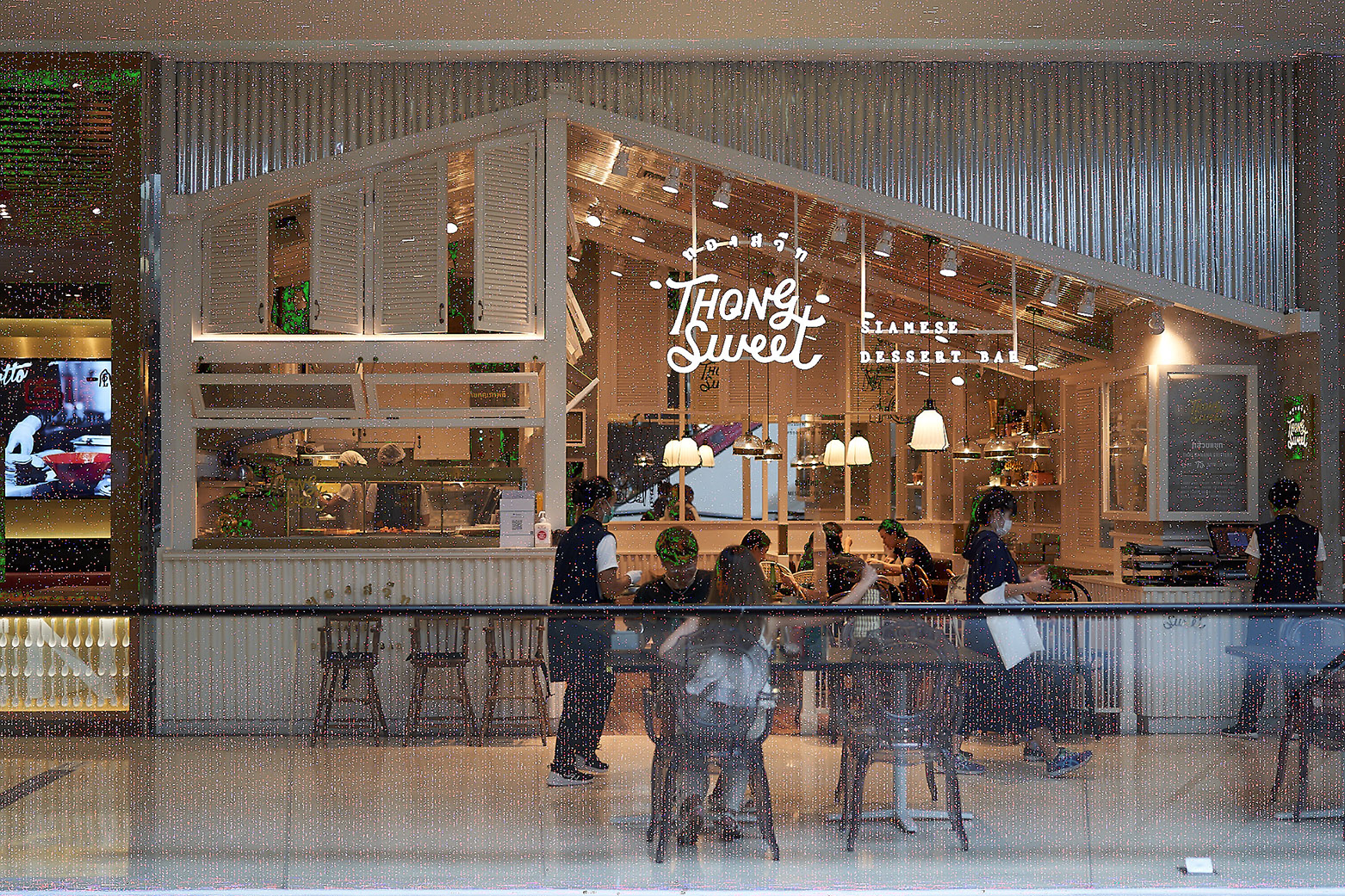 0
0 -

Tommy thatsvery similar to mine when i edit then covert it to jpg on to a folder on my desktop it is like that and sometimes even has like a exposure warming look. I'll have to checkout not using noise reduction . or even lowering it to the lowest it goes and see if there a difference .
Thanks Tommy
Eric Stoiber (Hobosnob)
0 -

Set the Preference value for "Use hardware acceleration" to "None" for both options.
Restarts Capture one. Produce the outputs again.
Are they different?
1 -
I just tried what you were saying and I used no noise reduction .and I came out like this once I sent it to the desktop folder. If anyone know what the heck is going on please speak up. It almost makes me want to go back to Lightroom . capture one 12 worked great then two weeks after 12 20 came out and ended up paying twice in a month for a permit license . this is so wrong. never had this problem till all these new up dates and have even tried going back to the beginning capture one 20 fujipro. same thing.it was even Black and white !
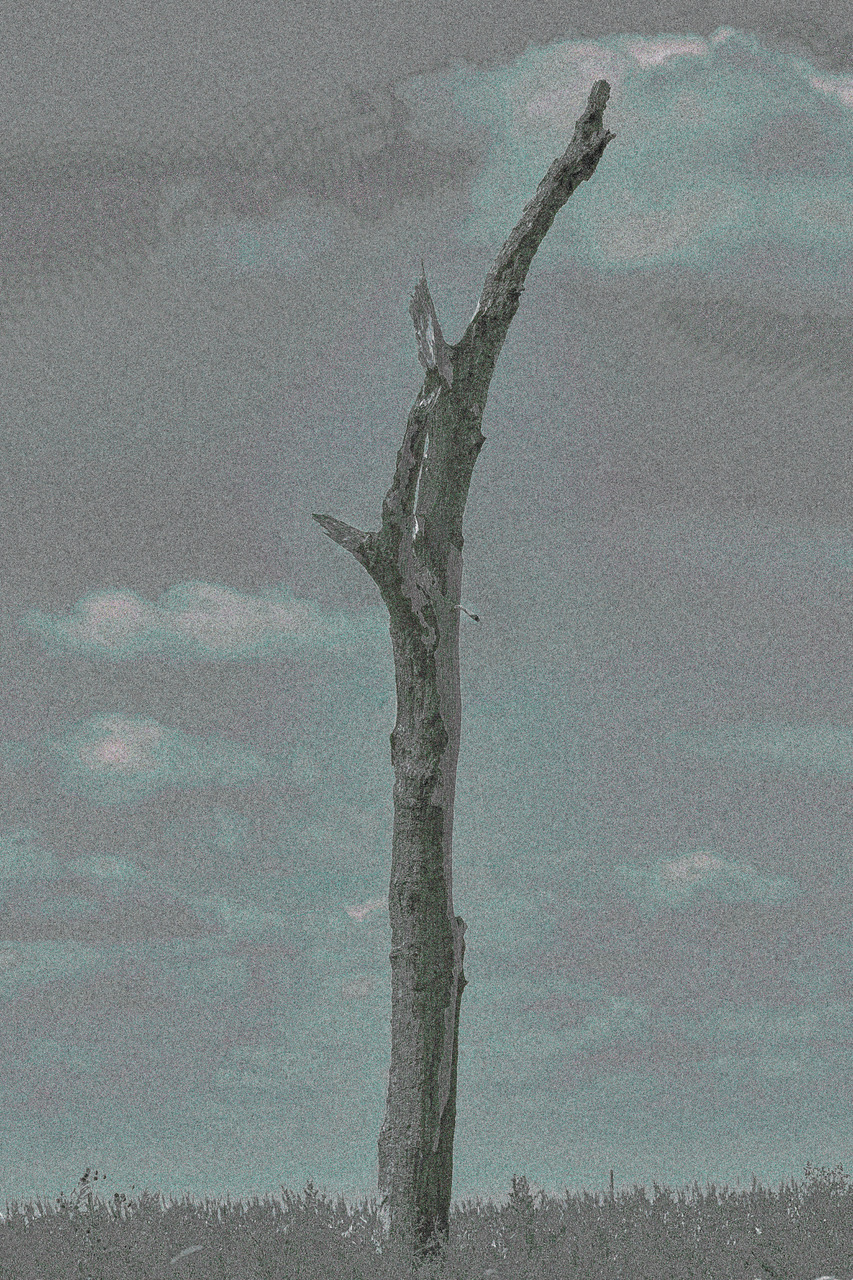 0
0 -
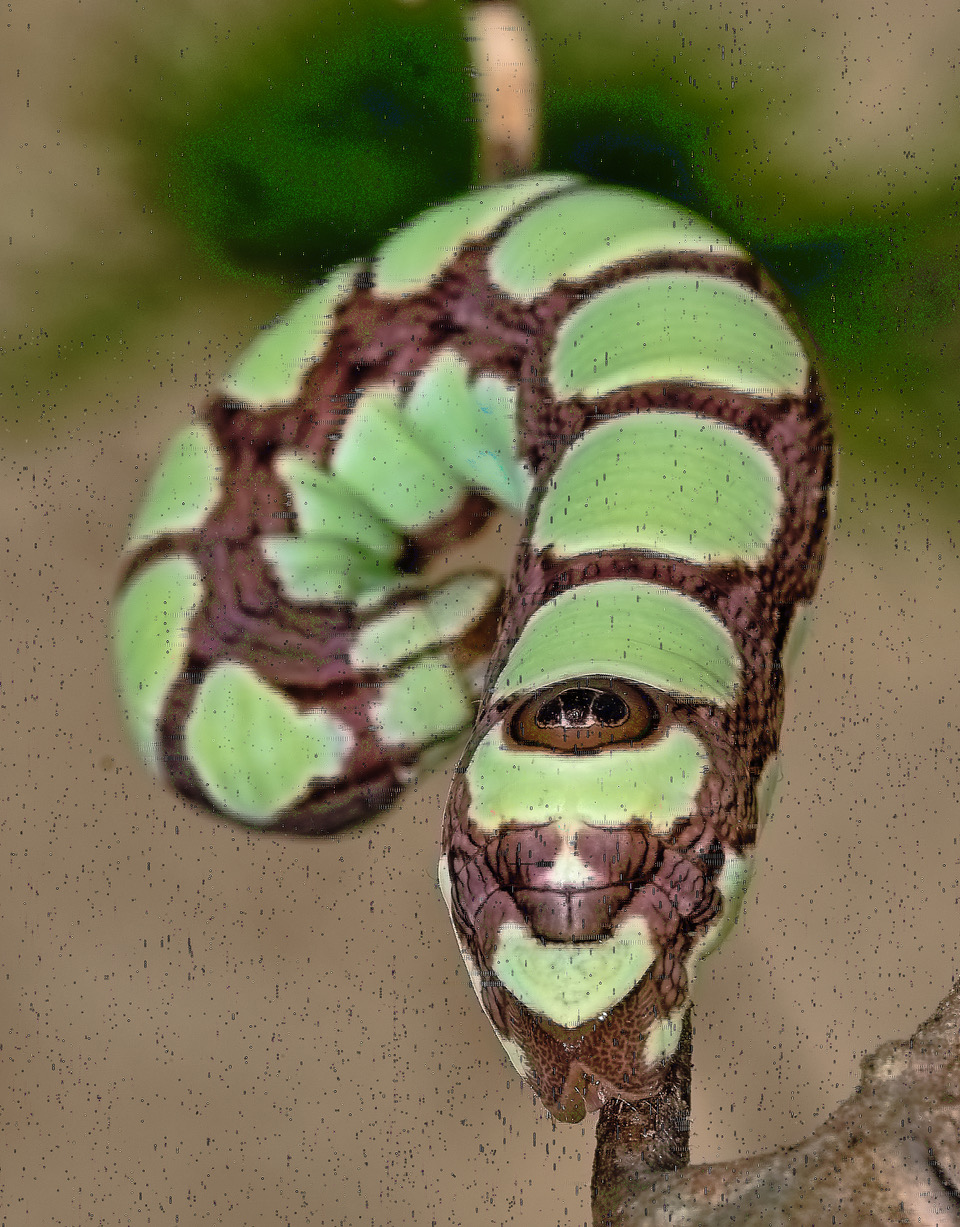
here's two others its not noise reduction it just happens on different ones here are two others.
 0
0 -
Im a purest not a painter I would never to that to my pictures. another. maybe capture one will get on this because im sure the two of us aren't the only ones and I paid for a Permanent Licence for fuji pro 20 and sony Permanent Licence and two weeks before version 12 and I'm on disability. meaning I make junk for money. would have been a nice macro shot but capture one 20 fuji pro did it again. maybe Capture one could get some one on this or some one on the forum / blog could help.
Eric Stoiber (HoBoSnob)
 0
0 -
Eric,
This is primarily a User to User forum.
For personalised support use the "Submit a request" option at the top of the page and create a Support Case complete with reference number and email trail.
But before that try the suggestion I posted just above you most recent posts to see if it makes any difference.
More often than not problems like these are due to issues of some sort with the software drivers that are used for dedicated GPU functions like accelerated processing. They can occur with both Mac and Windows but in recent times Macs seem to have taken a strong lead in the race for the creating poor compatibility.
Why is anyone's guess. But that's the way it looks.
0 -
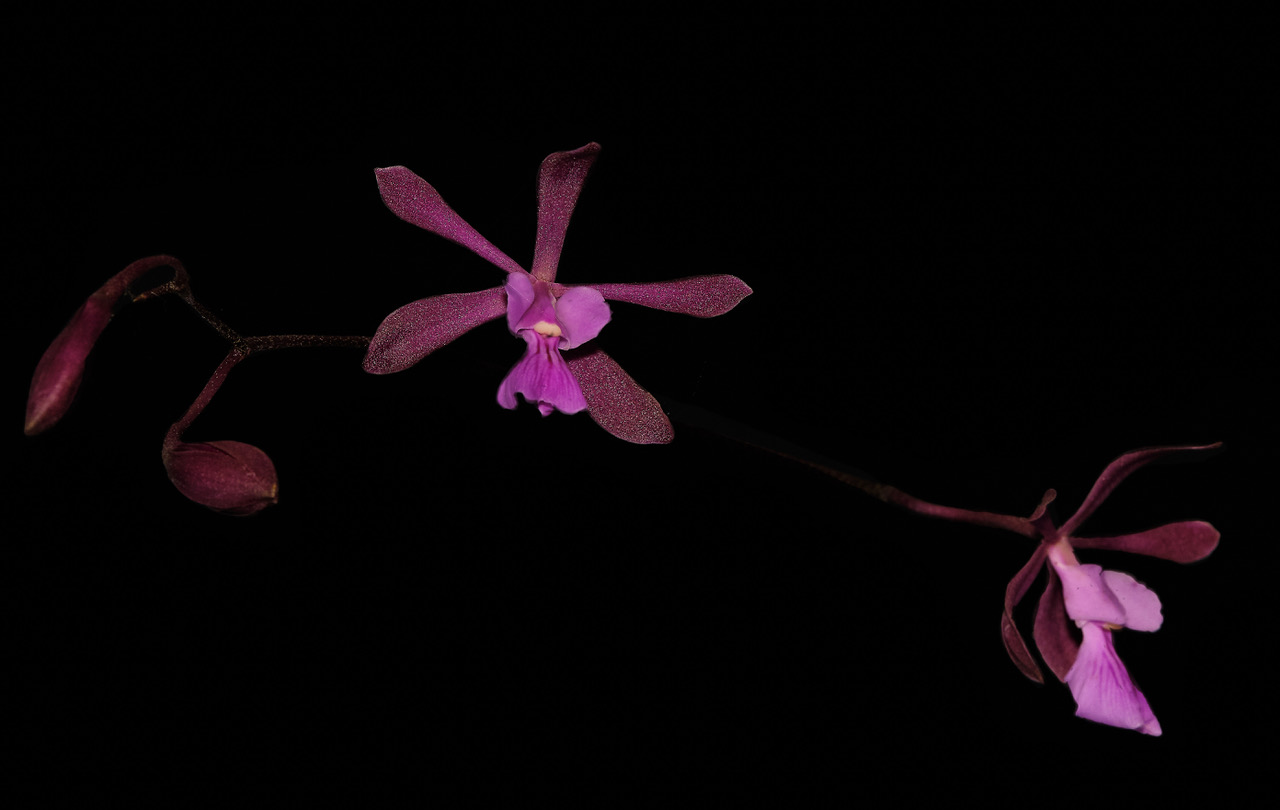
A orchid picture for SFA thank you . a way of showing my respect for your help. A rare orchid I grow Encyclia moebusii.
 0
0 -
Thanks very much SFA!
I've turn off "Hardware Acceleration" and it worked correctly!
But will it impact performance? My iMac using Intel Iris Pro 6200 series with 1GB VRAM
0 -
Eric,
Thank you for the orchid picture. Fascinating plants.
Tommy,
Using a system's OpenCL capabilities, best options being some powerful GPU processors, may well improve performance but the net effect can depend somewhat on the type of processing you are doing and whether the edits you need are the sort that can make great use of what GPU's can do or not. Some edit activities are far better served by OpenCL processing than others for technical reasons.
In extreme cases you may discover very significant performance advantages - especially when processing files in batches with relatively complex calculations. In other situation a CPU (given suitable processing power itself) may be at least as fast or faster.
C1 attempts to make decisions in real time as it works.
Batch processing large sets of output images may provided the most dramatic numbers with times 2 or 3 times faster sometimes. However if you only run small batches and are saving a few seconds 2 or 3 times a week turning off Accelerations may not affect you much. If you are running batched of several hundred image several times a day it might be very significant.
Likewise for on screen processing there can be some improvements in perceived response to edit inputs but whether that is actually meaningful land important to you compared to just using the main system processor only you an tell. Much will depend in your overall system configuration as well as the sort of editing you undertake.
I don't know anything about Mac hardware. However if my guess is right the configuration you mention may not be at the top end of OpenCL outright performance comparisons and therefore you may not notice any difference at all.
There is a log file that can provide some information about Capture One's assessment of the OpenCL capable hardware it discovers on opening. That might give a clue about what you are or are not missing out on. If you think the your on screen processing interaction seems to have slowed down perceptibly try setting the Screen value (but not the output) back to "Auto" and see what happens.
It may also be worth setting both options back to Auto to see if the problem self corrects with a re-assessment.
If you were using Windows I would suggest seeking out alternative drivers for the GPU facility (either update or downdate) but as I understand things that is not a path open to Mac users.
Perhaps some of your fellow Mac users with similar hardware could chime in with their experiences and suggestions now you know it makes a difference for your purposes.
0 -

Had this problem after upgrading to capture one 21, used the advice posted by SFA above and problems appears resolved.
SFA's advice was
"Set the Preference value for "Use hardware acceleration" to "None" for both options.
Restarts Capture one. Produce the outputs again. "
0
Post is closed for comments.
Comments
11 comments