C1 20 Pro - Katalog Performance

Guten Tag
Ich benütze Capture One Pro 20 (13.1.3) und habe ca. 85'000 Bilder im Katalog. Die Performance von C1 wird zunehmend schlechter. Wenn ich z.B. von meiner SD Karte importieren möchte und einen neuen Speicherpfad auswähle, kann es unter Umständen ca. 2 min dauern bis mir dieser im Drop Down Menü angezeigt wird. Zudem lädt C1 unglaublich lange die Bilder wenn das Programm erstmalig gestartet wird. Ein weiteres komisches Phänomen ist dass gewisse Vorschaubilder falsch angezeigt werden. Diese müssen dann immer manuell neu erstellt werden. Ich bitte um Ihren Input wie die Performance verbessert werden kann.
Was sind unter anderem die min. Systemanforderungen für C1?
Freundliche Grüsse
C. Diethelm
-

Hello,
I have a catalogue with around 200,000 pictures so feel your pain. While I don't have performance issues I do have a very fast and recently purchased system so I am not the best person to comment on performance issues.
I have put the catalogue on the quickest drive I have (NVME M.2 SSD), so would certainly recommend putting it on a fast drive.
Have you tried a catalogue optimisation and integrity check? I do this regularly and while I don't have any particular performance issues, I think it is good practice to optimise and backup on a regular basis.
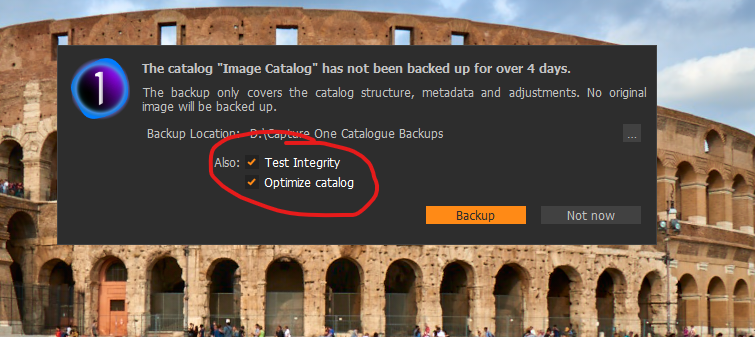
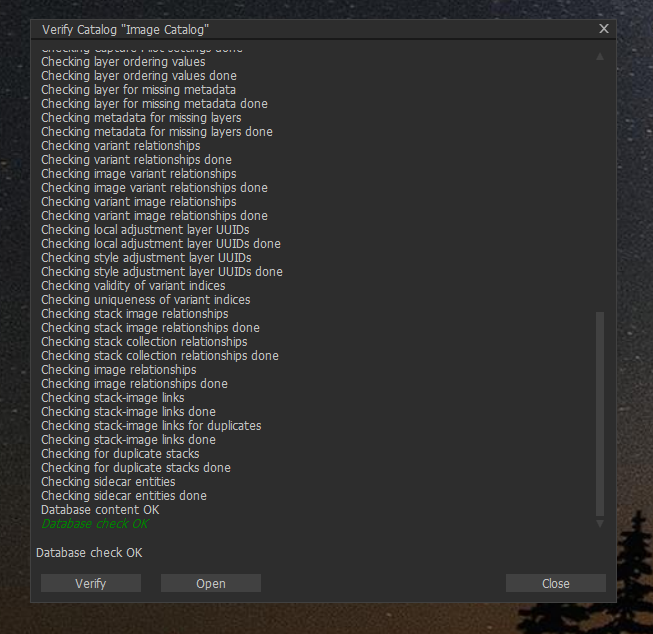
The verification and optimisation may also tell you if you have any issues with the database. Apparently if there are any issues then this process will also fix them.
Minimum specifications are here:
https://support.captureone.com/hc/en-us/articles/360014022217-Capture-One-20-13-1-3-release-notes
This is the limit of my advice on the topic...
Hope it is of some help
0 -
Hello Mark
Thanks a lot for your reply.
Basically, I've the boxes ticked so everytime I do a backup the catalogue will be checked accordingly. Also, I've my catalogue saved on a fast drive too, a NVME M.2 SSD. But, my pictures are saved on a NAS which is set up as RAID5, so the data stream shouldn't really be the bottleneck, I think. Anyway, below is a print screen which shows the performance of the network, computer etc. which might be helpful for others to leave a comment. Everytime I open C1 the files will be read again and the counter of the saved pictures counts up not very fast (see the counter below the tool bar).
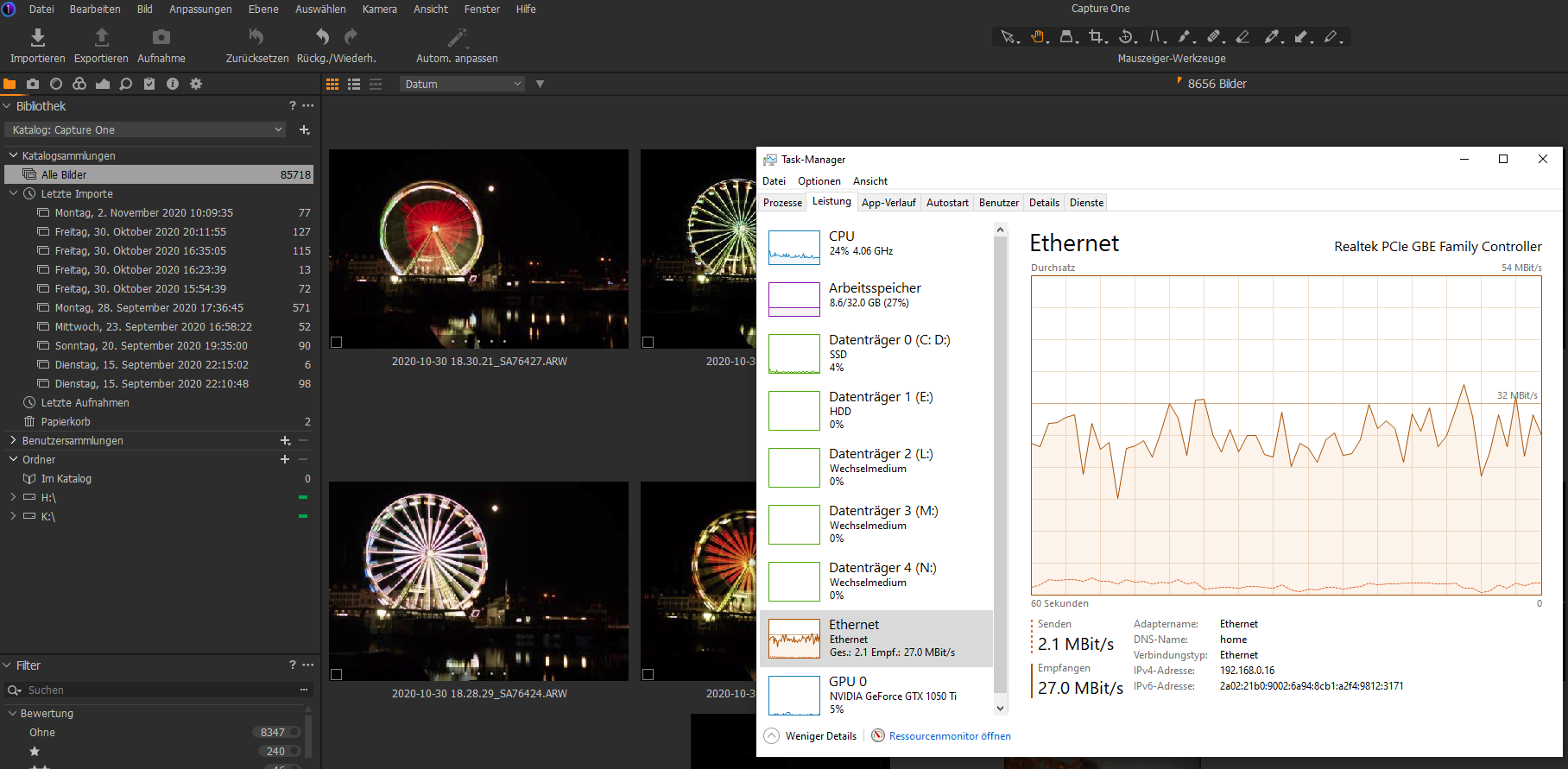
Any input to my issue will be greatly appreciated.
Best regards
Christoph
0 -
Christoph,
I tend to organise images by month and year, and sometimes there are folders that contain 1000 or 2000 images. When I open these folders in Capture One, I will admit that it does take some time to display all of the thumbnail images, even in the browser (filmstrip), this could be 10 seconds or more depending on the amount of pictures. Is this your experience also? I think the thumbnails are stored along with the catalogue and therefore think that network speed has no impact on this aspect.
I have noticed some errors with thumbnails being drawn incorrectly, in this case I just select the file, right click and then regenerate preview, this fixes it. it should not happen and it is probably a bug. It should probably be reported.
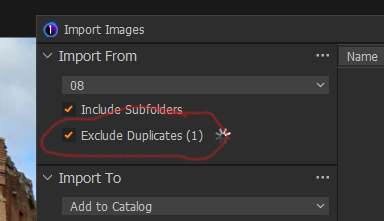
I have noticed that if Exclude Duplicates is selected then Capture One can take a very long time to analyse the photos to determine if the are already in the catalogue.
I was thinking, maybe you should check your power management settings. I have some large USB C drives that I use for backup. These drives I have set them to power down (power save), so the drives stop spinning. I have found that Windows can hang awaiting for the drives to spin up before continuing to function. This is not a Capture One issue, the same happens when I start Windows Explorer. My NAS drive also causes a similar behaviour when waiting for it to 'spin up'. It is worth a check.
0 -
Hello Mark
Thanks again for your help!
One of the main problem is that when I import new pictures from my SD card (Sand disc Extreme Pro via USB 3.0) and assing a new folder within C1 that it will take ages until C1 shows the new folder in the drop down menu - sometimes it can take minutes.
Yes, I experienced the same issue having "Exclude Duplicates" activated that's why I usually don't use this functionality.
C1 is too slow then!I can confirm as well that it can take quite a while until the previews will be shown in viewer mode/film strip.
Another phenomena is that C1 is synching all pictures once you start it. The counter for the pictures is counting up until all files are read/synced. Do you have this as well?
Just FYI: I also tried to reinstall C1 but it didn't help. I'm not sure but I think my database is probably too big for C1. Not sure how many files it can handle...
Cheers Christoph
0 -
Christoph,
I don't have the issue relating to import of files from SD and folders taking a lot of time to show.
I do experience that C1 does take some time to read/sync pictures, sometimes it takes 10-15 seconds to read all the files in a folder when selected and then show the thumbnails. How many files on average do you have in each folder? I have found that the more files I have in a single folder, the longer C1 takes to read/sync. When I moved to C1, I reorganised my folder structure. Lightroom (which is what I moved from) organised my files by day, but since C1 does not read sub-folders I reorganised the files by month because I had too many folders to navigate. This means that I have probably a maximum of around 2000 images in any one folder. If you have many more files per folder then I think this is probably why performance is not good, for example if you had 85000 files in one folder I think it would take a very long time to read/sync these files.
I can say that I have just short of 190,000 images in my catalogue, and while some aspects are slower than I would like, performance is not terrible.
0
Post is closed for comments.
Comments
5 comments