Activation 20.0 after upgrade

I updated Capture One 12.2 to 20.2. I reinstalled the operating system from Windows 7 to Windows 10. But now my key is not activated. Activation results in an error: "activation failed because the activation profile is not active"
-
I suppose it is possible that Capture One sees your PC as a different computer now that you have upgraded from Windows 7 to Windows 10. You could try going online to your Capture One account, deactivating your existing computer, and then reactivating again.
Ian
0 -
I can log in to my account, but I don't know how to deactivate my computer. I upgraded the OS on the advice of a consultant.
0 -
Could you describe the path for deactivation/activation?
1 -
You can log in to your account and get to this screen.
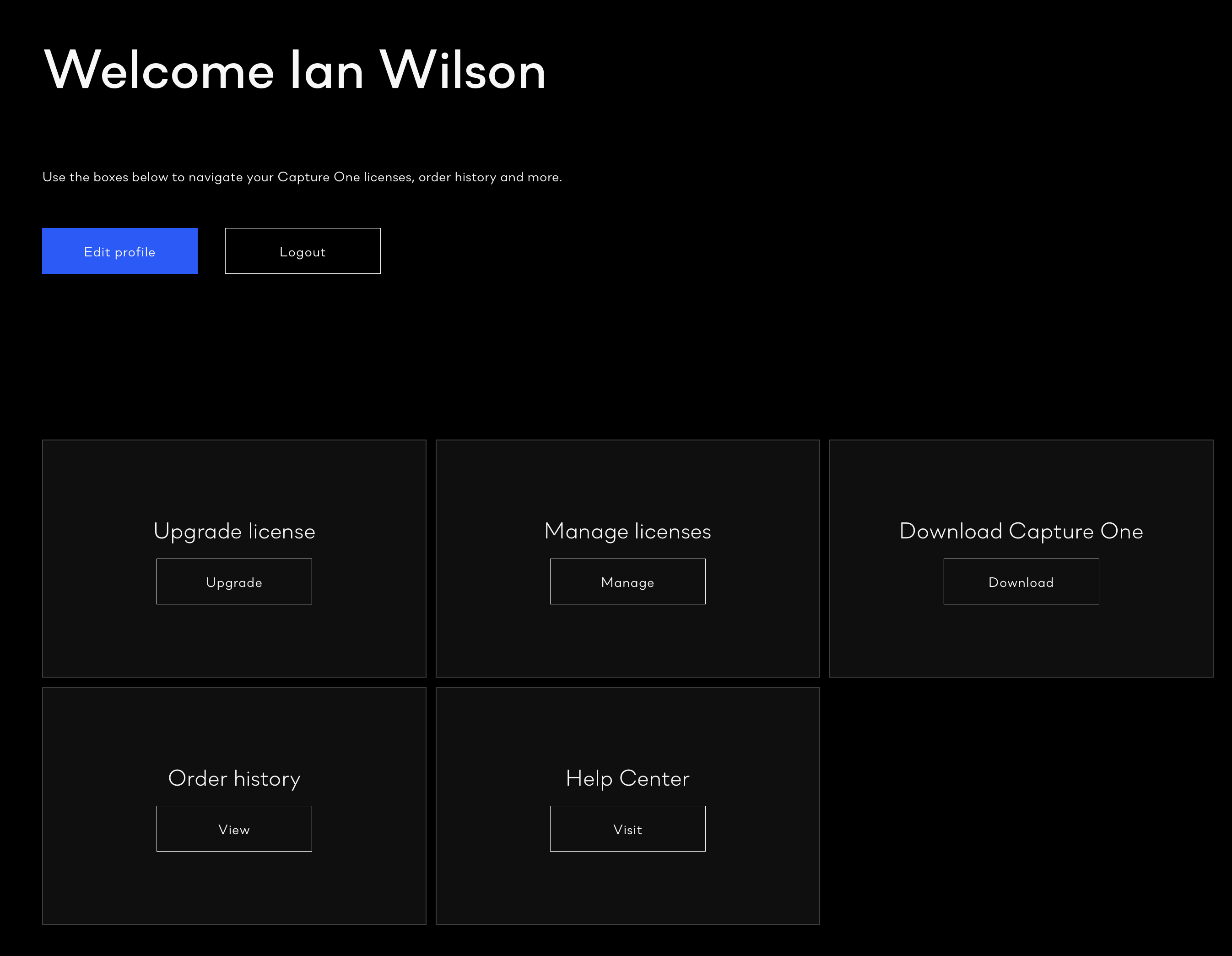
If you click join Mange Licences, and use the drop down arrow to open up the details you can deactivate some or all of your activations. Make sure you have your license key so that you can activate again.
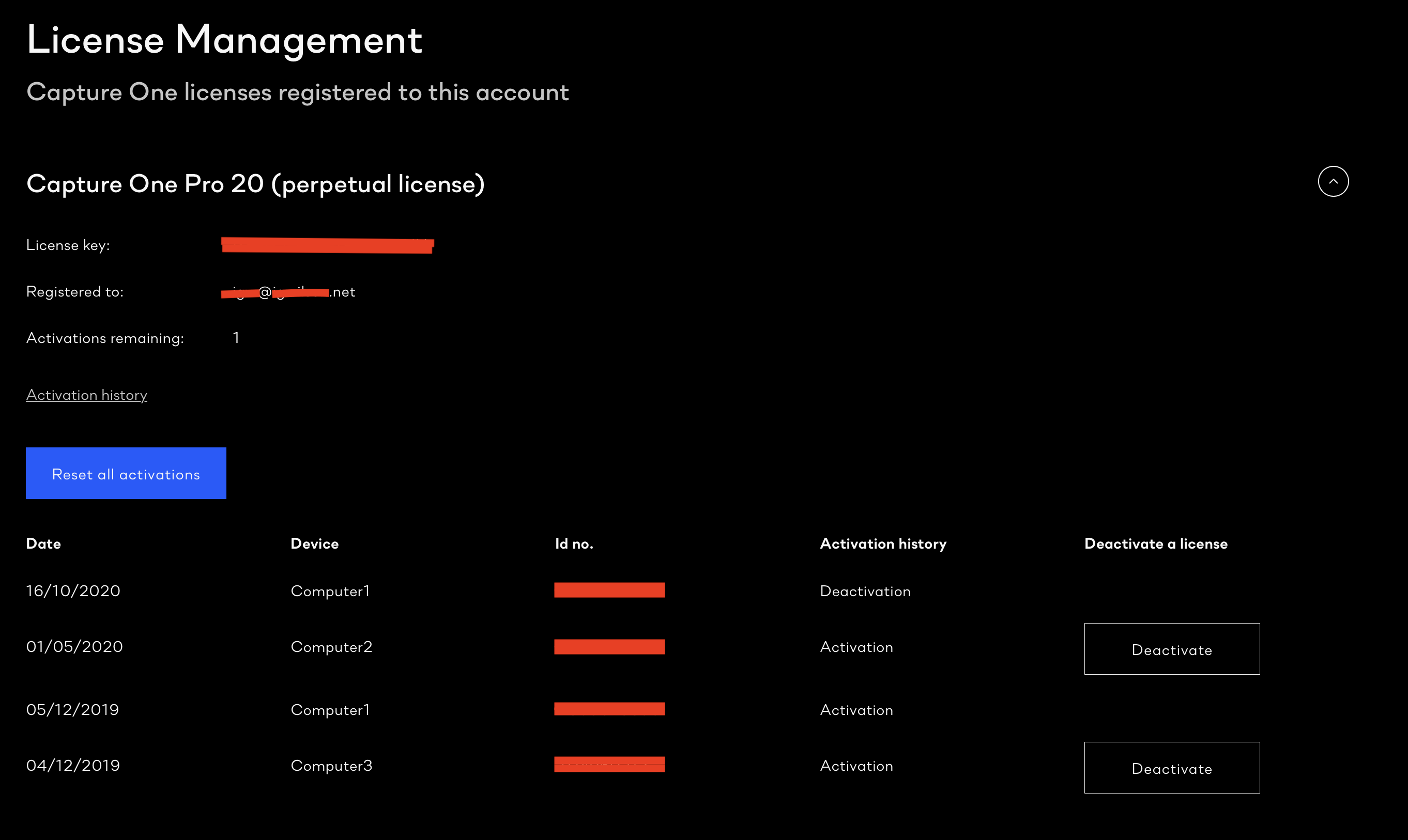
Ian
0 -
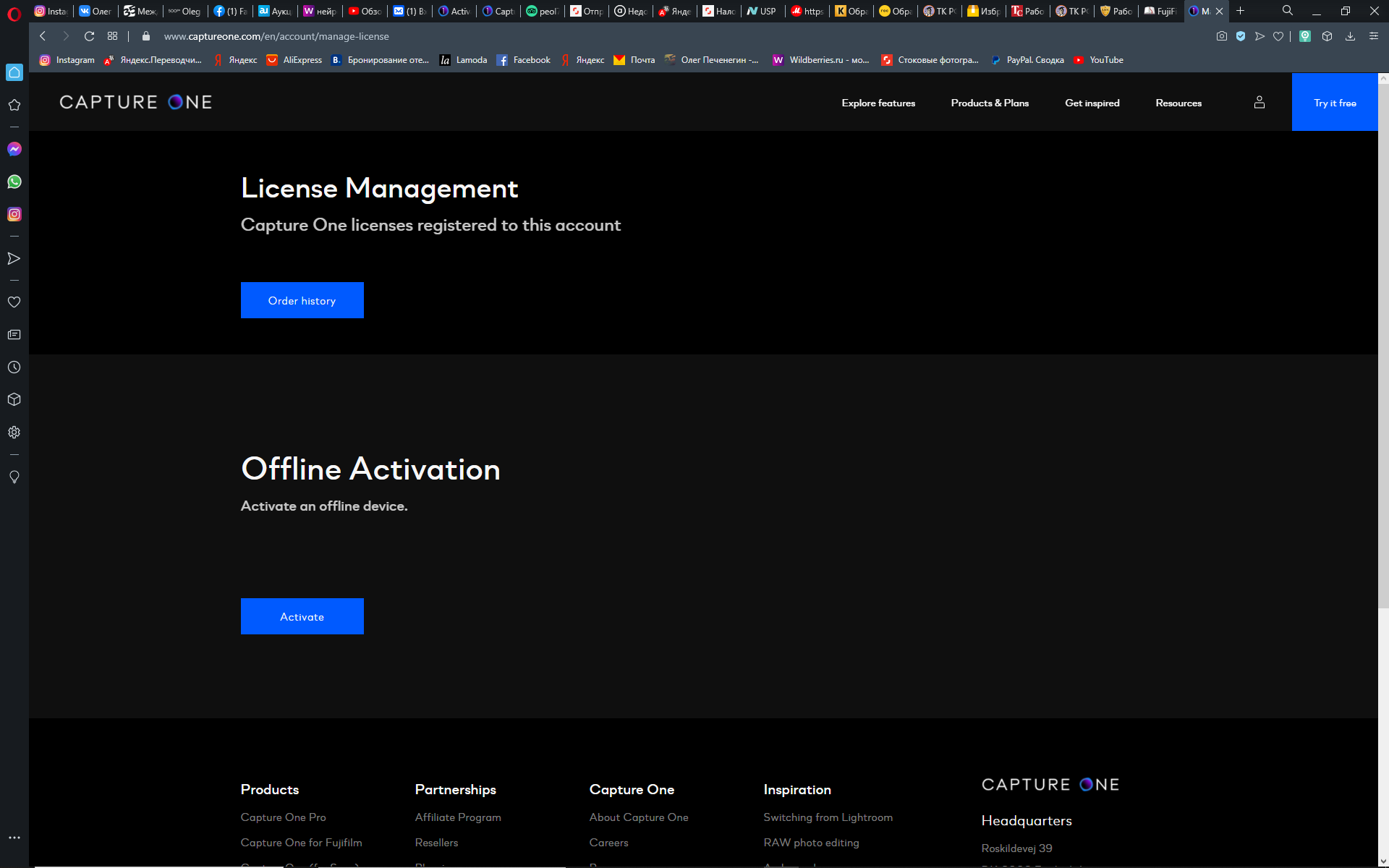
This is the interface when opening Manage licenses
0 -
 0
0 -
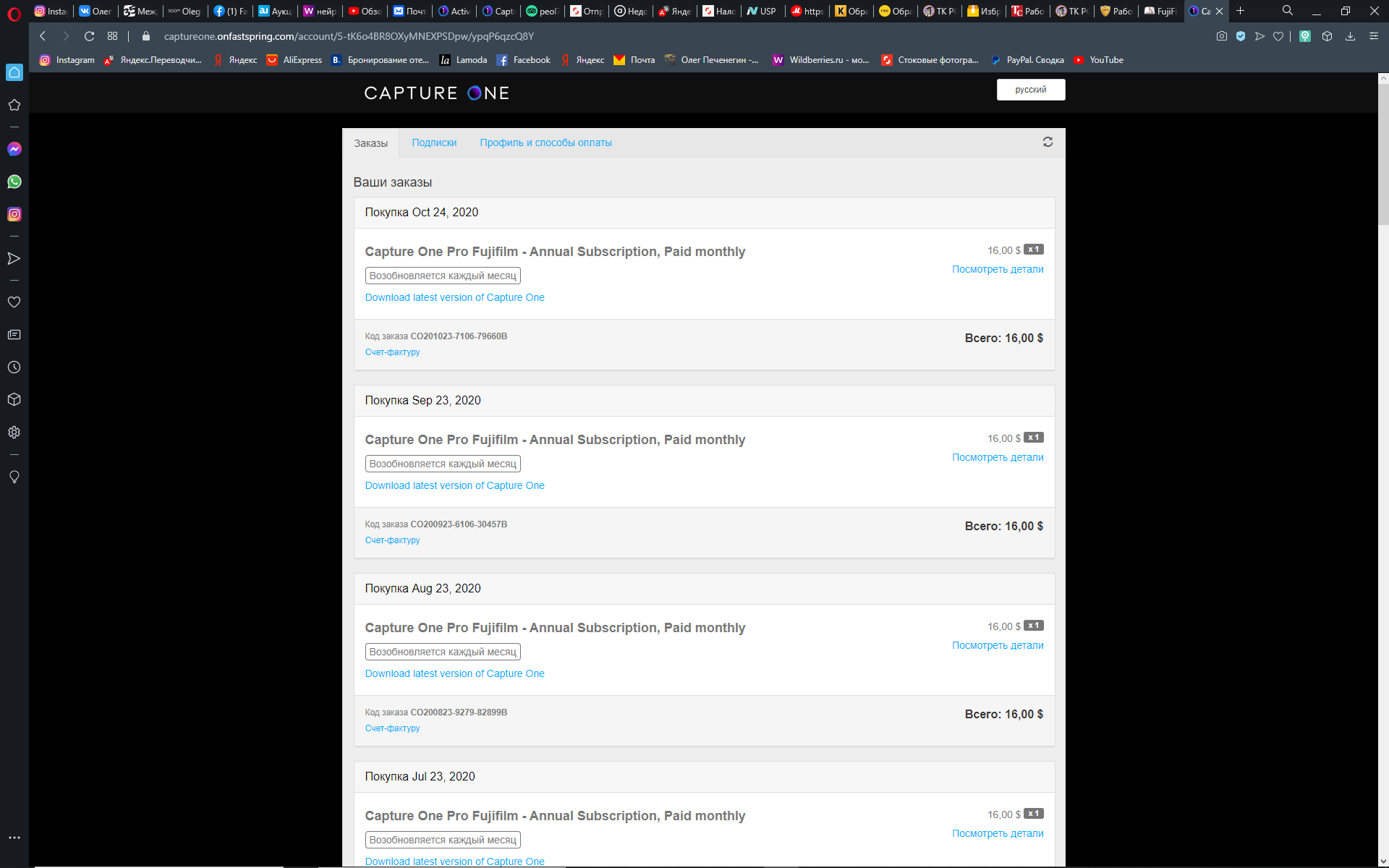
What if you click on the blue Order History button?
Ian
0 -
 0
0 -

Oleg,
If you upgraded to 20 and then installed Win 10 have you already tried re-installing C1 for the link on your screen shot?
0 -
No. Do I need to delete C1 and install it again?
0 -
I have no idea how the subscription activation works technically but looking at your screen shots sort of suggests that it would be a good thing to try since the usual options that can be seen when managing a perpetual activation appear to be absent.
Presumably the installation is the activation (or part of it) for a subscription.
I did search the FAQ section of the support system but only briefly and did not find anything related to activating subscription stuff. I may not have looked far enough or deep enough.
0

Post is closed for comments.
Comments
11 comments