SW bug, free trial

I just started my evaluation period of Capture One v20 (trial version). There is a window looking detail sitting on top of the program preventing me from taking full advantage of the program (see attached pic).
My first attempt to solve this was restart of my Window 10 machine. Then I tried a reinstall, both to no avail.
Please help, I would really like to be able to use the software fully in the trial period before making up my mind to buy or not.
Thank you,
Lars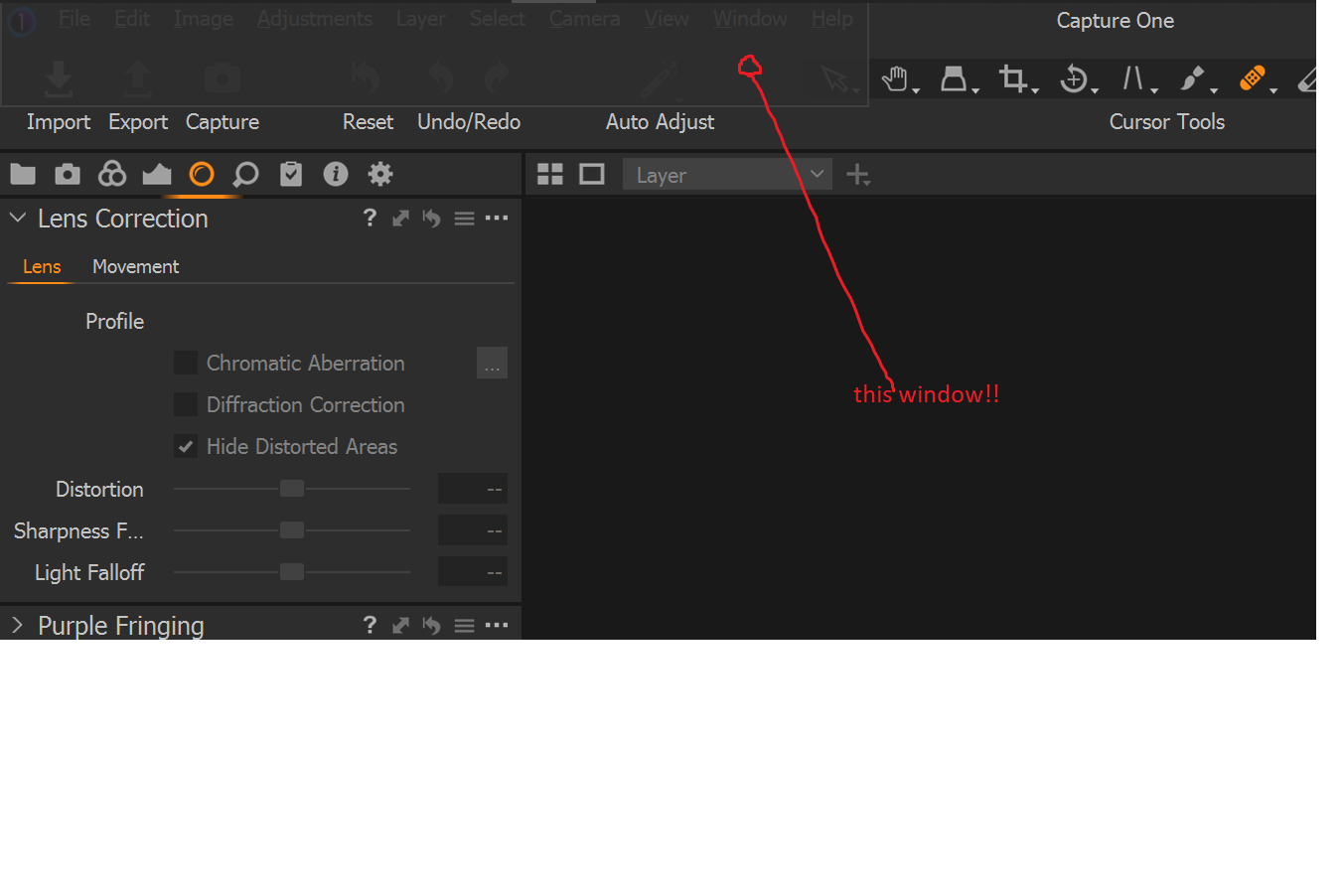
0
-

Try re-setting to the default workspace:
Menu - Window - Workspace - Default.0 -
Thanks gb, though the suggested combination did not work, I picked "Activities" and the window disappeared.
Thanks, problem solved.
Lars
0 -
Ok, good to know.
0
Post is closed for comments.
Comments
3 comments