Graphic glitch with healing layer

Hi all,
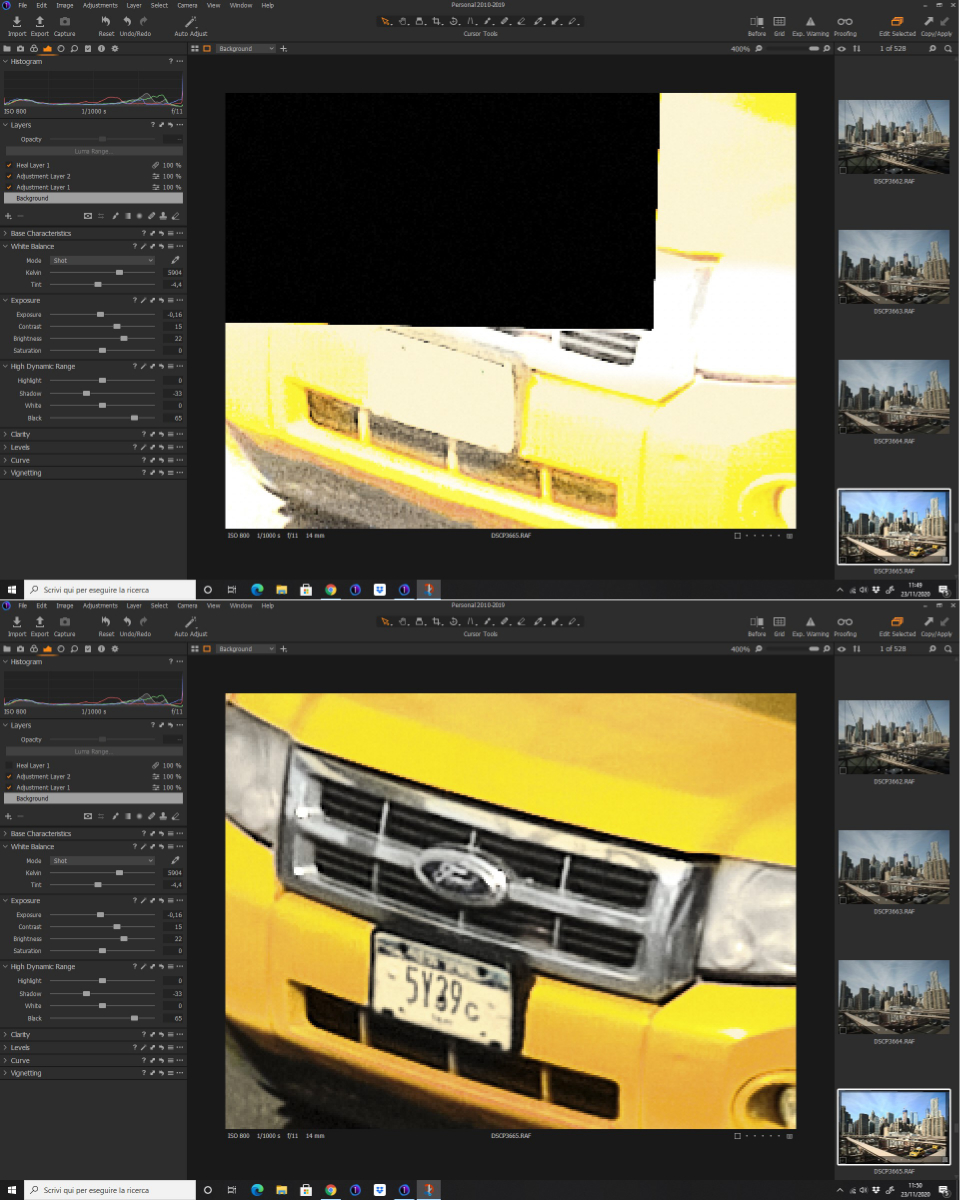
I'm having issues when I activate healing layer. You can see the glitch in picture attached below. Reducing the zoom sometimes is a possible workaround, as the image is refreshed.
C1 for Fujifilm version 13.1.3.13, driver Nvidia updated to latest, I tried disabling graphic acceleration and rebuilding previews with no result.
Any idea?
-

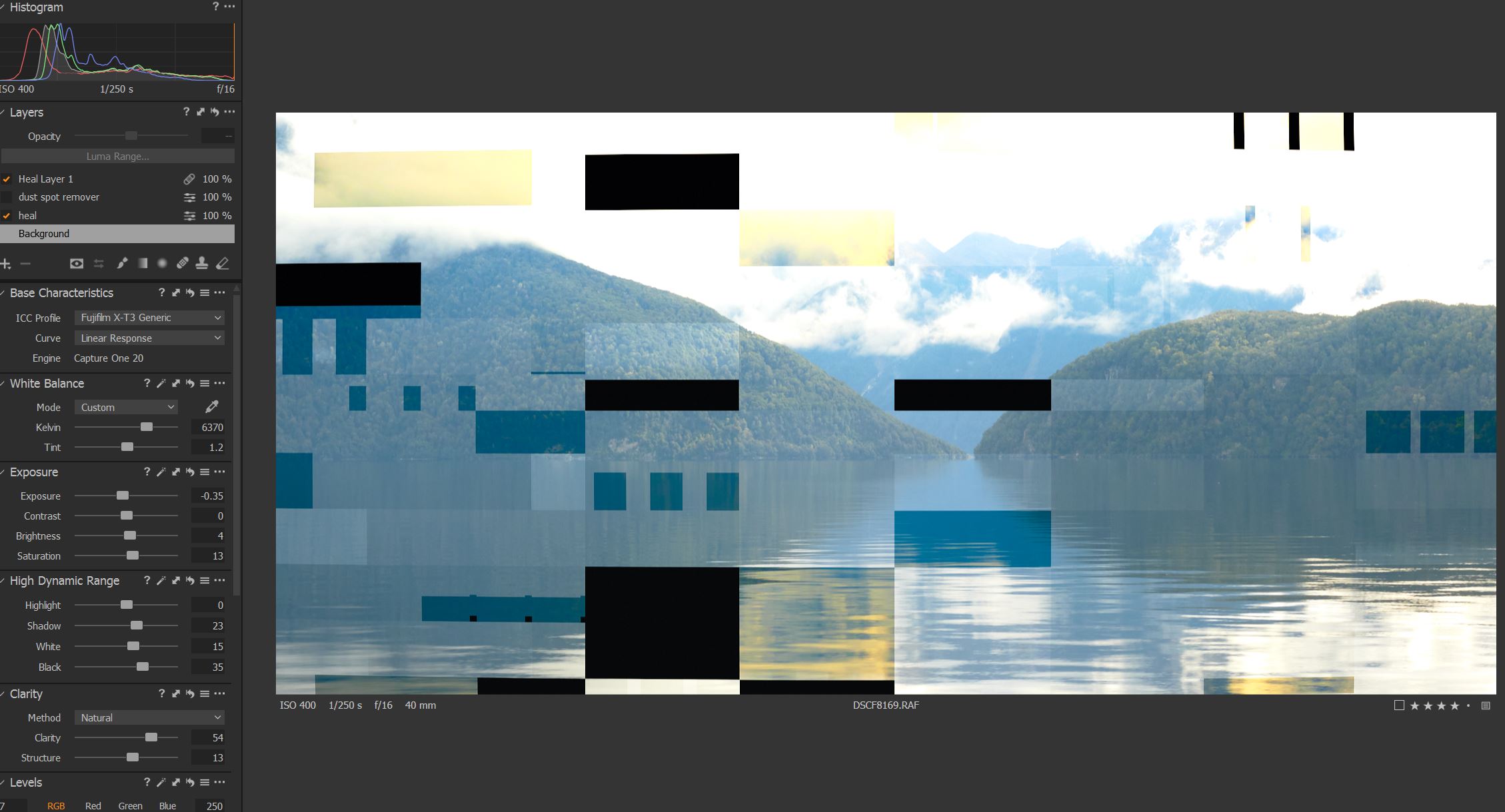
I have the same problem with Windows10 Nvidia Graphics card. Capture One 20 for Fuji. 13.1.3. I have followed instruction to rebuild kernals and enable hardware acceleration. Also deleted contents of image core folder. This is a bug and I hope Capture One fix it. How can we purchase Capture One 21 when we are having these problems? this occurred when reducing exposure and zooming in. Also has occurred when using healing tool and zooming in.
 1
1 -

Can I suggest that both if you create a Support Case via this link.
It has been reported before in recent days in the forum but for technical support you need to use the link.
I hope this helps.
0 -

I habe described this issue some threads before.
No need to create a support ticket with this issue. It will be fixed for sure.
Kind regards
Ernst0 -

I have the same problem, I have and NVIDIA GFORCE RTX2070 and the same problems... I created a support Case and the last advise is to downgrade to Capture One 12 until have a solution... I want to know if Capture One 21 will have the same problem or not...
Please help us!!
0 -
It seems clear that the problem has to do with NVIDIA drivers or graphic cards... I have an old laptop with an intel integrated graphic card and it has not the problem...
0
Post is closed for comments.
Comments
5 comments