Image previews missing in Capture One 20

Since early September, image previews have stopped working for me in CaptureOne 20. I use session workflow and this happens with all sessions, no matter what the size is.
I use a 2018 Mac Mini, with 32GB RAM and a maxed out i7 processor (based on suggestions from this forum). I briefly tried it with a Apple approved eGPU and I have the same problem.

I filed a ticket with CaptureOne. We went back and forth on many solutions.
* My images were downloaded to a 2TB SSD drive connected to USB-C and the session was on the primary 500GB SSD. I was asked to not use the external SSD. The problem happens in local disk as well.
* Uninstalled, deleted all preferences, reinstalled, same issue.
* I have tried to select all images, force regenerate previews, it works for a bit, but if I quit C1 and restart, previews go away. For larger sessions, browsing up and down loses preview.
After nearly a month, C1 accepted it was a bug and filed one, but they won't fix it. This is the last response I got from them.
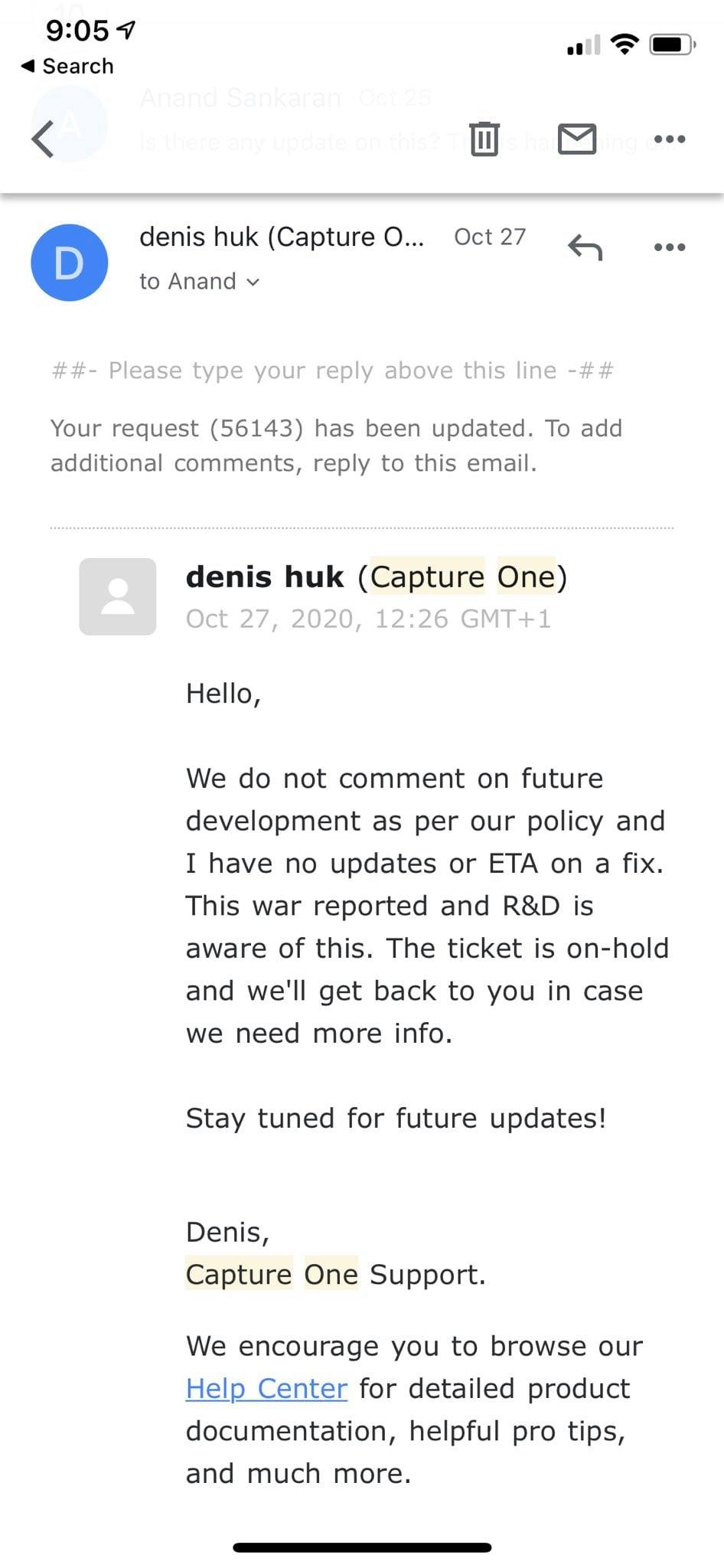
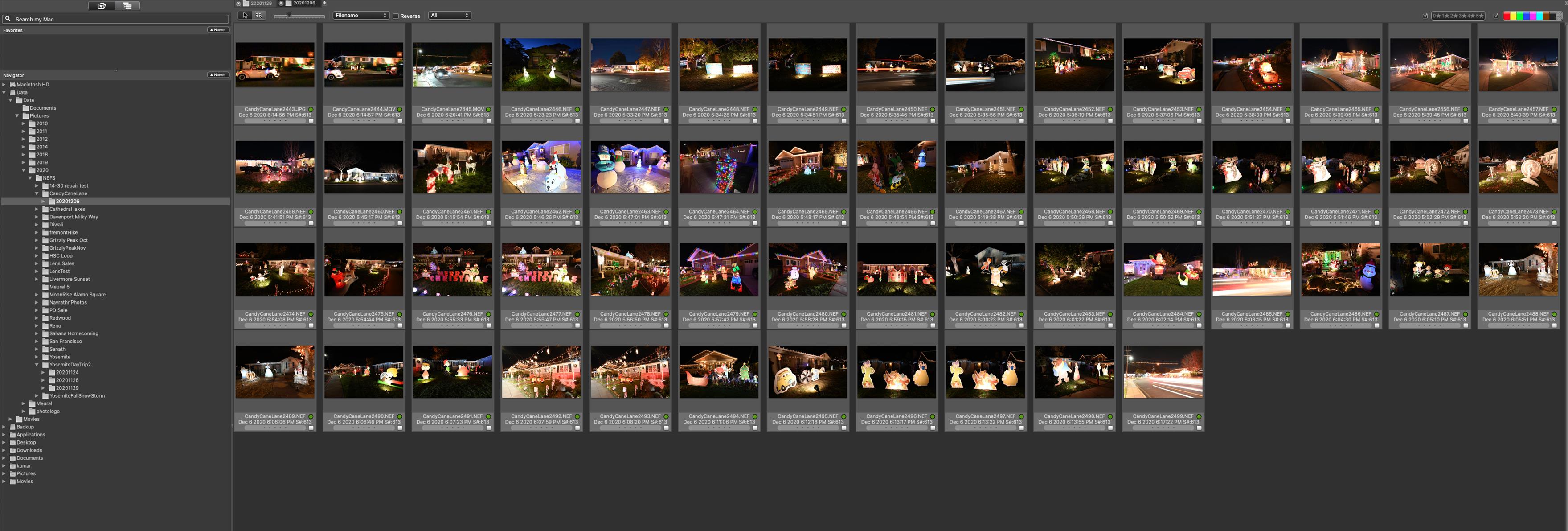
Capture One is unusable for me for ingestion and browsing. I was anyway looking for a catalog management software, so I ended up spending $229 to get Photo Mechanic Plus and I know use CaptureOne as only a RAW editor - I have one session in which I open the images and edit. This is the same folder in photo mechanic.
Anybody else seeing this? Any suggestions on what to try to fix it? I am wary of updating to 21. I already regret buying 20 (it was un-needed upgrade) and I don't want to spend any more money on Capture one when they won't fix to what to me is a blocking bug.
Post is closed for comments.
Comments
0 comments