Head/Footer Content in printing templates

Is there a way to set a Heading and footer for a printing template? I know that I was able to do this in Media One but I can not see a way to do this in Capture One 20. This is very handy when you PDF contact sheets to clients and they want to refer to a particular page. It also means clients can print catalogs and put them in the correct page order. Page headings also help clients to know which particular photo set they are looking at.
The ability to also edit the caption content can also be helpful. Having only the option to place either Filename or description does not work well for client selections where keywords and file name can help the client to understand there picturs.
Any help greatly appreciated.
-

The overlay option of the watermark tab is what I use.
0 -
Thanks for the reply Nikon Shooter. The Watermark tab will only place text on each individual photo. It will not place page numbers or the catalog/session name at the footer or heading of each page.
0 -
Then export the images to a layout app such as Affinity Publisher
The overlay option previews an already existing image, here an improvised example: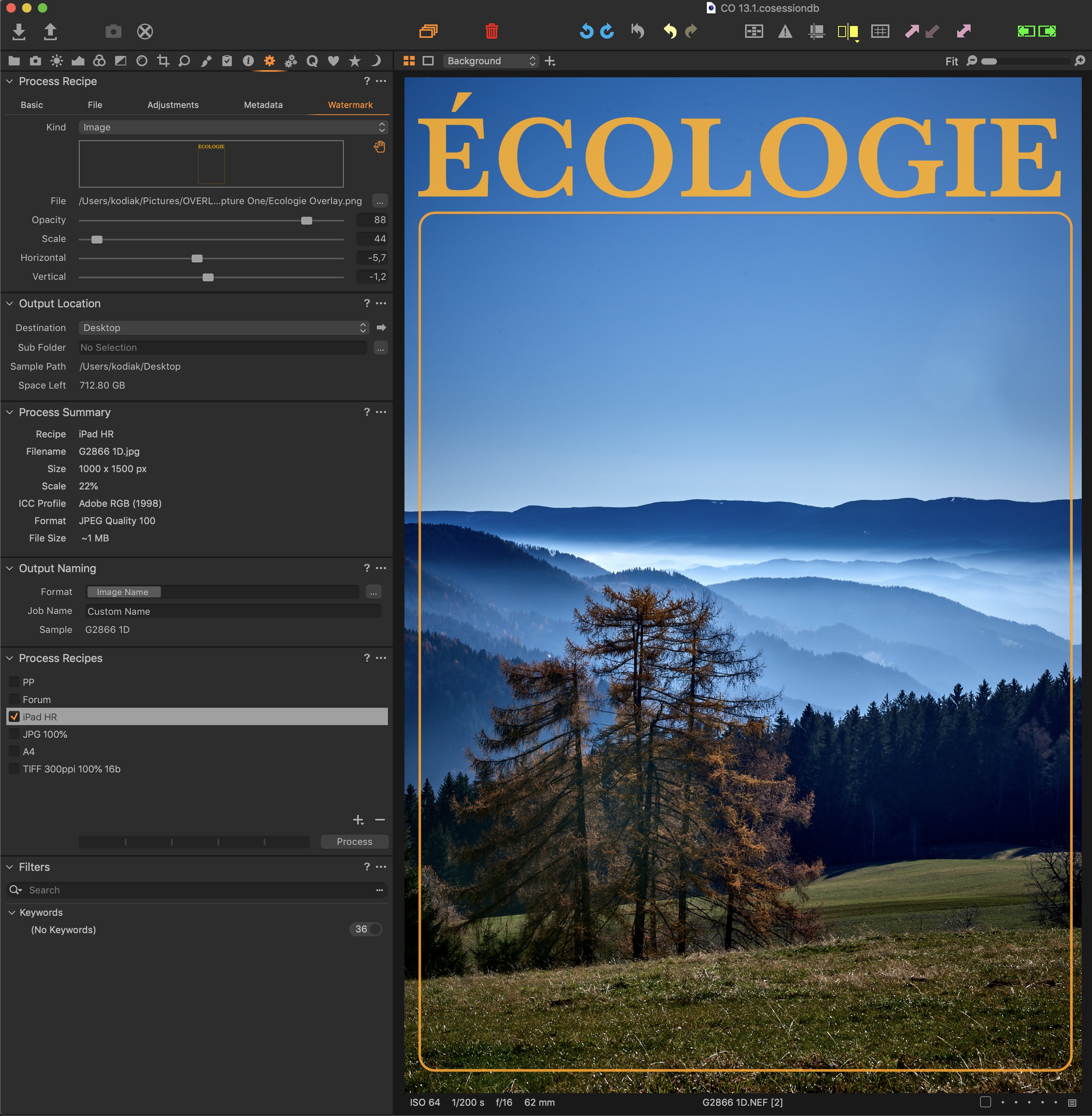 0
0 -
Yes that does work if you only have one image on your page. I am talking about a contact sheet with 3 images across and 4 images down. Each image has a filename below. This contact sheet PDF may have a number of pages in it and be sent to a client for their photo selection. Having page numbers automatically generated with a heading (say catalog title) is very handy for the client to identify the photo set they are looking at.
Yes outputting the image catalog and then placing it into something like Affinity Publisher or Indesign and adding a overlay is trivial. This forms 2 steps and I am pretty sure Capture One should be able to do this.
0 -
CO is a RAW converter… and I realised too that it
doesn't come with a magic wand! :P0
Post is closed for comments.
Comments
5 comments