Strange different brightness when zoom into the image

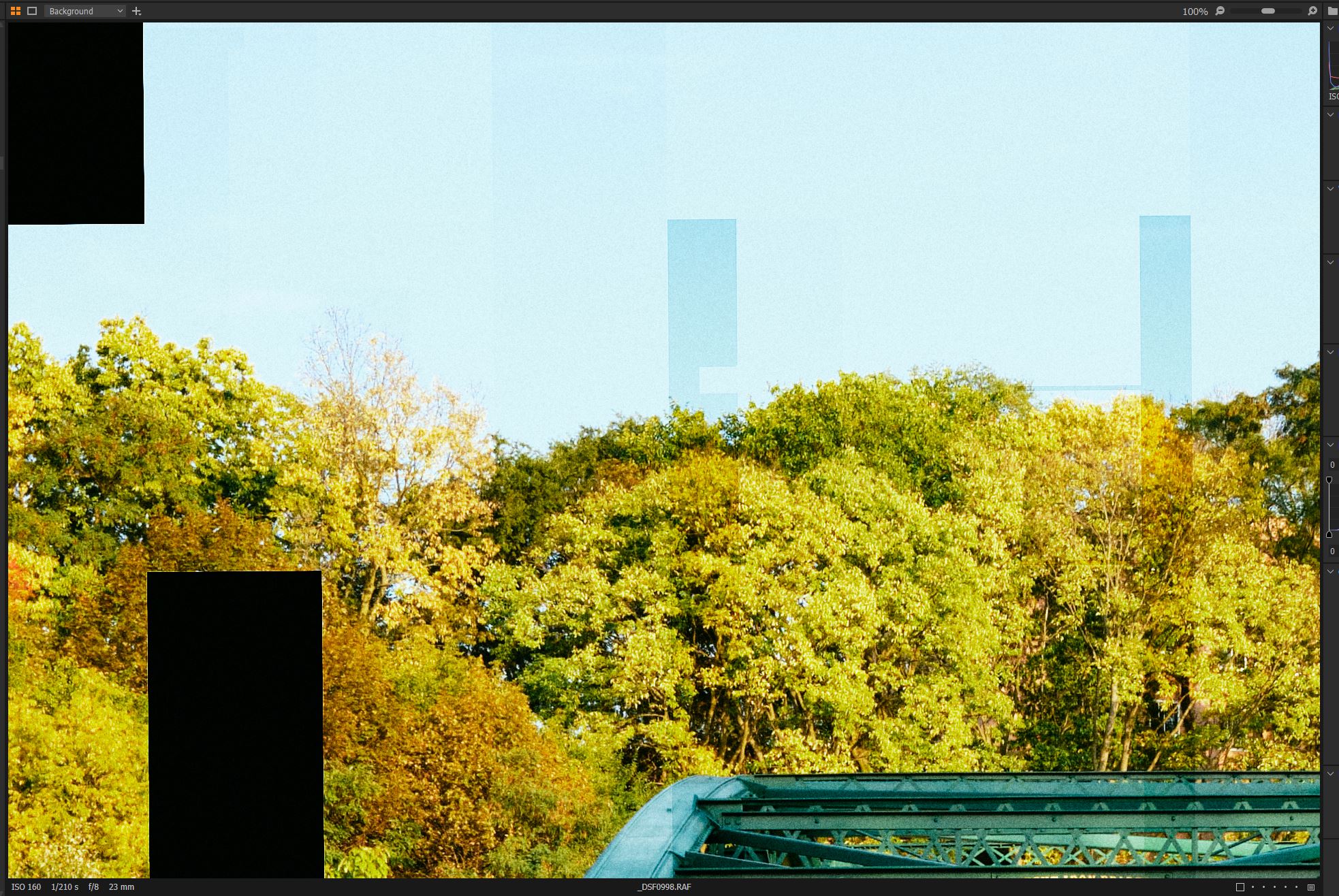
I was working on a fuji raw image. whenever I zoom to check the detail I get different exposure from the image in the preview! back to full image just change the brightness again. very difficult to correct the image when this happens.
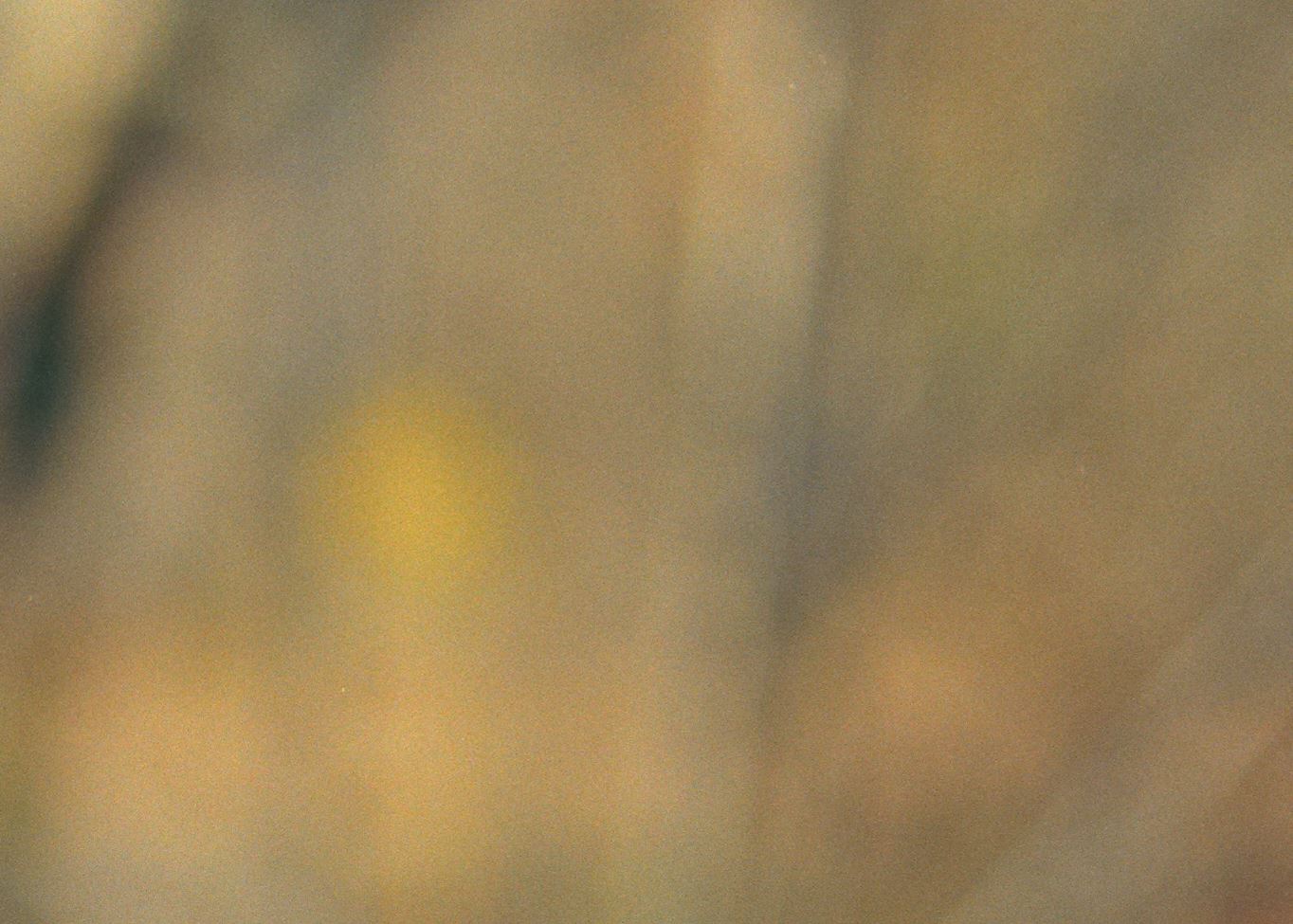
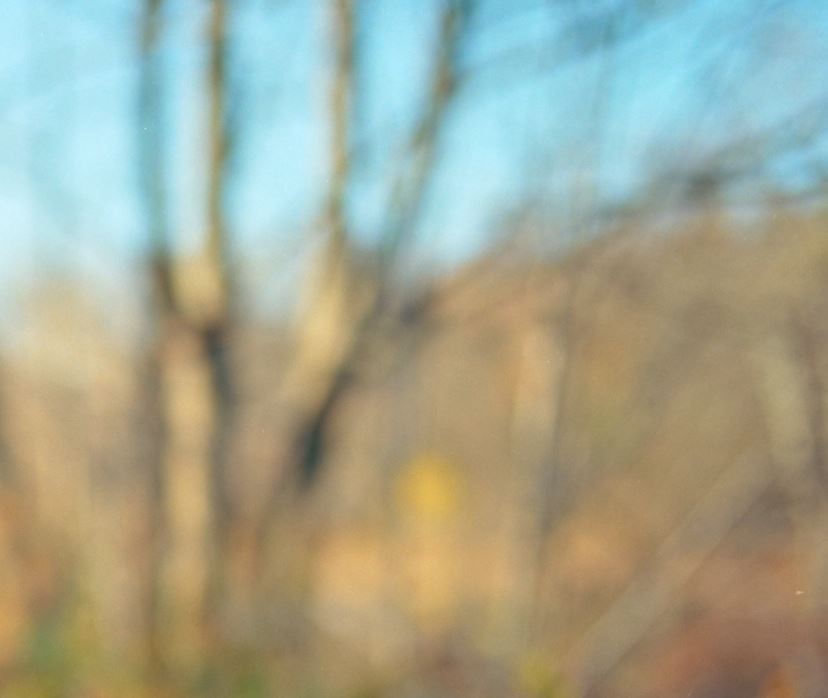
So far it happened with Film scans too. Not all the images but quite a few.
C1 20 (13.1.3.13)
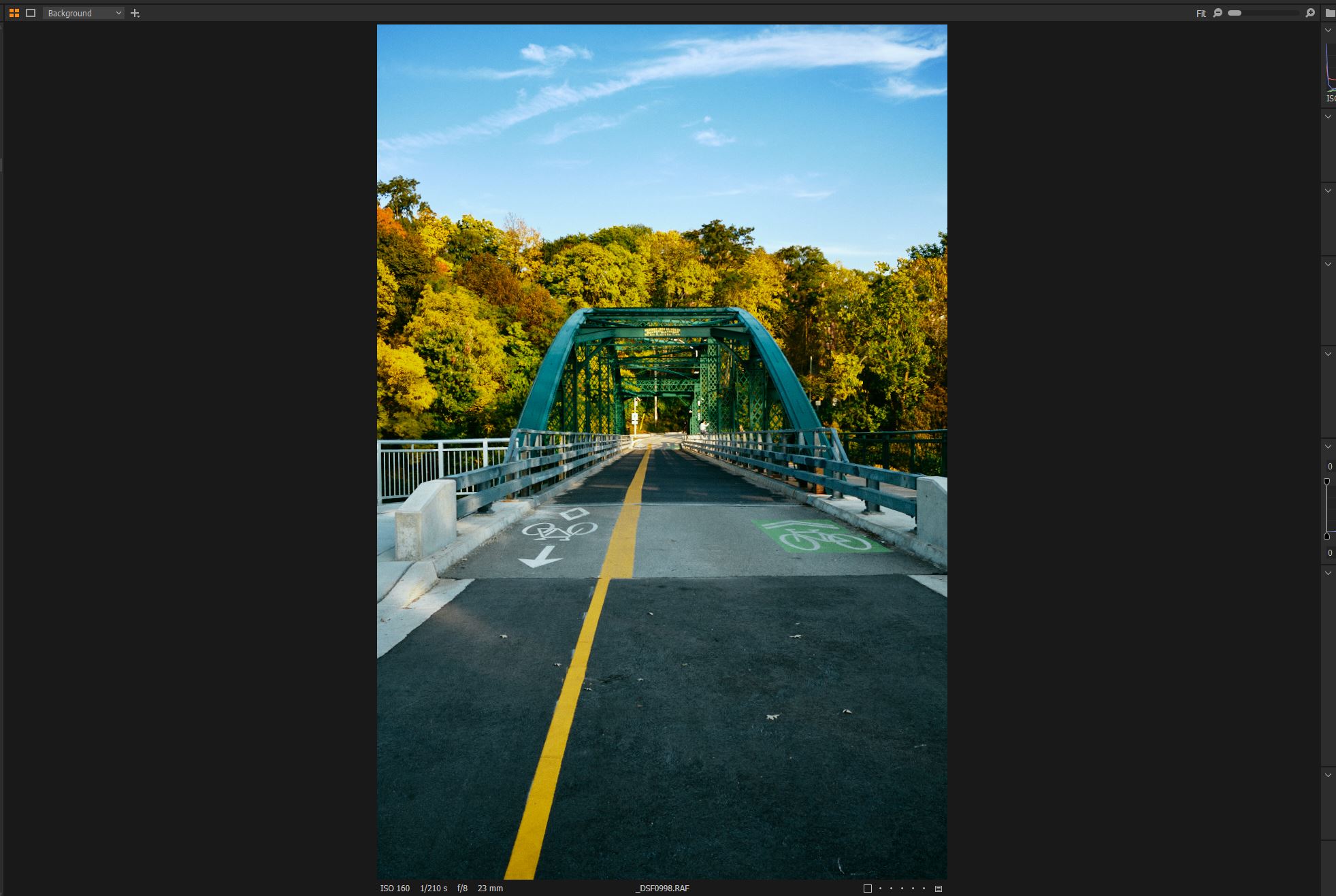
-

This could be the all too common OpenCL bug.
Try setting OpenCL to off (Never) in C1 preferences.0 -

This bug is fixed in V21.
-1 -
gb, Thank you. It is fixed but C1 with OpenCL off is a lot slower :(
0 -
Maybe submit a support request anyway.
The more complaints they get the more likely they will fix it.
https://support.captureone.com/hc/en-us/requests/new0 -
@Mohammed Basamh:
At my machine with V21 this issue is fixed WITHOUT disabling OpenCL.
-1 -

Multiple post around the Internet suggesting this is NOT fixed in V-21
1 -
You may believe what you want to believe. As I told before: On my machine it is fixed definetily.
-1 -
Always good to hear from fan boys. Give it a few days and see if you are so sure.
0 -
Fanboy? Read my Block id you are able to.
I am working five hours a day with C1 really hard. And yes, I am sure. EoD.
0 -
C1 may have improved OpenCL processing stability in C1 v21 but the bug still remains a possibility for some.
I am getting random output corruption in v21 and there are other reports cropping up.
From the beta forum it seems to be hardware related, so it's a bit of a lottery whether it works or not.0 -
Exactly, this is happening on out of the box Mac's as well as Window machines. How Capture One can release V-21 is beyond me when it's been reported in Beta 21 versions as well as cropping as far back as the 13.1.1 build.
I'm a long time C-1 user, since V-3.7, and have never run into as many problems as I have from this summer when 13.1.1 was released, it's totally unstable and sometimes unusable and I've used it on two different machines and encountered the same problems on both. I'm finding that you don't even have to use the healing brush for it to crop up. I'm getting flashing and blocking on radial and grad masks anytime I use the sliders even if the mask is not active. My Graphic card company released a new studio driver on the 15th and I installed that hoping that it would improve the situation but no it didn't. I'm also getting hanging and crashing multiple times a day.
I sent in log files and screen shots weeks ago and conversed with support for many weeks and then out of the blue I got an e-mail asking how support service was now that my case was completed. Completed!!!!! How can it be completed when the problem is still there!
Really, when the problem is happening with out of the box Mac's then it has not been tested properly, it's been rushed to market. I can see custom built Windows machines running into problems but, come on, if out of the box Mac's are having the problem then corners have been cut. And, to say it's definitely fixed is doing everyone who has the problem a disservice, really how do you know that.
0
Post is closed for comments.
Comments
11 comments