Capture One 21 activation failure

I am trying to activate my just downloaded copy. Getting a "unable to connect to server for profile lookup" error. Used the Run Diagnostics, getting below.
Check 01: Success
Check 02: 178BFBFF00830F10 /
Check 03: 2288594762
Check 04: OK
Check 05: Exception: The operation has timed out
Check 06: success
If i press on help for the check 05, it sends me to a no longer existing help page. i can ping activation.phaseone.com just fine, and my v20 was nicely activated....
Any ideas?
Frank
-

Same problem here - I've been told to submit a request to support - Looks like it's a more general problem than just me - Ho Hum...
0 -

same here, update deleted ver20 and now im stuck w/o C1.
0 -
Hah, the joyous emotional overload of the early adaptor.
How i missed that :)
0 -

Same here on my Mac, it is really frustrating!
0 -

Same problem
0 -

me too
0 -
it works allready
0 -
And works for me now as well.
Frank
0 -
Yep, All working now - Amazing what a reboot of a server will do :-)
1 -

Bei mir besteht das gleiche Problem. Aktivierung war nicht möglich, weil das Aktivierungsprofil fehlerhaft ist.
Testen von 01 bis Testen von 06 erfolgreich.
Und nun.... habe die C1 20 Version 13.1.3 die Aktivierung deaktiviert.
1 -

I would recommend trying again. I have been able to activate successfully, maybe it was a surge of people.
0 -
Daran habe ich auch schon gedacht. Ich habe es gerade eben nochmals versucht. Jedoch wieder mit der gleichen Fehlermeldung. Ein Support-Ticket habe ich vorhin auch erstellt. Aber auch von der Seite noch keine Antwort erhalten.
0 -

I have the same issue as HGL. Activation is failing due to the "Could not activate because activation profile is incorrect" error. It's the same license and account I previously used with version 20 (new key after I bought the upgrade to 21), so I don't think there is any error from my side.
Opened a ticket as well and hopefully somebody gets on this quick, as I need access to the software rather urgently.
0 -
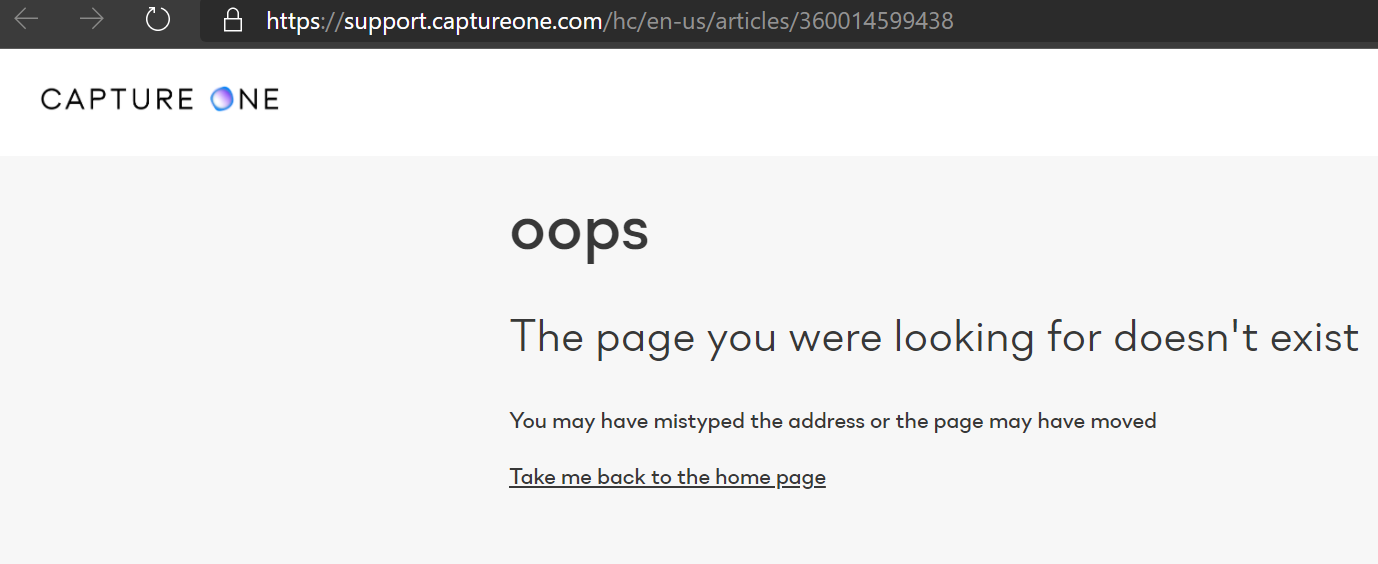
Also it's not the best look that the link they send you in the automatic response to a ticket "if you question is about Capture One 21" leads to this:
 0
0 -

Hi,
Same issue here.
0 -
@ Sebastian Spindler
Hast du zwischenzeitlich eine Rückmeldung vom Support erhalten? Ich hatte ebenfalls eine vor 17 Std. gestellt aber noch keine Reaktion vonseiten Phase One erhalten.
Gruß Hans-Georg
0 -
Nein, bisher ist keine Reaktion auf das Ticket erfolgt. Kann mir nur vorstellen, dass deren Support System aktuell ziemlich unter Last steht mit dem Release der neuen Software.
0 -

Same issue...
I've tried to activate my Capture 21 thousand times, both ON and OFF line, but every time the system gave me a kind of server error.
The same was during the activation of Capture 20.
Please note that I've DEactivate my old Capture 20 copy, before 21 activation!
Could you please help me in this frustrating situation?!?!?!?!? I'm not able tu use a software that I've already payed for it!!!!!
And now both 20 and 21 aren't working!!! Just for recap... I've payed for a software completely useless!!!
Awaiting for your kindly reply.
Cheers.
0 -
@Stefano Pezzolato
You should open a ticket to get a response from Customer Support. This forum is only for customer to customer help.0 -
Well I did open a ticket like 15 hrs ago and... no answer so far.
0 -
@Sebastian Spindler
I've already opened a ticket yesterday, but nobody has taken care of it!!
0 -
Got a response from support. Apparently my account was not activated? No idea what that means as it's the same I used with the previous version.
Sadly the "manual activation" didn't change anything, hopefully it doesn't take another 24 hours to get a response. I have client work coming up and need working software.
0 -
I don’t know if could be useful and/or suitable, but I’ve solved with those steps:
1) deactivation of both 20 and 21 sw
2) uninstall both 20 and 21 ver
3) reinstall 21 ver (downloaded from website!)
4) offline activation!
In this way, all was fine!
For the sake of clarity:
I’ve Mac Pro with Big Sur;
No action/response from customer service!
Hope will be useful!0
Post is closed for comments.
Comments
23 comments