Cannot process the current selection (v21)

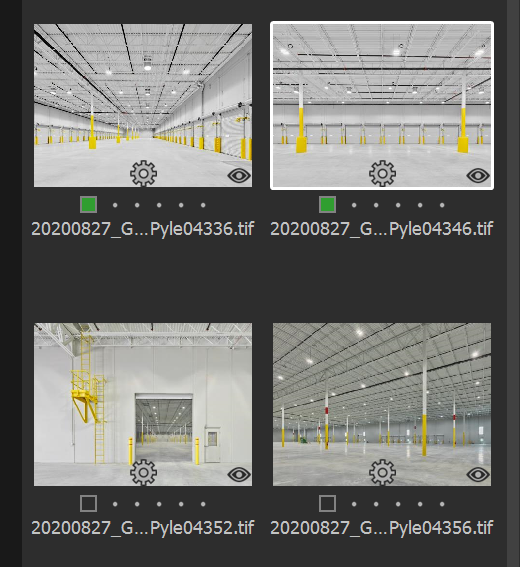
All of the sudden today I am getting a "Cannot process the current selection" warning when I attempt to process using a recipe. My images are all where they're supposed to be but the thumbnails are showing an eyeball in the lower right corner. I did check previous responses to this problem but they are all outdated and useless. The images I am trying to output are TIFs located in the Selects folder. I was successful in processing a RAW image in the Capture folder, though. I tried moving a TIF to the Capture folder and it was still unable to process. Any suggestions that don't start with "right-click and select Show in Library" would be appreciated. Thanks.
-

According to the user manual the 'eyeball' means the following:
View Only. An eye icon means that the file has a View Only permission status. This means users have the right to view the image but are unable to make any modification.
Not sure what would cause this.
User manual for future reference.
0 -

From the Release Notes - just in case the information is relevant.
Other file support
TIF/JPG/PSD/PNG files that are not in RGB color space cannot be adjusted within Capture One and will be read-only.
Layered Tiff: Capture One 9.1 onward can support Tiff files with alpha channel or layers saved in the file (from other apps like Adobe Photoshop) but for viewing purposes only. Reprocessing the image will result in a new flattened image.
0 -
That's interesting SFA (the colour space thing), i will have to watch for that one.
0 -
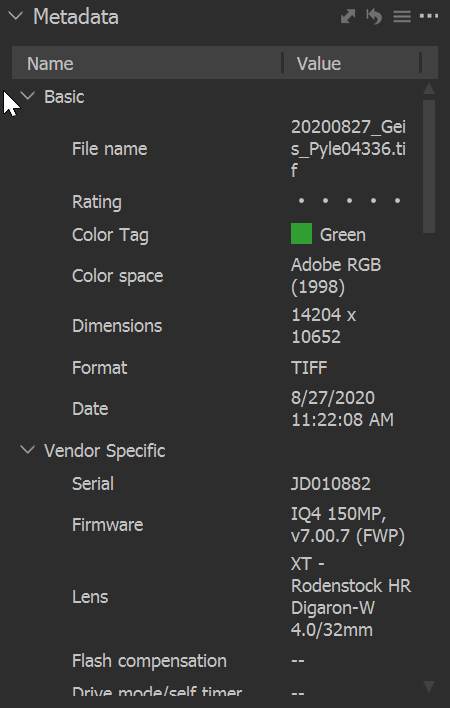
Here are a couple of screenshots. The first shows that the file is Adobe RGB. The second is thumbnails showing the eyeball icon in the lower right corner. Bear in mind that these files never gave me any trouble before today. It may have something to do with the recent v21 update. This particular job was shot tethered to v20 and converted to v21 upon opening today.
 0
0 -

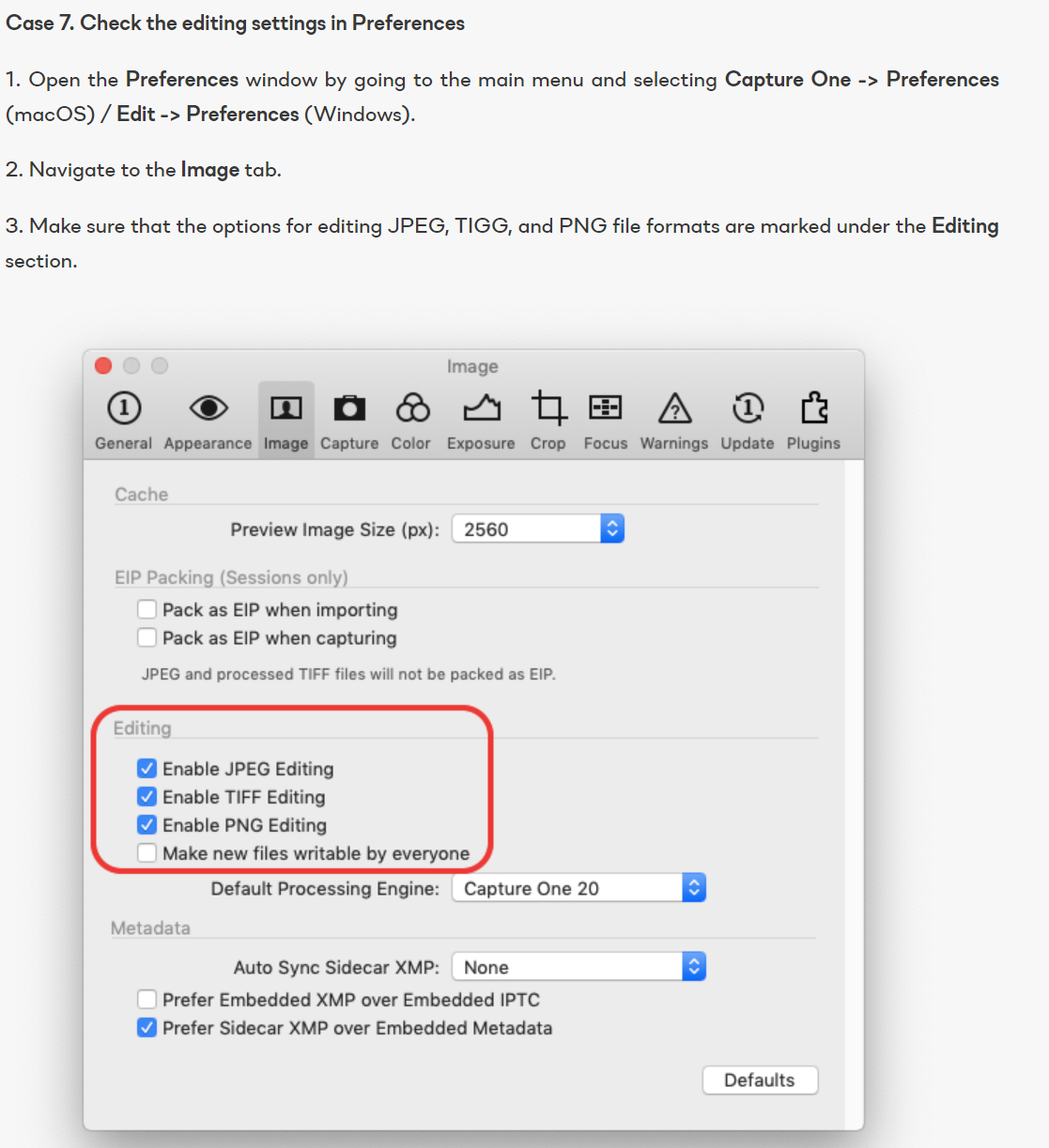
Check that editing of tiff files is still ticked in C1 preferences.
0 -
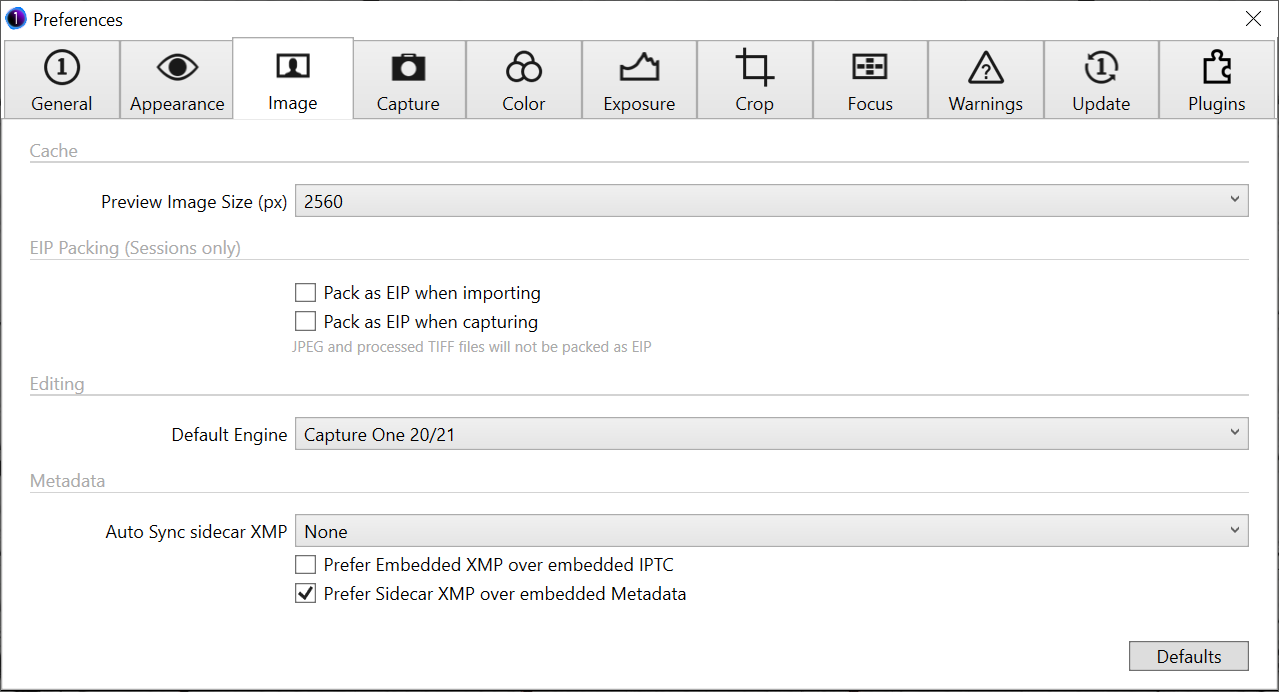
Where is the preference for TIF files? I'm not seeing that anywhere. Capture One is telling me this but my Preferences screen is different.
 0
0 -
Joe, this is what mine looks like..

Which version of C1 are you running, Pro, specific version for Sony/Nikon/Fuji or Express? For the Pro version it should look as above.
Regards,
Mark
0 -
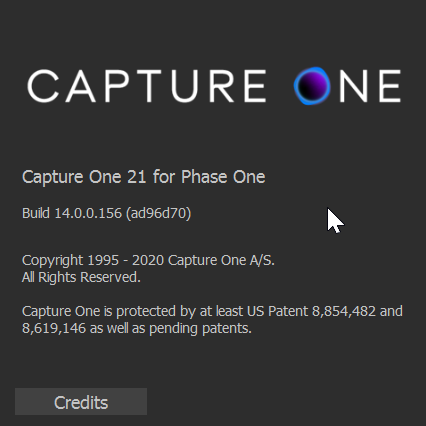 0
0 -
Just saw there was a new patch so I updated. Same Preference screen and same problem.
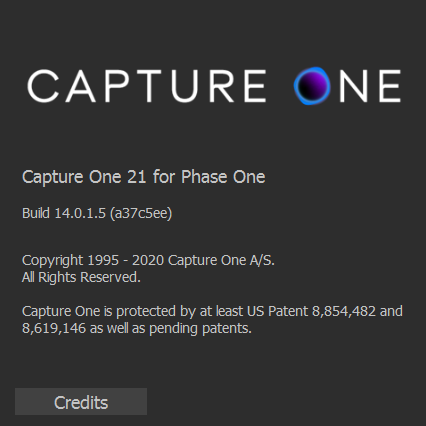 0
0 -
I would suggest you submit a request. I didn't know there was a version for Phase One, hopefully it does not have the same restrictions as the other camera specific versions of Capture One or this may be where you problem lies...There is some documentation on this site that tells you what formats the specific versions support, but I cannot find it at the moment...It is worth having a search of the Capture One resources to see if you can find it, or maybe one of the other community members knows where this information is...
The version I have is below, it is different to yours, so I am not sure what file types your version supports.
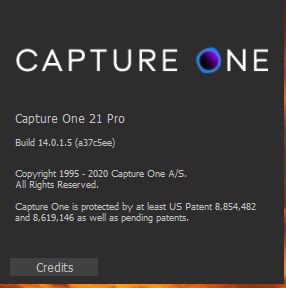 0
0 -
Well, it's been nothing but total silence on the part of Capture One after submitting a formal support ticket. I got an automated response with links to totally unrelated knowledge base articles but no other responses.
0 -
Joe,
Looks like you are using the product that was previously known as "DB" (Digital Back).
As I understand it, and especially as it looks like you are a Phase back user, you need to contact technical support at Phase One not Capture One.
That is the old case system that, as far as I know, Phase still runs along with the "old", pre-Zendesk, Forum.
There days there is no mention of the "for Phase One" version on this web site other than to redirect people to the Phase One web site.
As for your problem my guess would be that the TIFF files are not indentifying as something that the "for Phase One" supports for editing. I'm not sure if they were supported in previous versions provided they had some way of identifying that they were TIFF files created from a Phase One back source but to answer that you may need to look in the "old" forum for hardware related threads with questions about Capture One.
I hope this observation helps you in some way.
0 -
Ask over at the Phase One forums:
https://forum.phaseone.com/En/index.php0 -
I SOLVED IT! I was using an old license #. Not sure where it grabbed a legacy license #. I deactivated v21 then reactivated using the correct license and I now have the Pro version. Duh. Thanks, everyone, for your help.
0 -
Good to know.
Aren't there special features of the PhaseOne C1 version that you are going to miss with your IQ4?Also, were these problem tiff files straight out of the IQ4 or external conversions from IIQ?
0 -
I am not aware of any special features that are in the Phase One version. The files I was having a problem with were TIFs that are generated when I either Edit Variant or attempt to reopen a TIF I saved in Photoshop. Best I can tell, the Pro version seems to comprise all features.
1
Post is closed for comments.
Comments
16 comments