Have to keep reactivating Capture One

Every time I quit the Capture One application, in order to use it again I have to put in my license over and over. Is there anyway I get around this?
-

hello
i have this problem too......
0 -

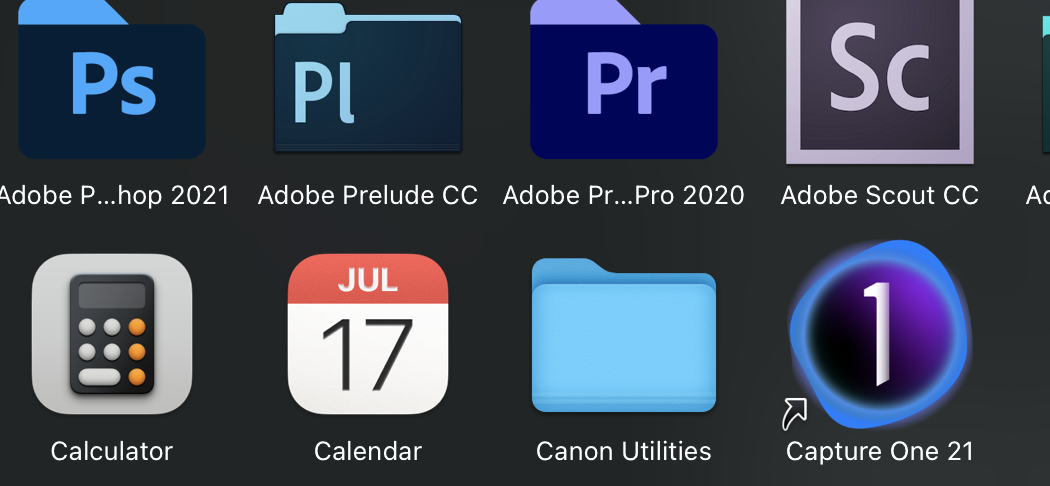
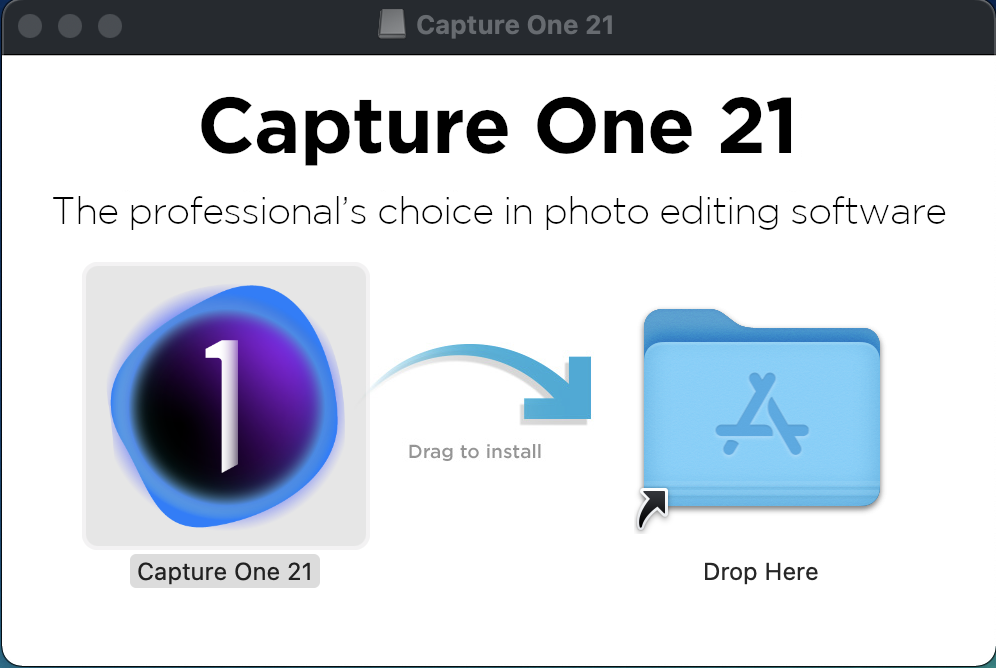
Hi, i had the same problem. I am mac user. In my case i done small mistake during the installation. As usually i drag Capture One ikon from installation box directly to the applications folder. As a result, in this folder there was a small arrow next to the application logo, denoting a shortcut. To solve this, I first uninstalled the program and then started the installation again. This time I moved Ikon C1 to the shortcut of the application folder visible in the installation window. After this step, everything was correctly installed and now I don't have to re-enter the activation key.
 0
0
Post is closed for comments.
Comments
2 comments