Capture 21 Pro Clone Layer Not 100% Opaque

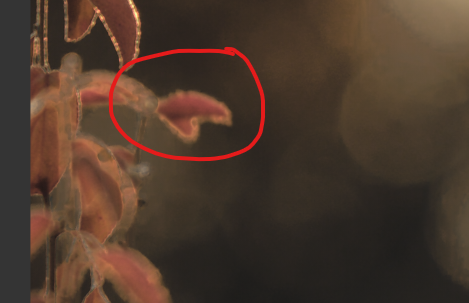
I am using the Clone tool on an image. I've circled the area I want to clone out:
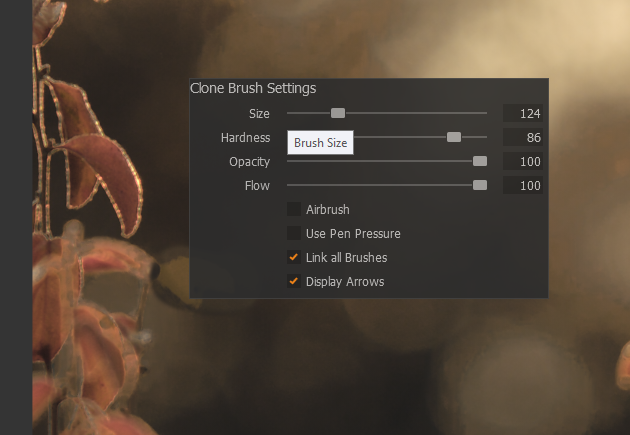
The brush is set to 100% Opacity and 100% Flow:
After setting my source point, I brush over the area I want to remove. As I brush, a ghost of the original image appears:
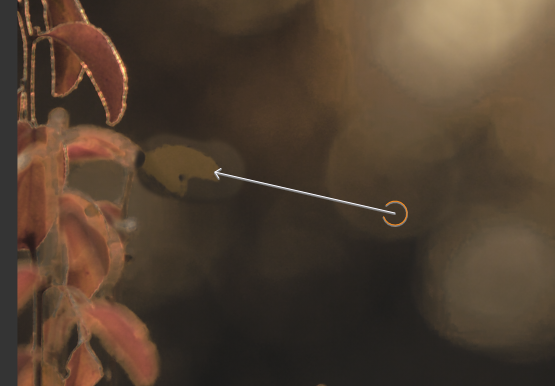
The leaves are part of a layer where the mask was generated by the Advance Color tab. I did the clone after I generated the Leaf mask layer. I did some color adjustments and exposure/brightness adjustments on that layer.
I moved the clone layer below the leaf layer -- nothing changed.
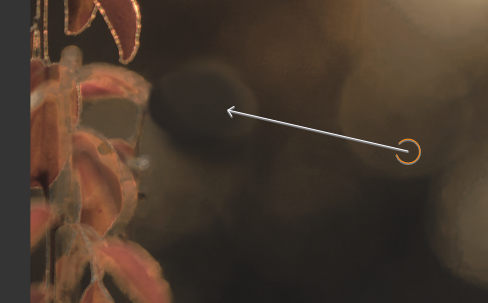
I did find that, if I rasterize the leaf layer, I can erase that portion of the mask where I want to clone and no ghost appears (ignore the fact it is a poor clone job):
I haven't tried this on other images. I thought I would post this in case others have a similar problem. I'll test on other images. If it is consistent I'll submit a report to tech support.
Also, suggestions are welcome.
Thanks,
Greg Noelken
-
Also have you tried using the Heal tool instead of the Clone tool. Sometimes the result blends in better.
Ian
0 -
Walter, Ian;
Changing to different tools (H or V), or choosing a different layer, does not resolve the issue.
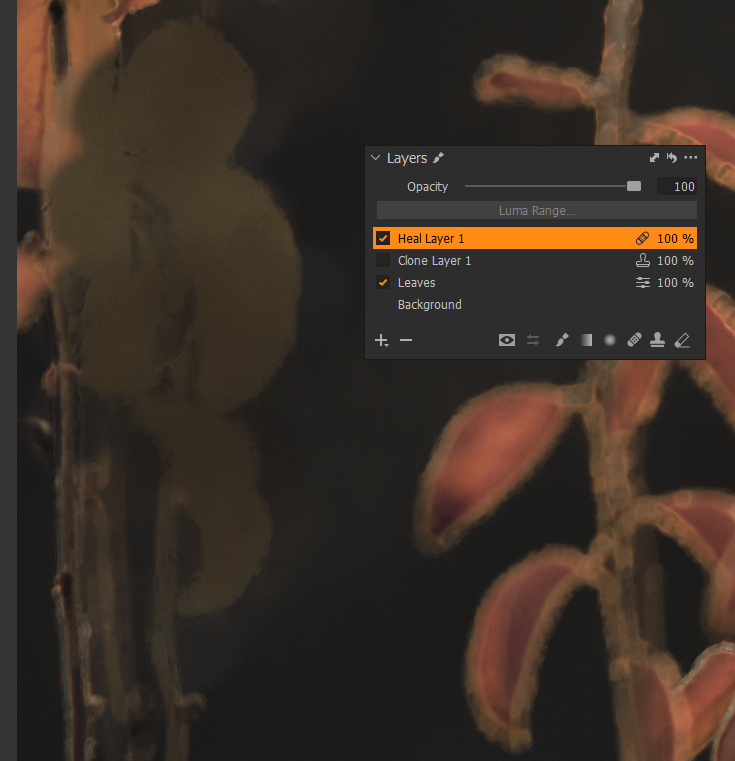
The heal tool does the same thing:
Heal:
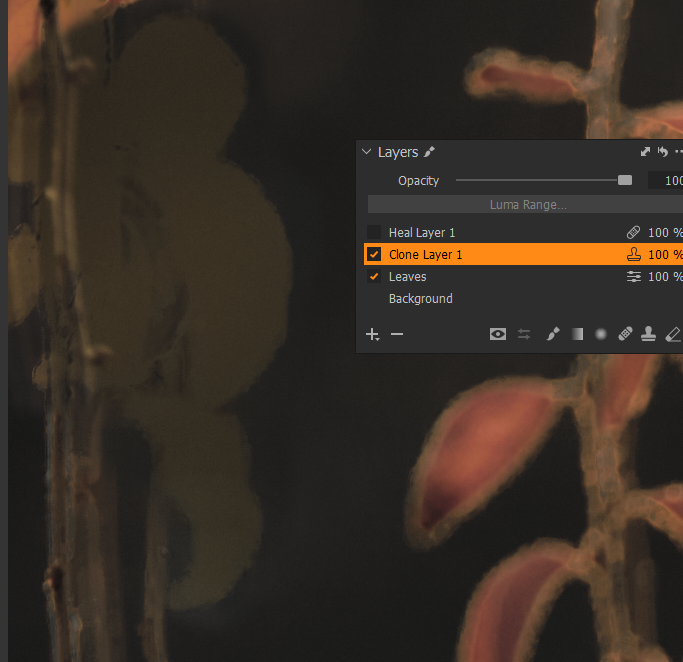
Clone:
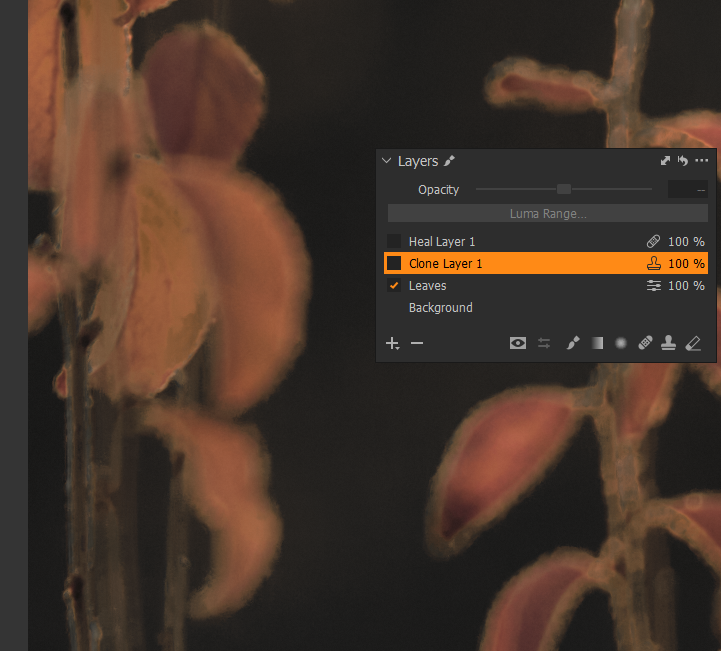
Original:
Something I just discovered is, if I turn off the Leaves layer, the ghost does not appear in both the Clone and Heal Layer work:
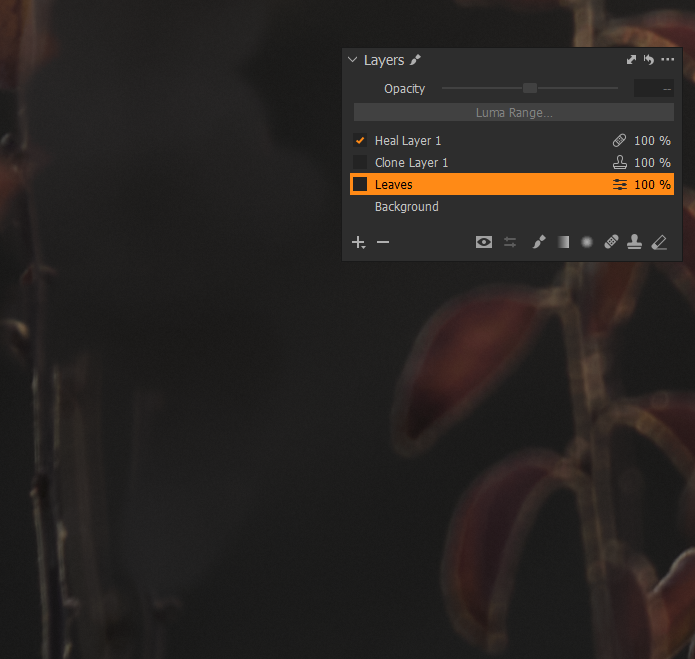
The Leaves layer had the color adjusted using the Advanced Color editor and the mask was created from the "Create masked layer from selection". It also has White Balance, Exposure (+0.37), Brightness (+9), Shadow (+5), Clarity (+12) and Structure(+7) adjustments.
I have upgraded to 20.0.1 since then.
Thanks to both of you for your suggestions.
Greg
PS Walter - I will check out your YouTube channel. I'm always interested in improving my skills using C1.
0 -
I am having the very same issue with Capture One 21 Build 14.3.1.14
0 -

As I understand things resampling is always done from the base converted but otherwise unadjusted original file.
It is entirely possible, especially where the image contents are at the extremes of dynamic range (very dark or perhaps very light in some situations) that the adjustments applied are somewhat conflicting at the "blending" stage.
I would suggest that you use the "Submit a request" feature of the Community pages and create a "Support Case" to see what the C1 Technical Team have to say.
0 -
I have submitted Support Case #111083 for this issue.
0

Post is closed for comments.
Comments
5 comments