Cannot relink files to the catalog

Hello,
After changing my files' location, I cannot fully relink them back to the Catalog.
I use 'Find' to locate the correct file structure, and the Catalog seems to recognize the files, but in a wrong way:
- the previews are not shown;
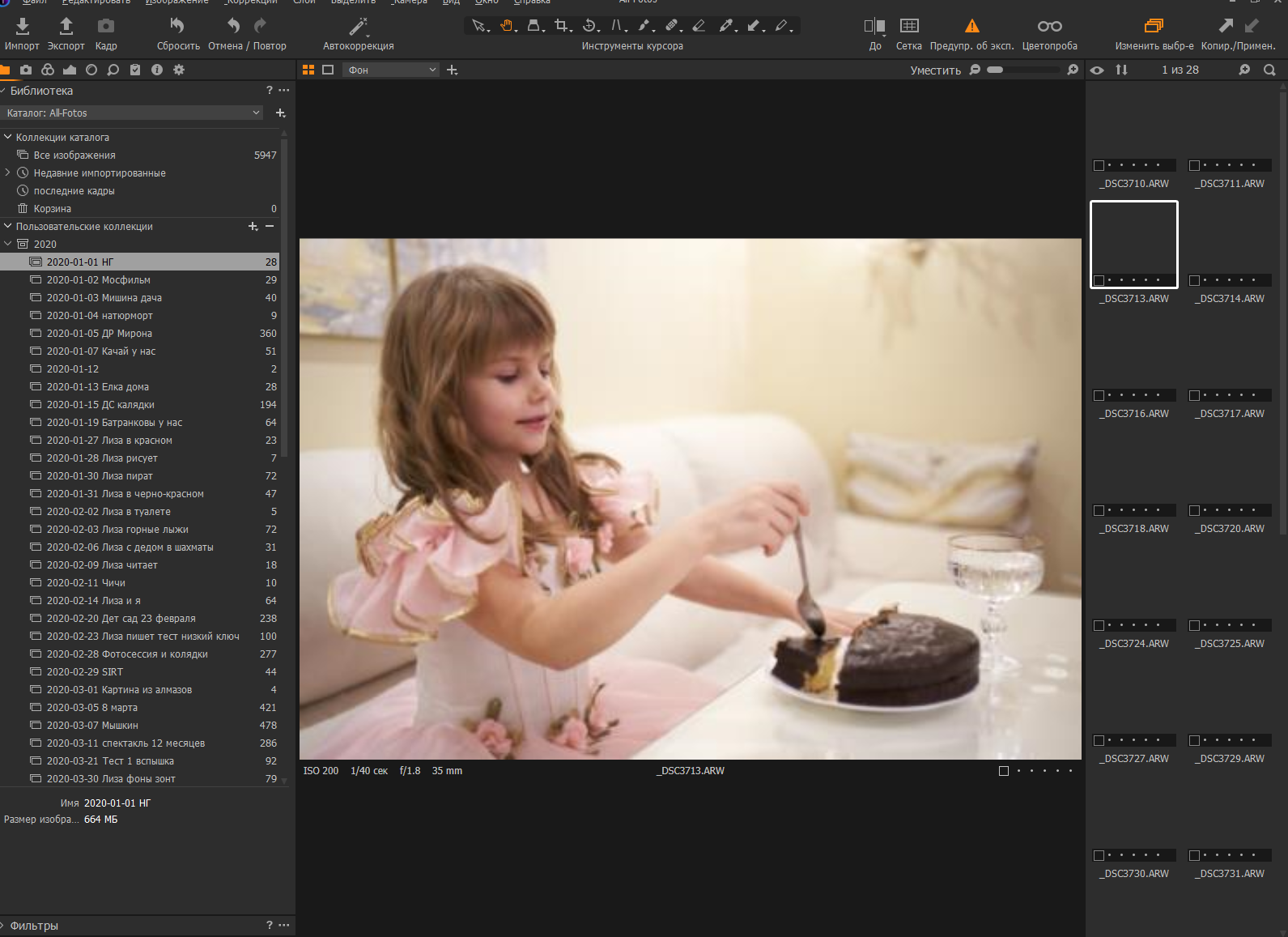
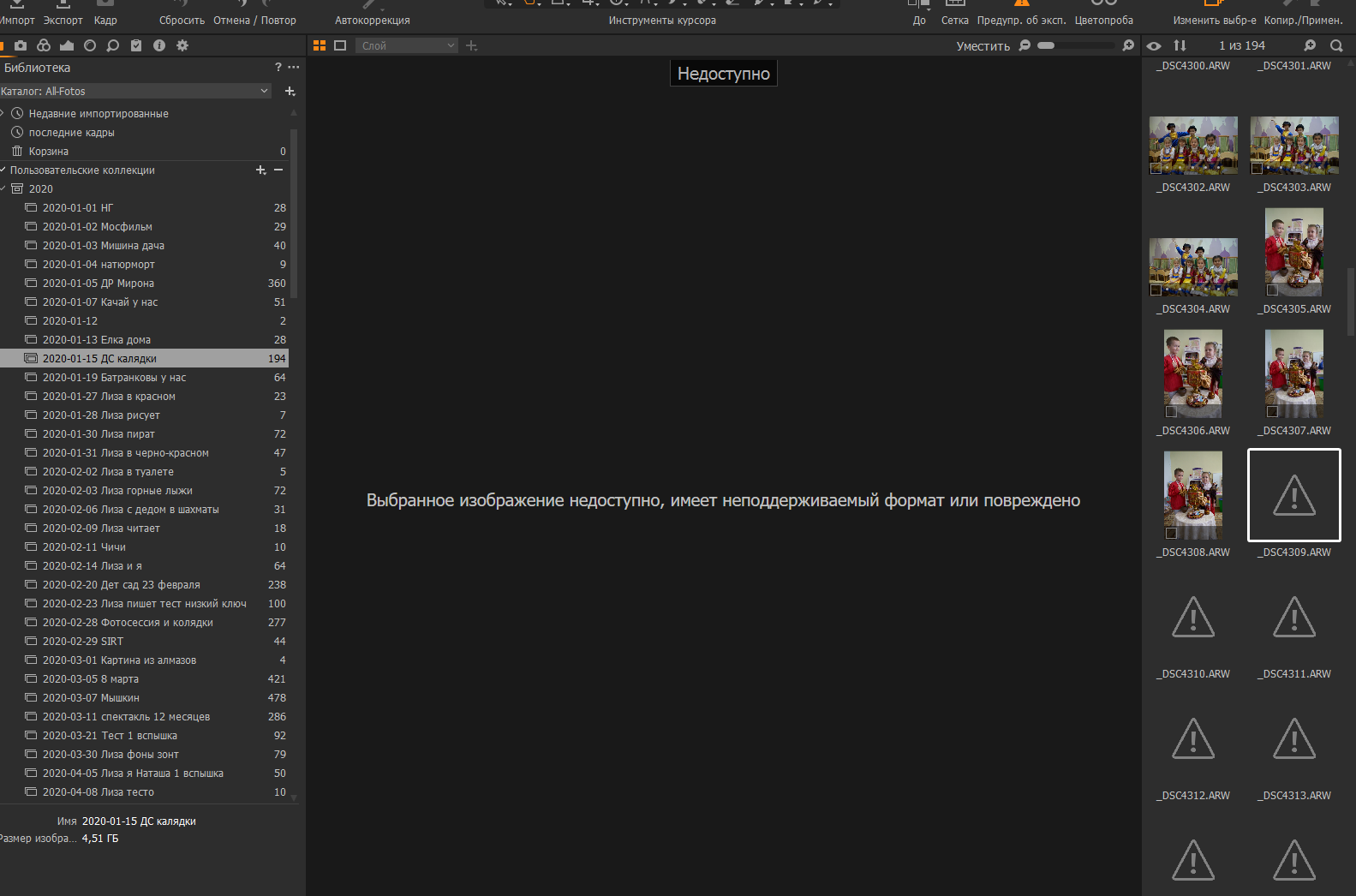
- some of my pictures are shown in the main window in the preview quality only, I cannot see them at 100%, but most files cannot be shown in the main window at all;
- the same behaviour, if I select files in the file structure on the left Folder window (see the attached screenshots);
- there is no 'Unreachable' warning;
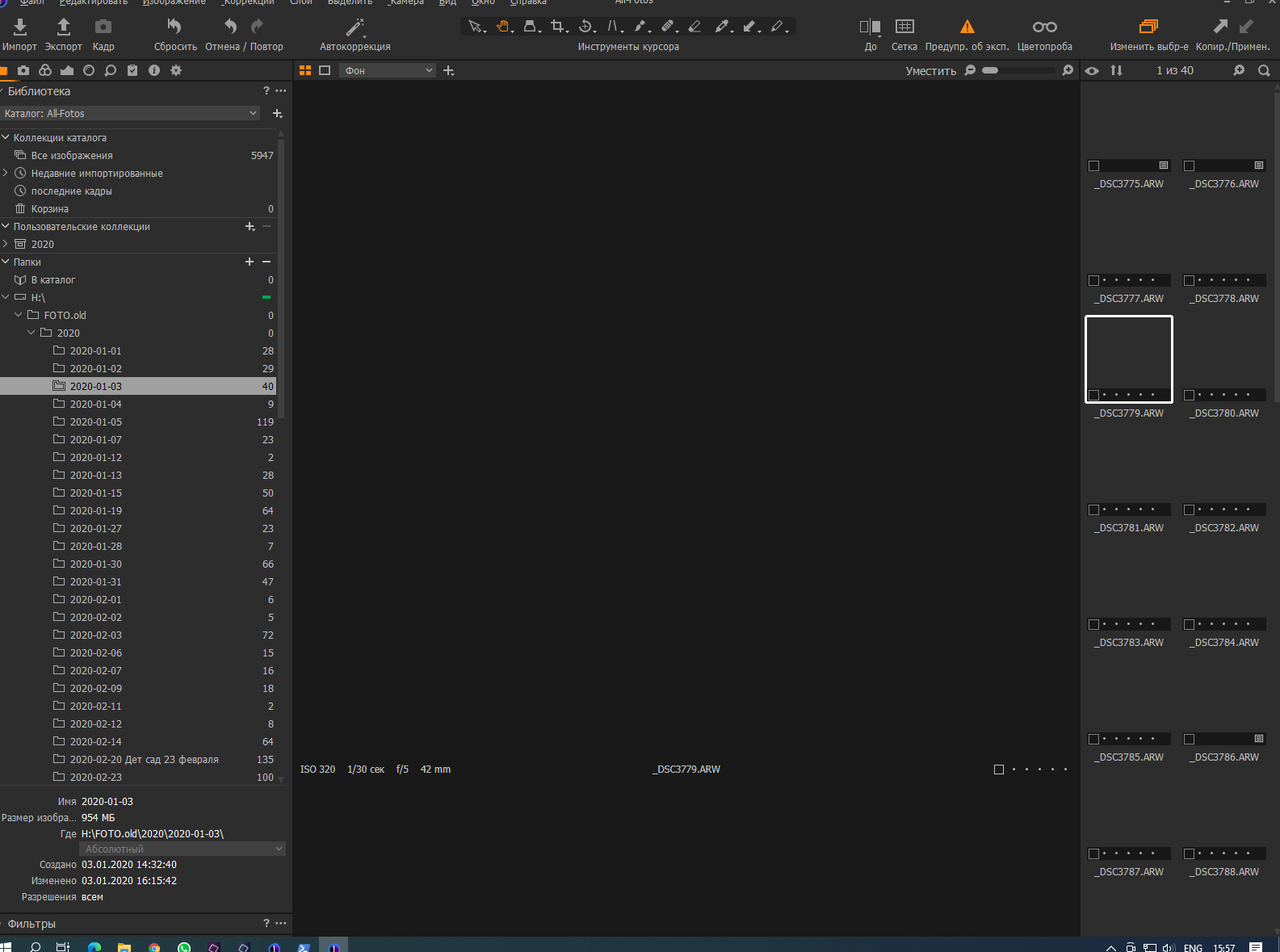
- tried to do 'Restore' Catalog - with the same results - restoration process is fluent, no errors, but after it finishes, my images cannot be open;
- another thing I checked - 'Show in Explorer' and 'Show in Library'- everything looks good, they show the corrent files in the correct locations;
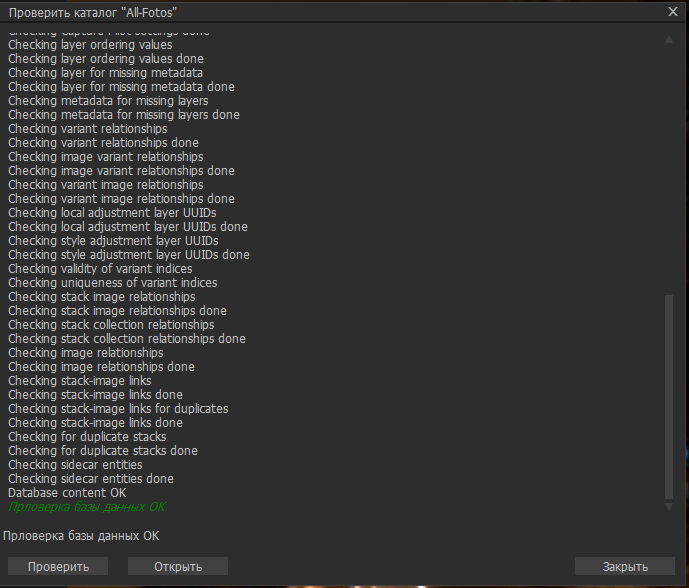
- also I checked Catalog DB - everything seems OK:
Please help me with this issue, I opened a request for this issue in Support yesterday, no reply so far ...
thanks,
Igor
-
If you moved them using Windows File Explorer, Capture One won't know where they are. You'd need to tell it. In the Capture One Library tool, right click each folder you have moved, and choose Locate from the context menu. Then point Capture One to the new location of that folder.
Bur if it already knows where they are (perhaps it does, if Show in Explorer gets to the right place) then perhaps you could try selecting all the images in a folder and choosing Regenerate Previews from the Image menu.
Ian
0 -
The other thing to check is whether Capture One has access to the drive where the images are located. I'm not sure whether your H:\ drive is an internal or an external drive. Does it have the necessary permissions for Capture One to read from it and write to it?
Ian
0 -
Thanks for the help, Ian!
Tried to Regenerate Previews, but it seems to do nothing, no warnings, no messages, no changes at all.
As for the permissions, it sounds like a fruitful idea, how to check it?
Actually, I have 2 copies of my files on both internal drive (H:) and NAS (Z:) - used 'Locate' tool in both places and got the same results, describied in my initial letter.
One more thing: the picture in the main window is just a lowres preview file, I cannot change it at all by e.g. Exposure/Light/etc parametrs, so it seems to have problems with accessing actual image data.
0 -
Additional info: it seems, that my C1 is broken in a way! (build 13.1.3.13 Rus)
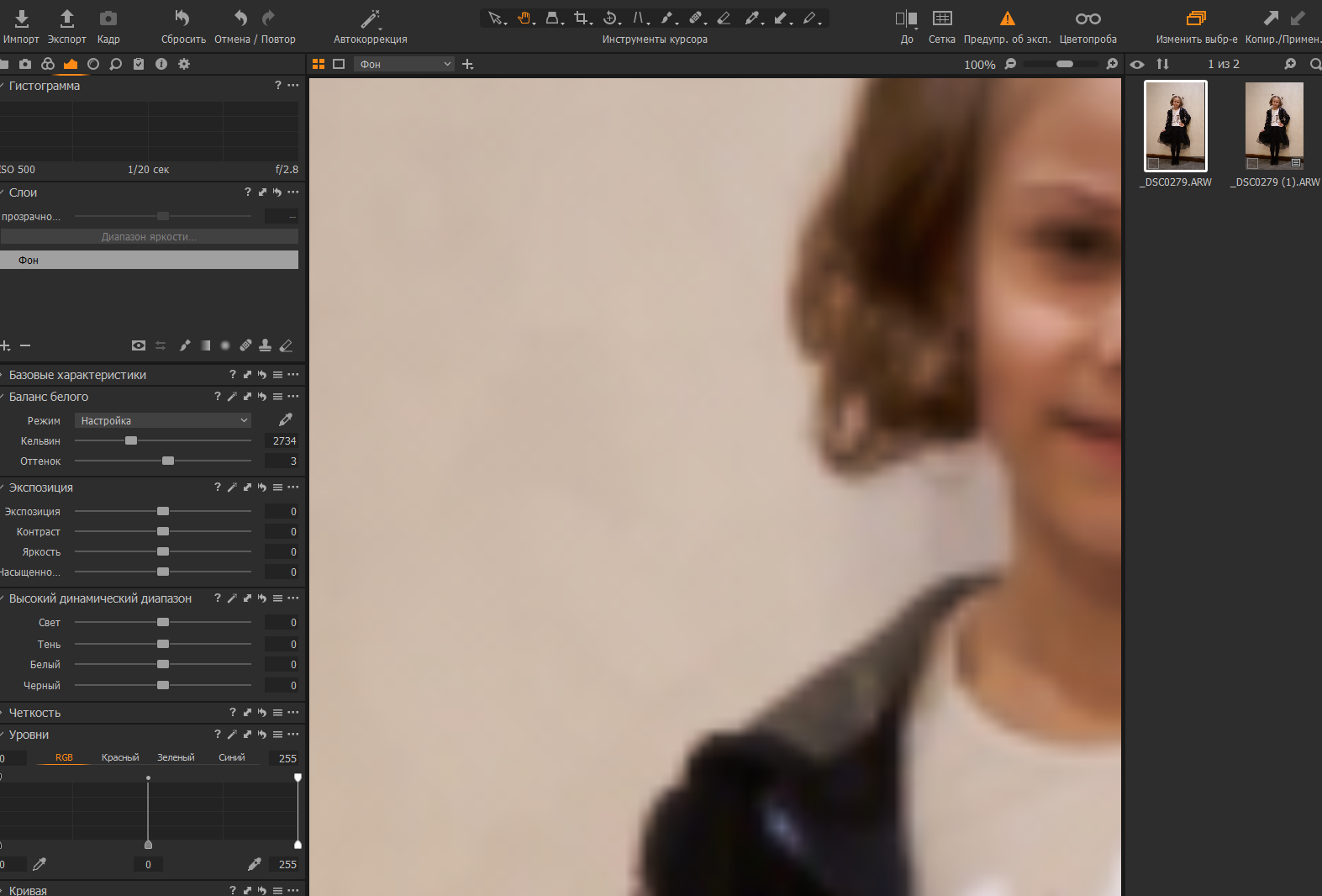
Just tried to create a new session from the scratch, import 2 images from the local drive and see the same issue!
Take a look at Histogram section - it is empty, the image at 100% is Low res ...
 0
0 -
The issue seems to be caused by the Hardware Acceleration.
I disable H/W acceleration and it works now more or less all right.
Not sure, why the acceleration is broken, I use build-in Graffic on Intel i5-10400.
Now I have another issue, unfortunatelly:
- if an Album in the Collection has 100+ images, last of them are marked as unreachable. The 'Locate' tool can easily restore them. The problem is - they are way too many to restore them one by one.
 0
0

Post is closed for comments.
Comments
5 comments