Capture One 20 Live View with R5

On the Canon R5, fw 1.2.0, with IBIS turned on or off, when Capture One's live view is activated, in the live view window you can visually see the image drop or raise in the window vs the framing in-camera. It seems like the IBIS is causing this movement. This shift is probably 20% or so of the frame, so not subtle. The camera's buttons then become unresponsive until the live view window is closed, even upon close, the camera remains wholly unresponsive until the play button is hit.
Another issue with Live View and the R5 is that when zooming into 100% or greater, Capture one doesn't resample the video feed and remains unusably pixelated for critical focus. The focus control buttons in the live view window also fail to move the focus.
1
-

HI! I am having the same issue with live view as you do. Did you find any solution to this?
1 -
No, there's been no response.
0 -
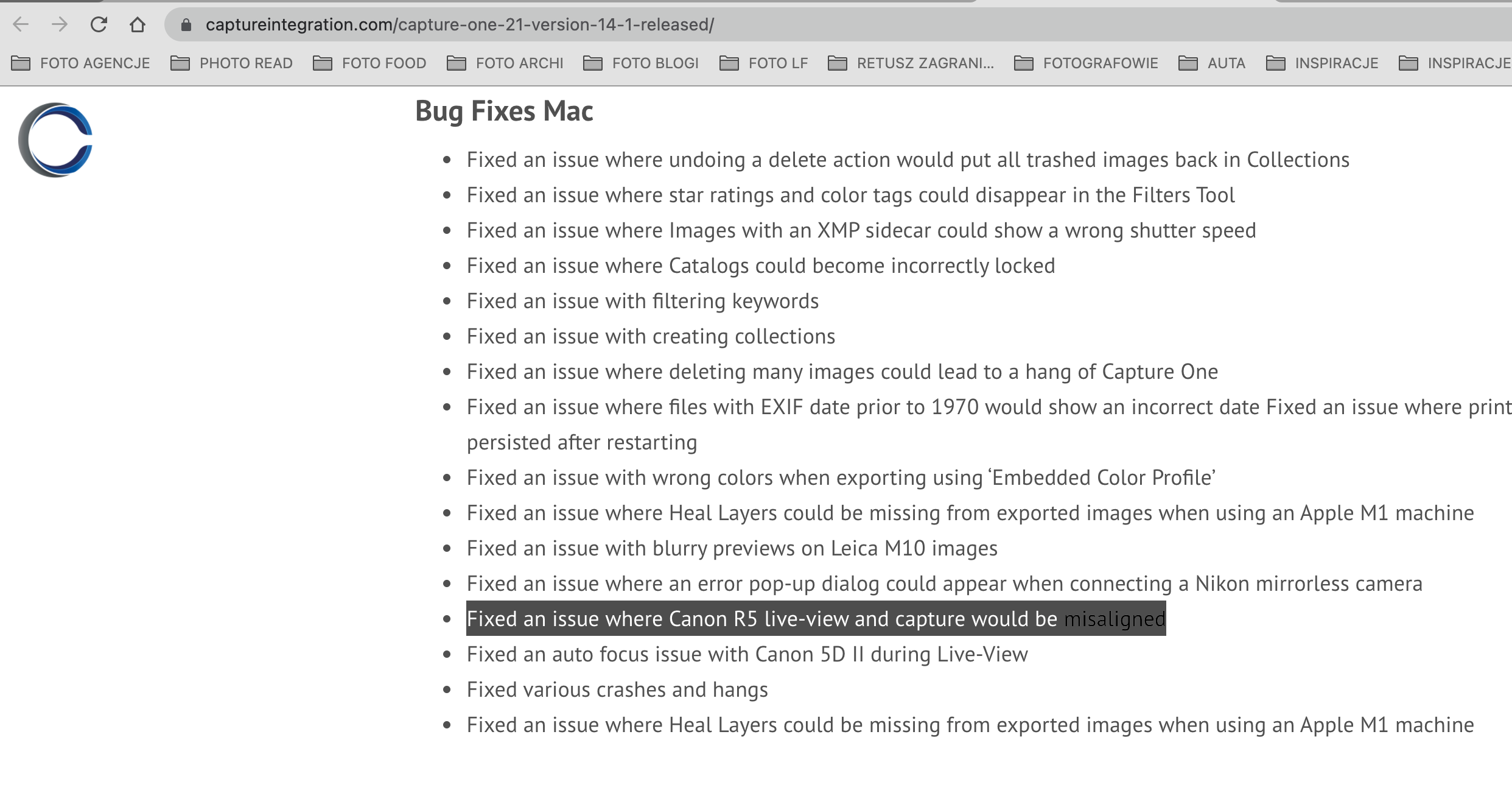
Seems like C1 21 is the answer. I am currently on a shoot using 21 ver. Trial and it seems to be OK.
 1
1 -

I had the same problem and fixed it by turning off face tracking AF.
0
Post is closed for comments.
Comments
4 comments