Tethering issues

I've been trying to get my R6 to tether again (it used to) for days now. Keep getting this error message. The only way I'm currently able even view shots live in C1 is by opening Canon Util and pushing to C1. I've worked through all the troubleshooting fixes that I can find and still no luck. Help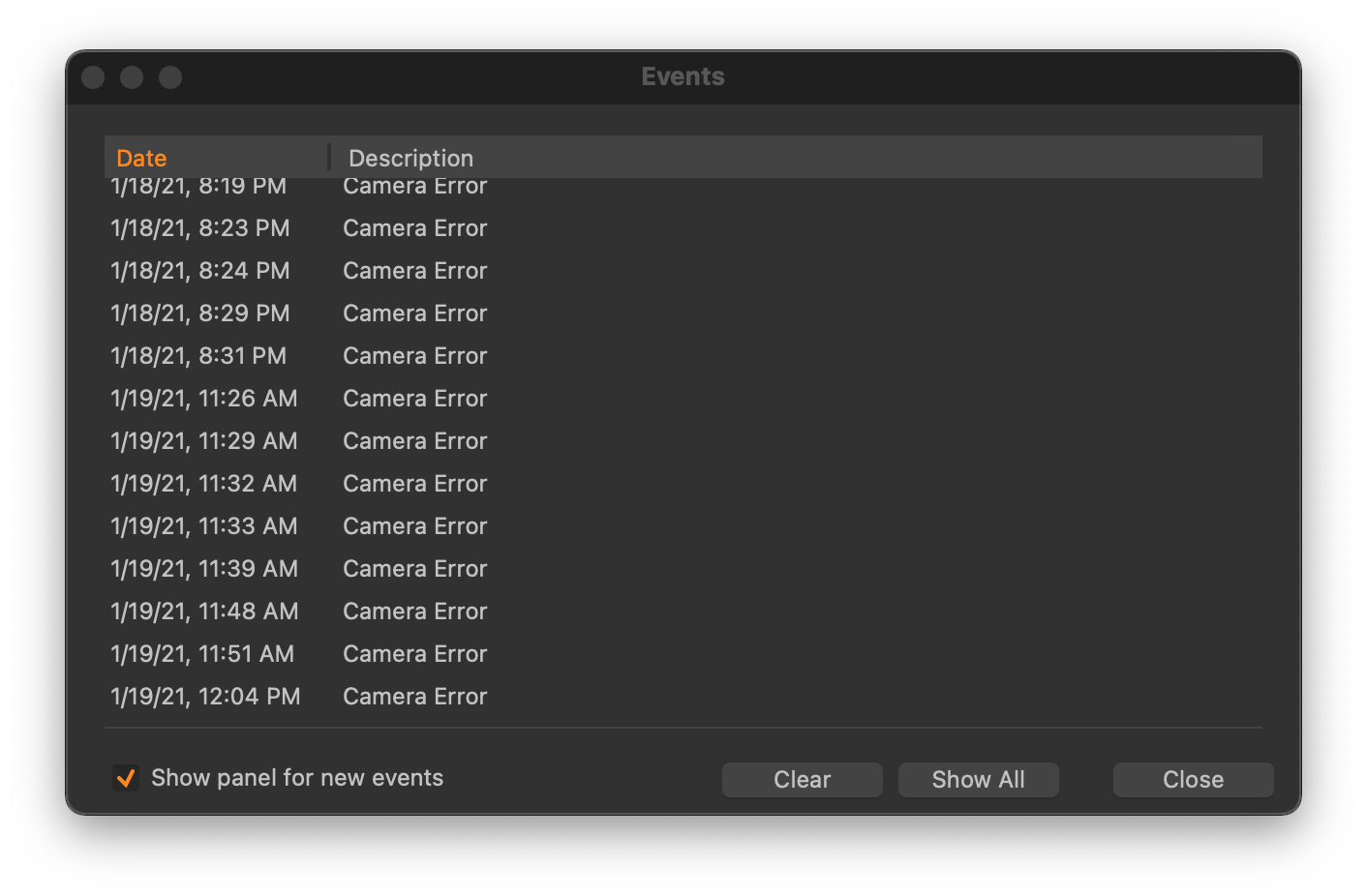
-

Hi John, I have the same issue with my new Nikon z7II . It does not mount at all. Nikon z7 works fine with the new C1-21
 0
0 -

Have you updated to 14.0.2 that (supposedly) support the Z7II ?
0 -
Yes, I have the newest 14.0.2.49
0 -

A long shot based on an old memory of a Forum discussion.
Check the "Network Camera Manager" for any possible entries.
It's in the Camera drop down menu.
0 -
I got it to work last night by uninstalling Canon Utilities. Let's see if it works for this morning's session. Fingers crossed!
0 -
John,
In that case the most likely situation is that you have a card in the camera and when you connect the computers sees the camera as a mass storage device and calls up Canon Utilities by default to do something with the files it has found.
Take the card(s) out of the camera and see if that makes a difference even with Canon utilities installed.
There was a time when this was a requirement for all cameras.
Recently some Fuji and a few Sony cameras (iirc) have introduced an additional connection mode that allows the cameras to operate in full tether with cards installed.
I'm not sure whether Canon did the same for the R6. Maybe not.
0 -

hi John...I had the same issue yesterday on a outdoor shoot, pretty annoying!
i'm not sure if this problem came with the newest update, but I found out, that you have to format your cards in the camera, or like SFA said, maybe take out the cards should work too.
after that, everything worked fine!
by the way, i found out, that the the size of the preview files have a huge impact on the tethering speed! at 5120 it is even slower than lightroom ;-)
have a great day...
0
Post is closed for comments.
Comments
7 comments