C1 20 - Export not working

Hi there, I'm getting crazy, I tryed all the ways (other posts) to make export working, but nothing, it always fails. Strange thing, the PROCESS works fine, so I can't understand what's wrong. Of course I tried to activate/deactive Open CL, restart computer, etc.
The files are Fuji XT3 RAF (and if I try to export the original files, it works! It can't export JPEG)
My pc is a Macbook 15 - 2018 - Intel i7 2,6 Ghz - 16GB Ram - Radeon PRO 560x 4 GB
Thank you
-

Presumably you want to export a jpg based on your "original file" edits? Not just an unedited jpg (if you create jpg files in camera).
First question.
Are you using the Export Variant option?
Personally would just stick with using the Output Process options which you know works and is a more powerful option in terms of what it allows you to do.
0 -
Yes, I wanted to export a variant option of an edited file
the same edited file could be exported as a Process, but not as a variant
0 -
What, if any, differences can you see between the Process output recipe and the Export Variant process recipe options? (For data fields that are direct equivalents.)
0 -
Well, i't's not a matter of differences. It's a matter that I payed a software which is not working properly.
0 -
One works. The other, apparently, does not.
That is your experience but not the experience of others.
The first thing to I would check, if I had the problem, would be the comparison of settings between the two tools to see if anything obvious is different and offers an opportunity to test whether it works if a value is changed.
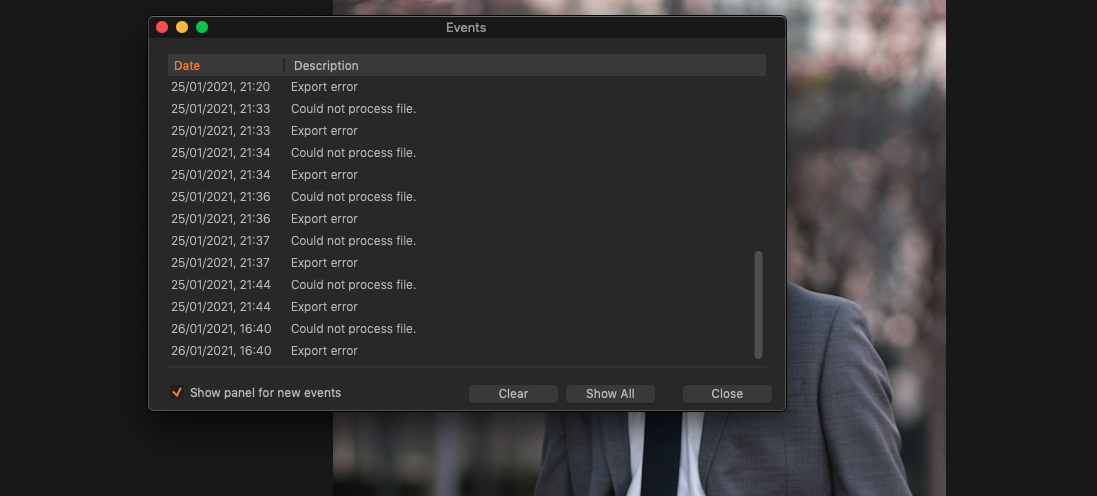
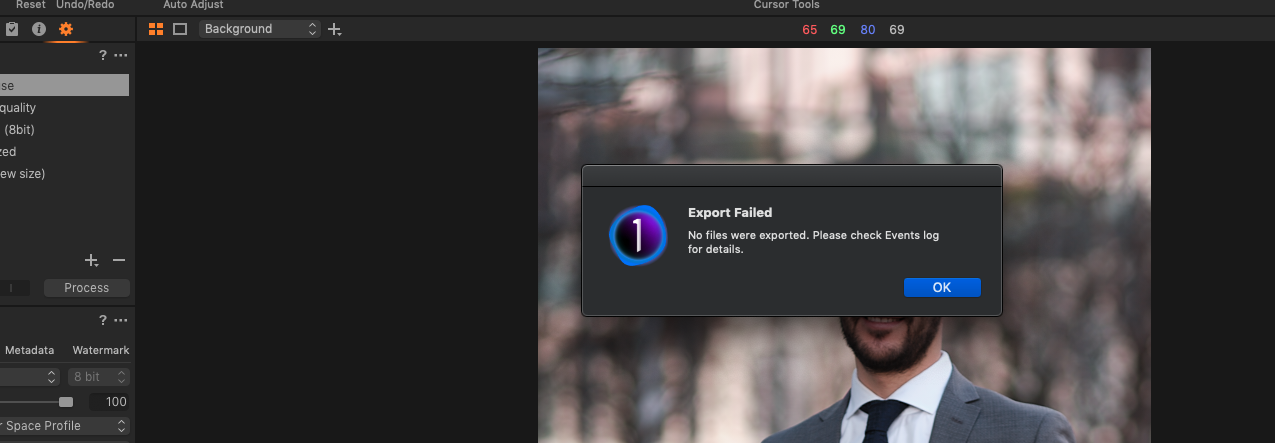
You have not in this thread explained in what way it "does not work".
I have no idea what you are referring to when you wrote "I tryed all the ways (other posts)". If you have indeed described what you have tried so far it would be useful to know where. I'm not about to guess given that the name that appears are your identity on this thread is shared by many and is a long time forum anomaly.
I am just a fellow user trying to help another user with some sort of local system problem.
Right now I have other things to do. Hopefully someone else will come along to assist.
Good luck.
0 -

 0
0 -
Well, thank you for you kind attention.
As far as I can see, the web is full of complaints about this problem concerning exporting jpgs/other formats different than the original, so as far as i can understand, it's a problem of rendering /engine.
So, I read many articles in your support page, I de-activated opne CL as suggested, but it doesn't work. Let ma know ehat esle I should so and I will be happy to do it.
But please don't tell me "not to use one feature of the software", this is not a solution! Am I wrong?
Thank you
best regards
0 -

What you haven't done is show the settings you are using when you try to export.
Some of us that do not have the issue are wondering if perhaps you've run into an edge case that we've never seen. If we knew your exact settings we could try to duplicate your issue. Or show you where your issue lies.
Example: I had an export fail because under the File tab of the Recipe section of the export window I had Root Folder set to a non existent folder instead of my usual setting of "Export Location". That was 100% my error. My only complaint is that a "why the export failed" message would have been a lot more helpful than what Capture One displayed.
0
Post is closed for comments.
Comments
8 comments