Red or Hot Pixels appear on CO, but not on Preview, PS Camera Raw.

Hello everyone,
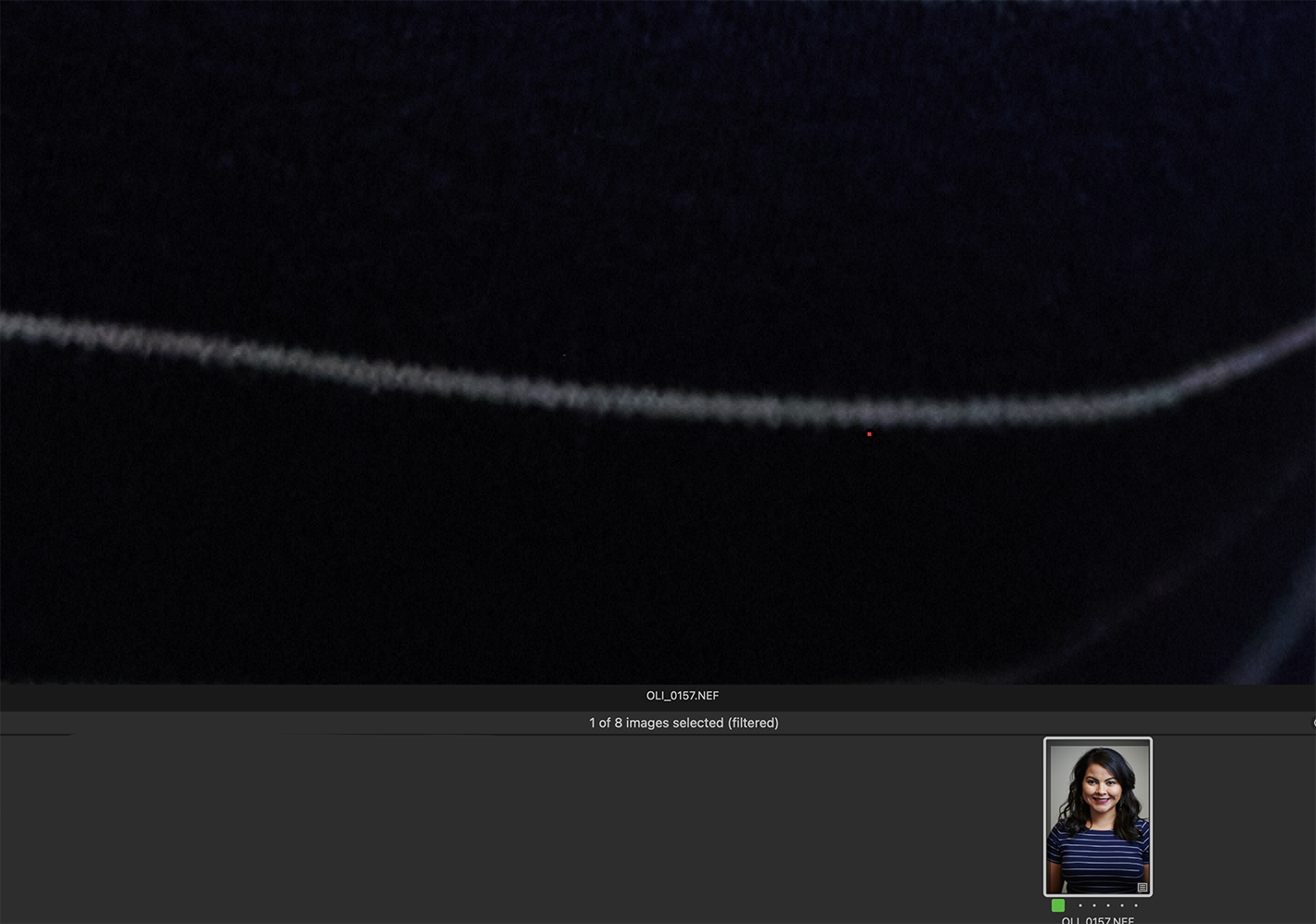
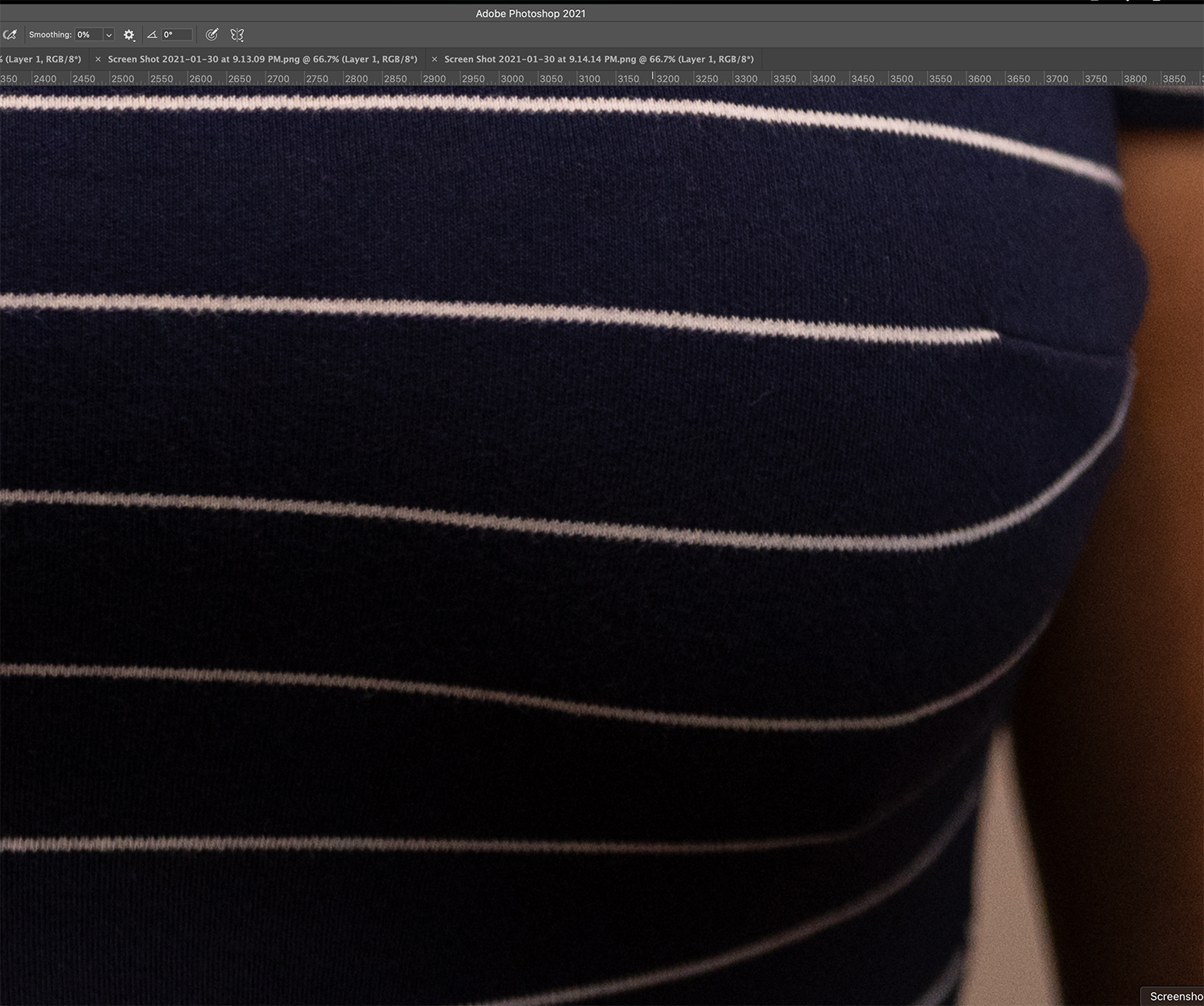
I've been experiencing an odd issue, I'm seeing a red or hot pixel while working with raw photos from a Nikon Z6 on CO, but when I preview the image in Finder, it does not show up. It also does not show up on PS Camera Raw, or on Photoshop. It does appear on CO and the JPG export, but not on the PS JPG. When I check the image in the camera, I can't find that hot pixel in the camera's screen preview.
CO will show me the hot pixel at any zoom percent, and the JPG export will have a nice little red square.
I've included some screen captures.. My best guess is that its a camera issue, but why wont it show up in other programs?
-
 0
0 -

It is a camera issue and other software than Capture One may automatically suppress it. In Capture One this is a manual step. Go to the Noise Reduction tool, Single Pixel slider, and increase the value.
If you have this frequently, you can save the Noise Reduction value as the new default for your camera, and you are set.
1 -
ah, yes I see. Thank you very much!
0
Post is closed for comments.
Comments
3 comments