Import and Catalog Build

I am new to Capture One. So, I have an external HD which has all my photos on it with an established file structure. I want to transfer the entire structure onto my internal HD and establish the catalog on that HD as well. I have spent hours trying to do this and cannot seem to figure out how it is done.
-
Hi John,
All my RAW files are on an external disk (SSD), with a chosen hierarchy. If you want your Capture One catalog to copy your folder hierarchy, you just have to go to "folders" in the library, add a folder (or disk) by clicking on the "+" sign, and add your external disk.
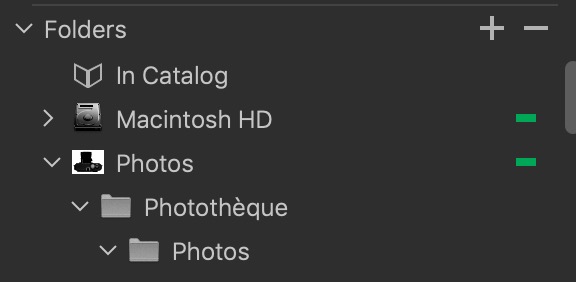 0
0 -
Hi Robert,
I did what I think you suggested (pic attch'd). So I have the folder structure (had to add each folder individually). But the folders are empty. How do I get the images in the folders. Must have done something. I have spent abpuit 6 hours trying to do this and am about ready to get rid of Capture One. Really frustrated. Hope you can help.
Jack
0 -
Forgot the image.
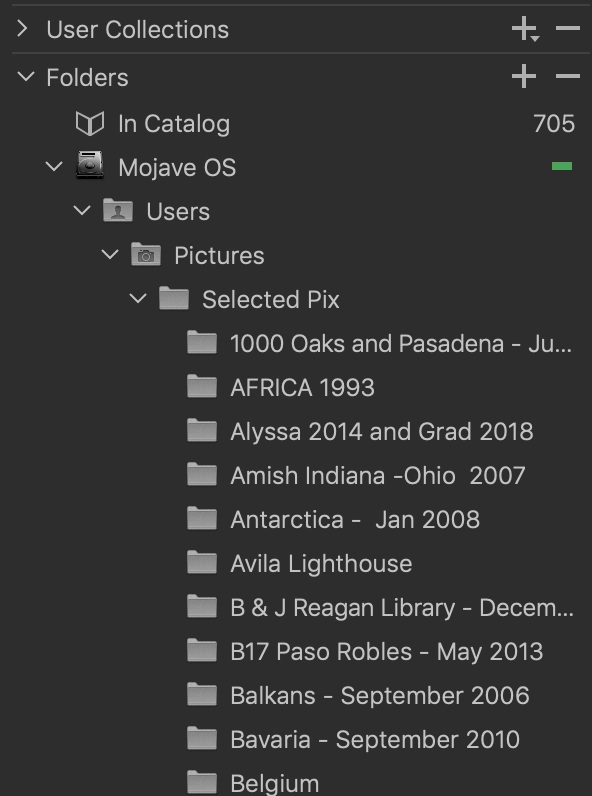 0
0 -
Hi John,
The catalogue and folders is one thing, the pictures an other : you have to import your pictures if you want to process them with Capture One.
0 -
Thanks for your advice. I have decided that if I am having this much trouble just importing my images, this program is not for me.
0 -
If you go to your parent folder (Selected Pix), click right and "Synchronise", Capture One will import automatically your pics. Any software using a catalogue option works in the same way : you have to import the pictures (e.g. Lightroom).
0 -
OK>. Thank you. Two step process. Build the structure then import to it. Got it.
0
Post is closed for comments.
Comments
7 comments