Can't find image under recent imports where it should be among its peers, might be user error.

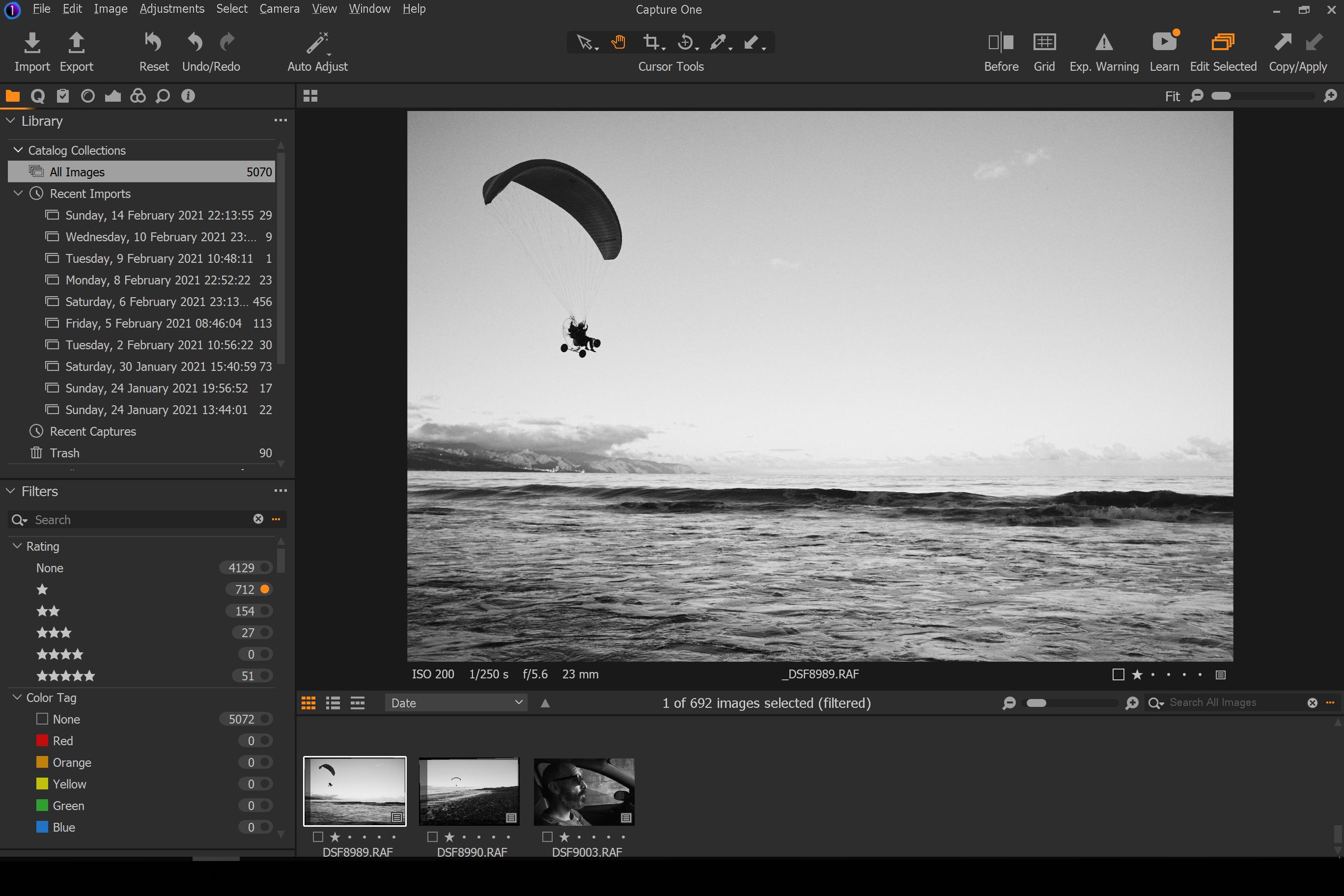
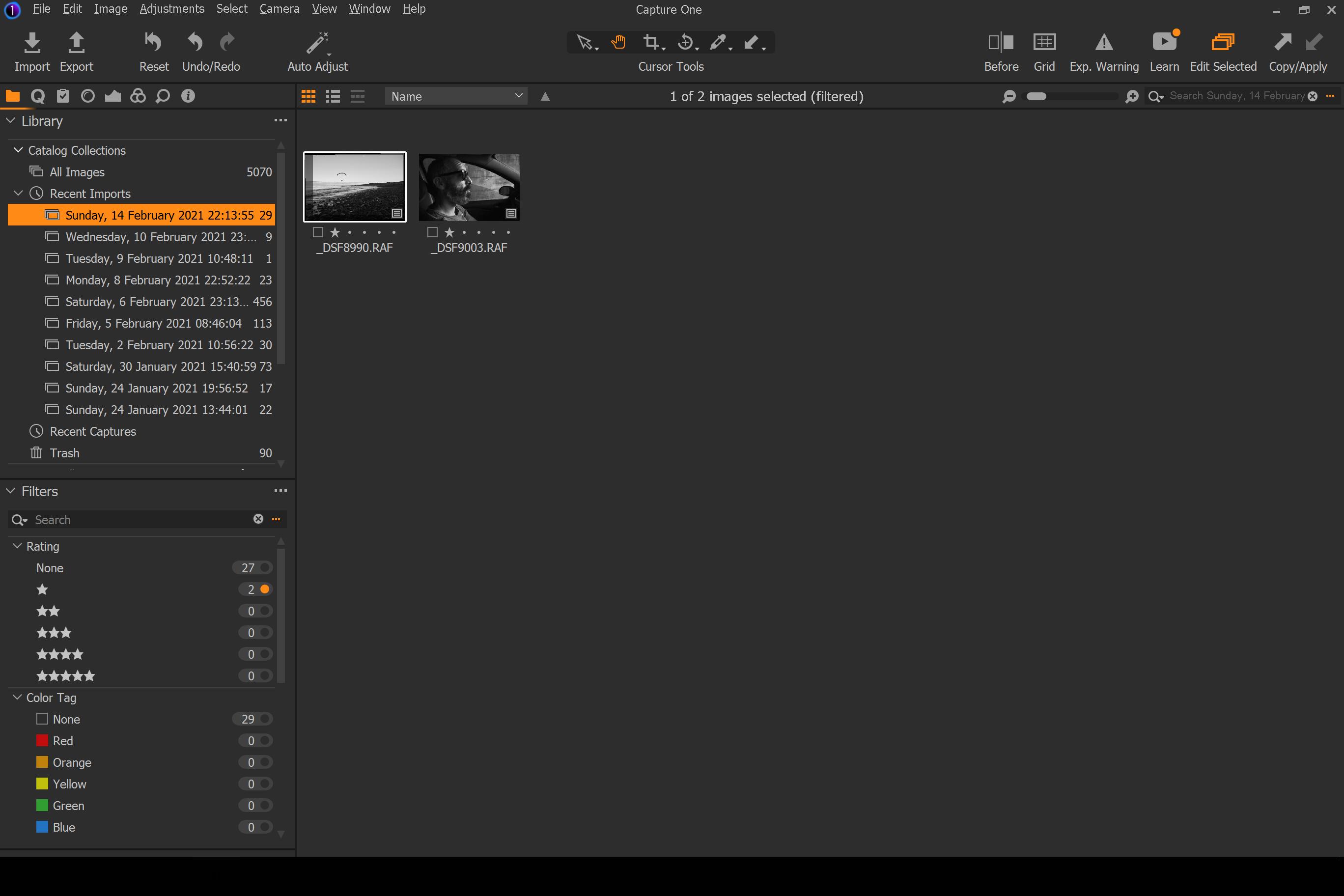
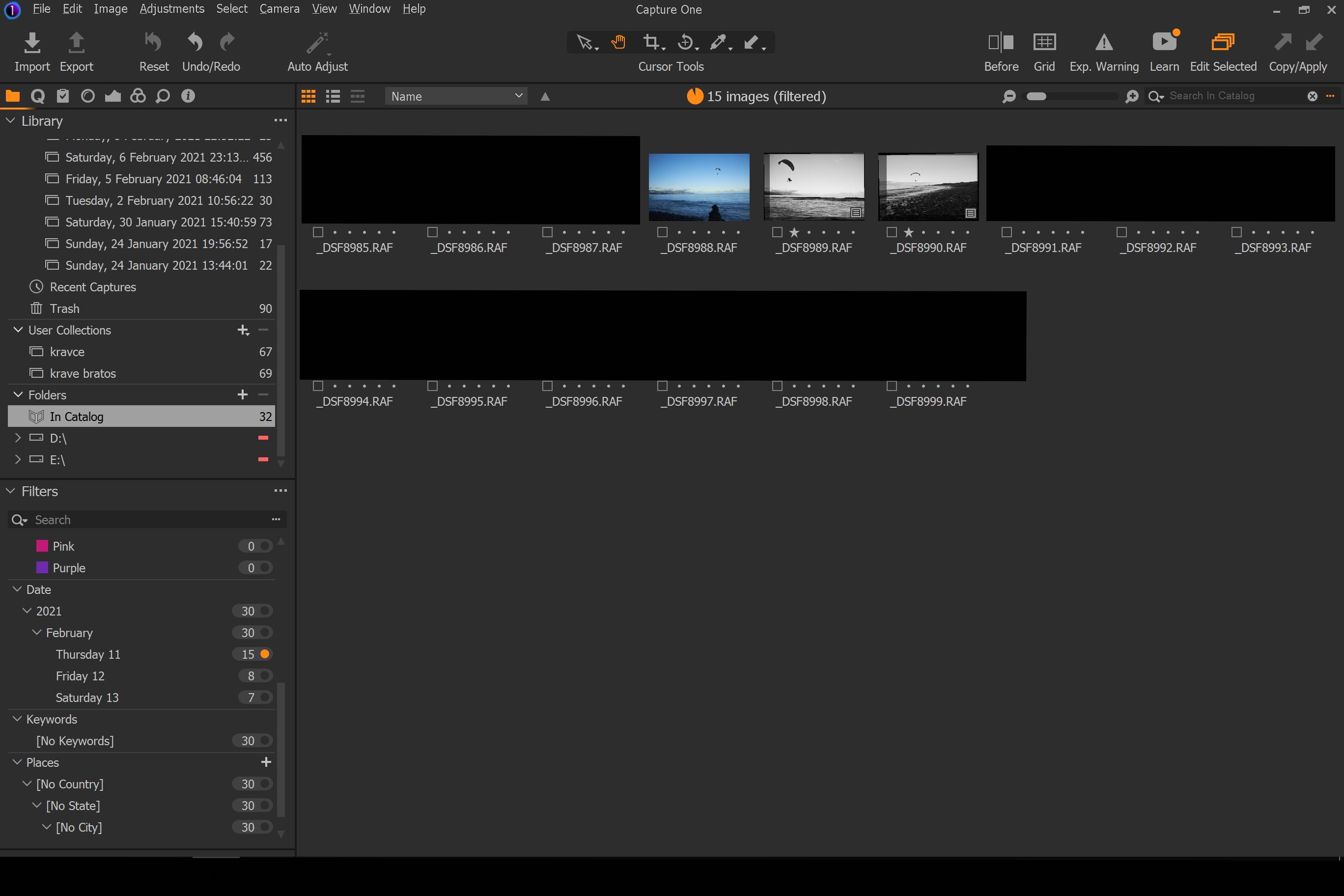
So I have this one image (dsf8989 from the first screenshot). It was imported at the same time as the other images and was shown along under recent imports sunday 14th, until it wasn't. Now I can only see it "in catalog" or "all images." Its metadata is the same, it shows if i filter photos from that day. It is not shown under any other recent imports. Again; it was under recent import where it should be since yesterday and than 5min ago gone, puf (tryed restarting and stuff).
I must be missing something obvious, its no biggie, but i'd still like to know what's up.
Thanks, here are the 3 screenshots, G
ps.: Is there a shortcut (that i hit) that eliminates the pic from the responding recent imports..? If so, is there a way to get it back.
-
Seriously? no one? This could be a glitch in the code, as such might be interesting to the developers...
0 -

What is the filter that is being applied?
Just the Date and 1 Star?
If you remove the filter and ignore the recent imports list it is still there, right?
From the screenshots, you still have the same total number of images but only 2 are reported as having 1 Star.
If you close and re-open the Catalog do things stay the same?
1 -
PS. This is mainly a User to User forum, not so often an official support source.
1 -

Perhaps the missing image was put into Trash and then put back into AllImages (undo trash).
Undoing trashing doesn't seem to bring the image back to the recent imports.1 -
Hi guys,
@SFA The filters really don't matter, it only doesn't show in Recent Imports. It shows fine with or without filters in the catalog. Reloading the Catalog didn't effect it :)
@Tomasz G WoW! Really good deduction man! I guess this happened. Might be convenient for future releases to give the option off assigning to x recent import (devs!). Or by default. Though technically it is correct behavior :)
Cheers guys, all the best, G
0
Post is closed for comments.
Comments
5 comments