How to save image on photoshop to captureone?

When I transfer my image from captureone to photoshop to be retouched, after I’m done I save it and it gets saved in captureone. But if I try to make any other retouching and save it again, it would give me a error in photoshop. I have to delete the saved image in captureone in order to save it from photoshop. How do I save a image from photoshop to captureone when it’s already been edited/retouched without getting a error/deleting the image in captureone?
0
-

I am Adobe free since years but the procedure is the same.
First, in CO, from the processed RAW file, click "edit with"

This will create an image in the format you want in the list. It is this image
created and saved in the original folder that will open in the chosen app.
Second, if another edit is needed, click "open with" and this will not create
a new file but open it directly by the chosen app.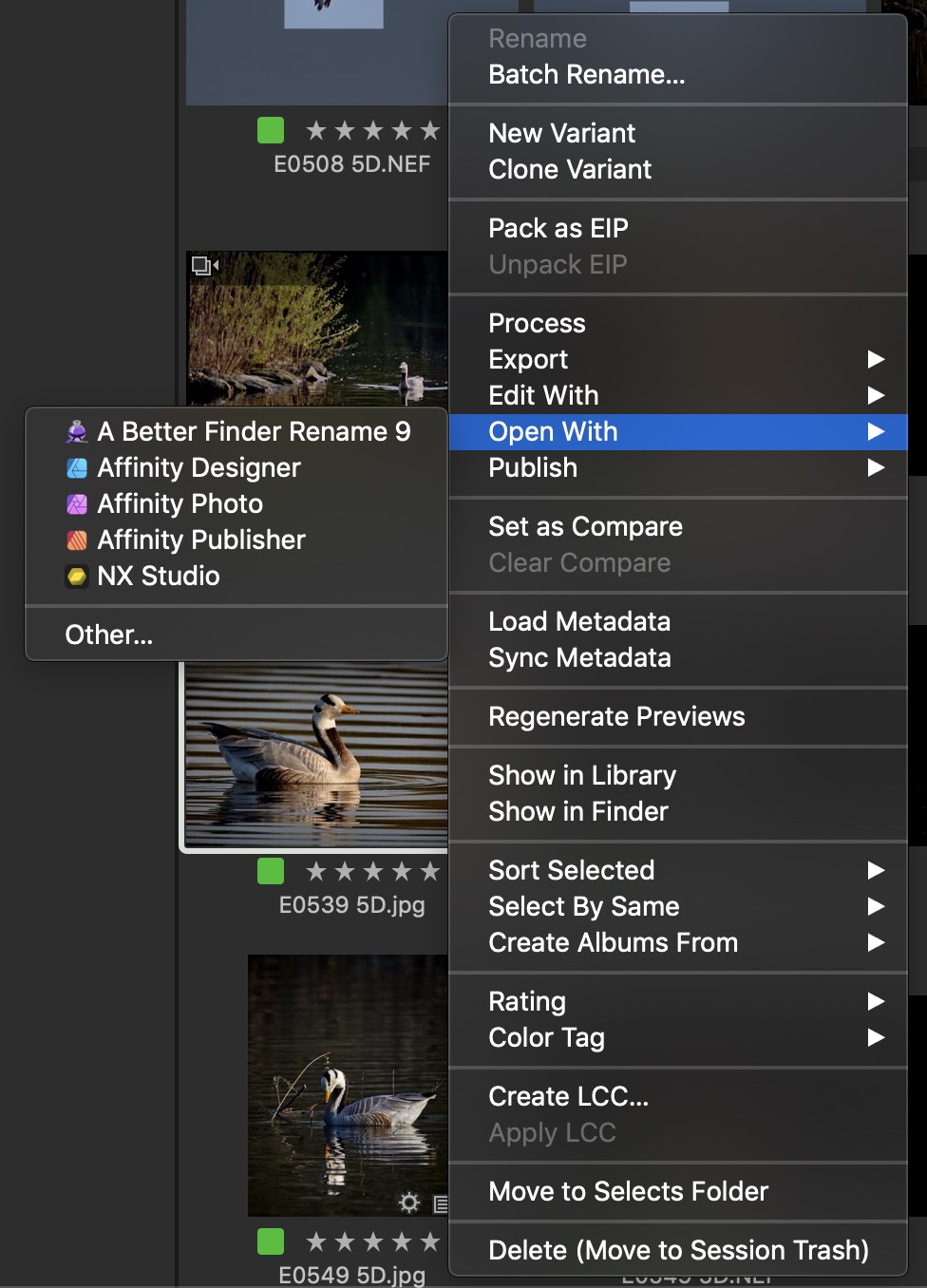 0
0 -
ADDENDUM
The pixel editor should save the work and be reflected in the CO viewer.0
Post is closed for comments.
Comments
2 comments