Add images to Albums query

MAC OS 11.2
C1 21 14.0.2.49
I have created a catalog from disk which has over 5000 images in a large amount of folders.
To sort the images into albums I drag the image onto the appropriate album in the "User collections" tab.
I scroll the "Library" window to the folder of images to put in an album, this scrolls the "User collections" tab out of view. Once the folder is selected i have to scroll the "library" back to make the "User collections" visible. This is cumbersome and time consuming.
Is there any way to keep the "User collections" visible and scroll the folders?
Is there another way to add images to an album?
thanks
-
A way of doing this is to create 2 instances of the library tool.
One for folders and one for the "User collections"
Any other solutions welcome.
0 -
There are a couple of things you could do. (Probably more, but here are two ideas.)
(1) Tag every image you want to move to the album with a colour tag (let's say green) but don't move them yet - just carry on selecting the ones you want. When you've finished doing that, use the Filter tool on All Images to get all the green tagged images. Select All, and drag them all to the album. Remove the green tags. (You could also use a smart album to get all the green-tagged images but you'd have to keep the tags, and couldn't reuse the green tag for something else.)
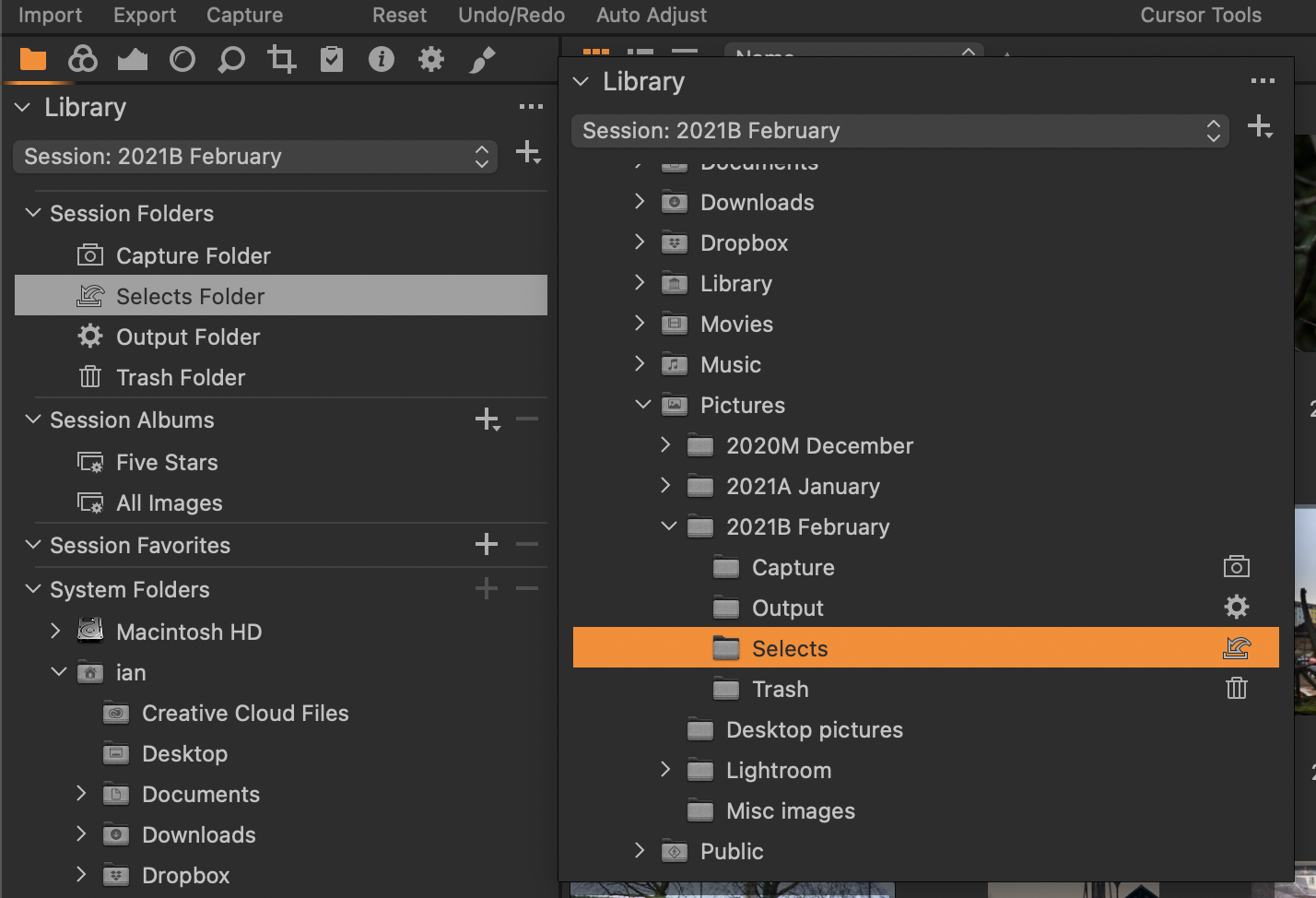
(2) Create a second, floating, Library tool from the Window menu. Have one of them (say the floating one) to browse your folders. Leave the other one (in the Library panel) with the album shown. Remove the floating tool when done.
Ian
 0
0

Post is closed for comments.
Comments
2 comments