Can't drag from Capture One to Finder

So basically what the title says. I used to be able to drag images from my Output folder to a finder folder but now I can't. This happens only in the most recent update Version 14.1.0.220
-

- Click on the Apple menu and select System Preferences.
- Select the Security & Privacy section.
- Click on the Privacy tab, then select the Files and Folders.
- Make sure CaptureOne can access that folder that you want to write to
0 -

checking rights is a good idea but this is not the issue here. maybe they removed it on purpose to solve file management related problems or it is simple the old story new version = new bugs......
0 -
+1 on the not being an issue of rights and permissions from our setups, since I also noticed files can't be dragged to any other app, so it's like Capture One is encapsulated on this version, I really hope a fix is coming soon, how can it be a (part) DAM without letting us drag out files?
0 -

I submitted a support request and got this response on 3.15.21.
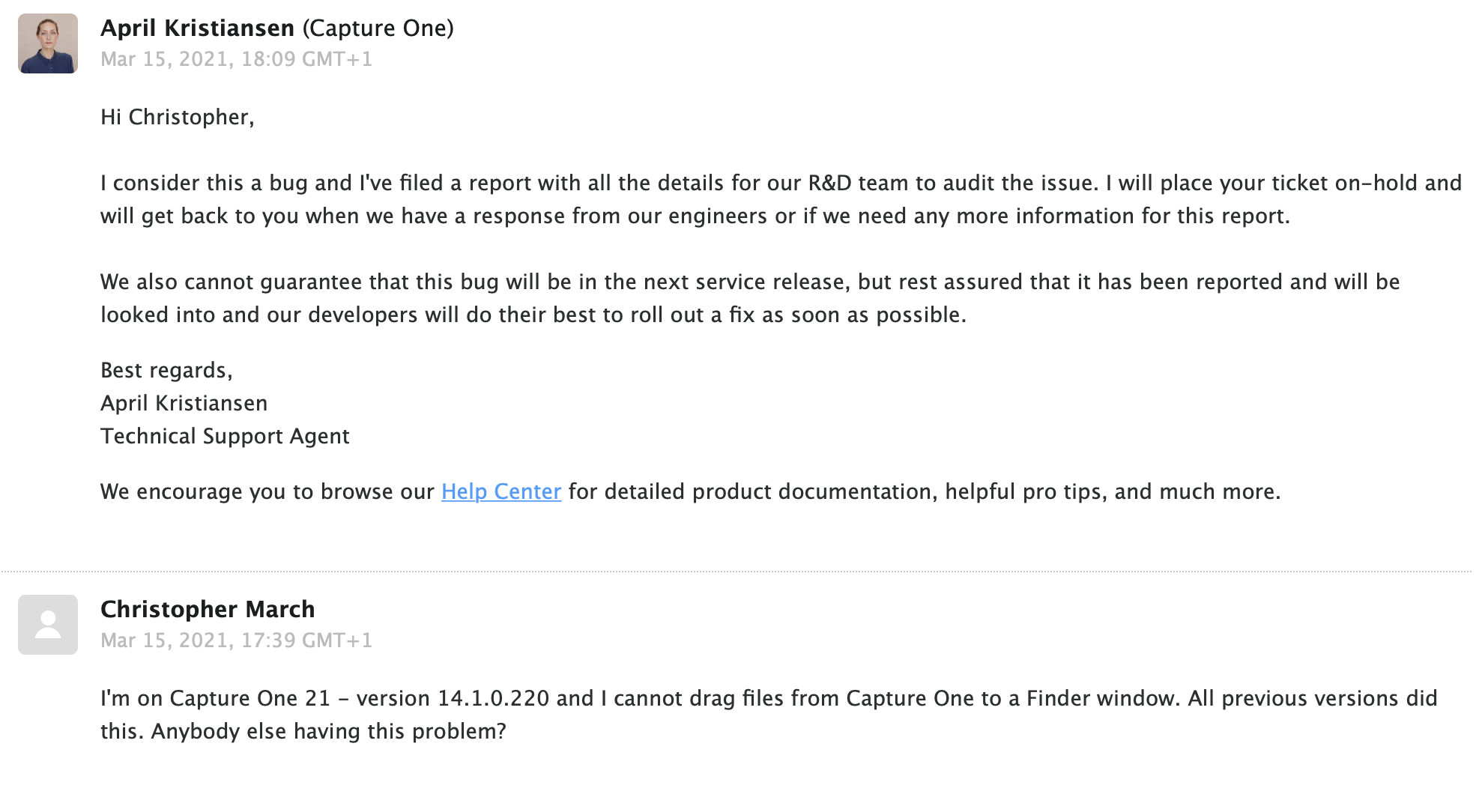 0
0 -
ok ...so it is the old story, new version = new bugs. seems it is difficult get talented mac developer to work for c1..... but understand copenhagen is not Paris ;-)
0 -

Yes have the same problem not a MAC issue - everything changed once i did the most recent 14.1.0.220 update also generally more laggy and freezing during large file operations which was not the case before.
0 -

Hello, this bug is solved with version 14.1.1
1
Post is closed for comments.
Comments
7 comments